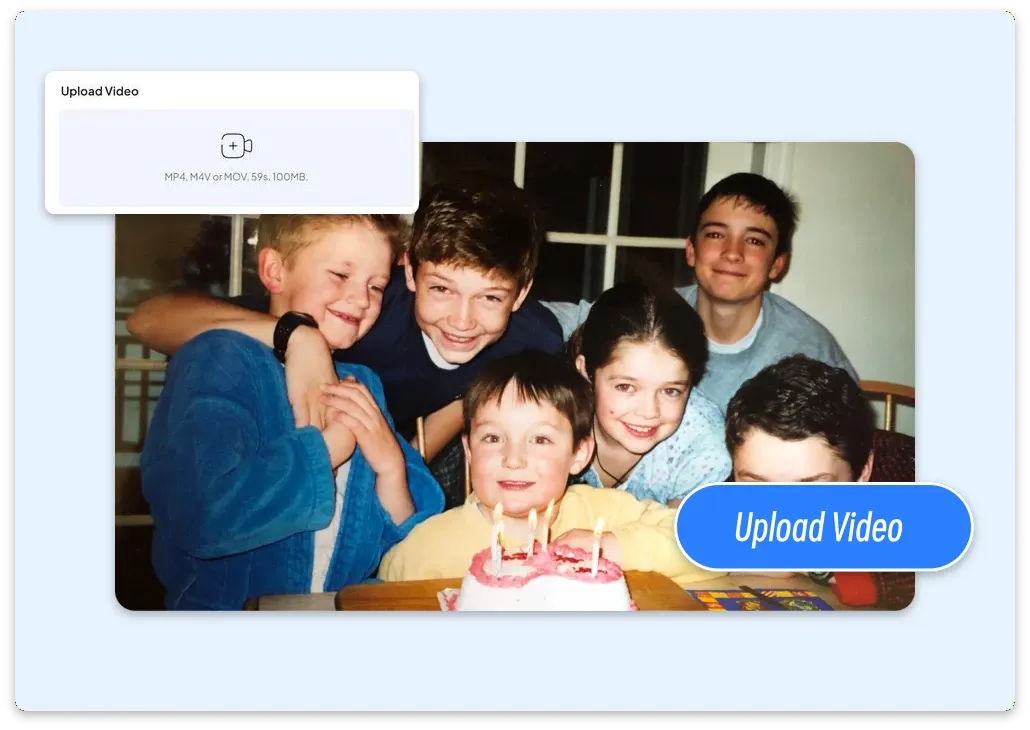
Step 1: Upload Your Video
Upload an MP4, MOV, or M4V file for up to 1 minute and 100MB. Choose 540p, 720p, or 1080p to begin your AI video extension.
Unlock Pro Models & 1080p — Up to 61% Off
 ImageToVid
Sign Up & Get Free Credits
50 Free Credits Today. More Rewards Tomorrow.
ImageToVid Sign Up & Get Free Credits
50 Free Credits Today. More Rewards Tomorrow.
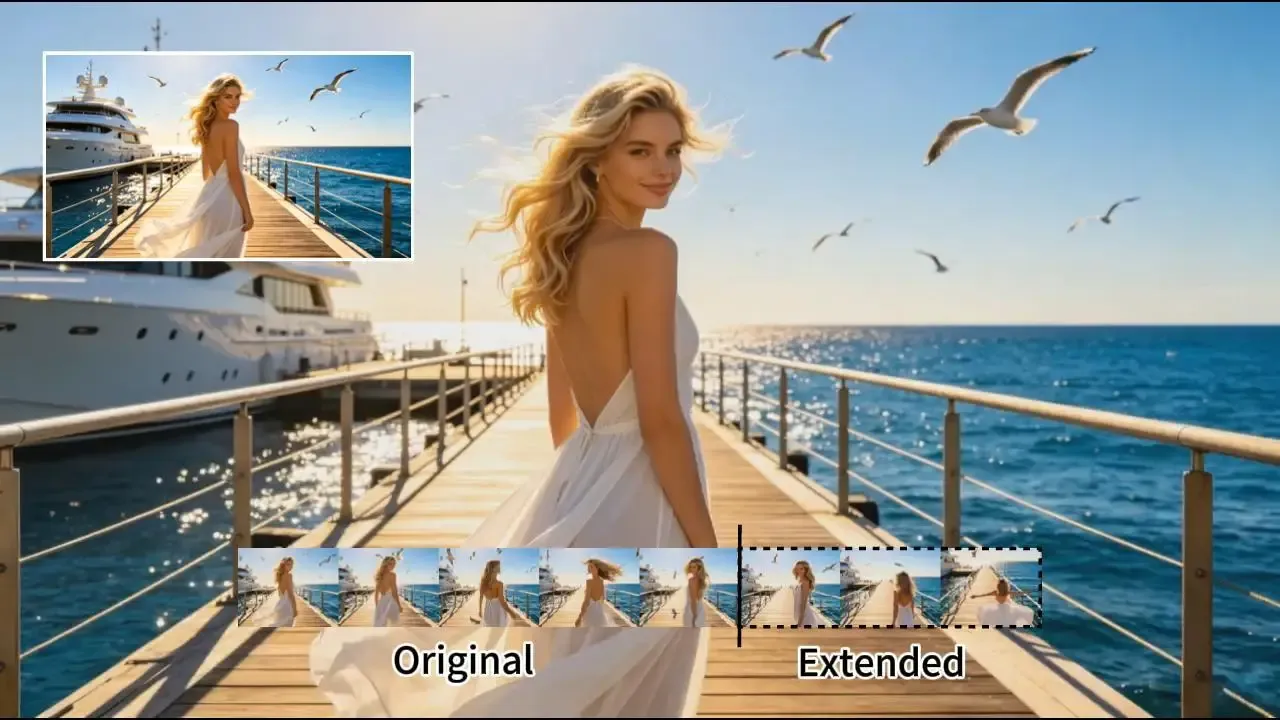
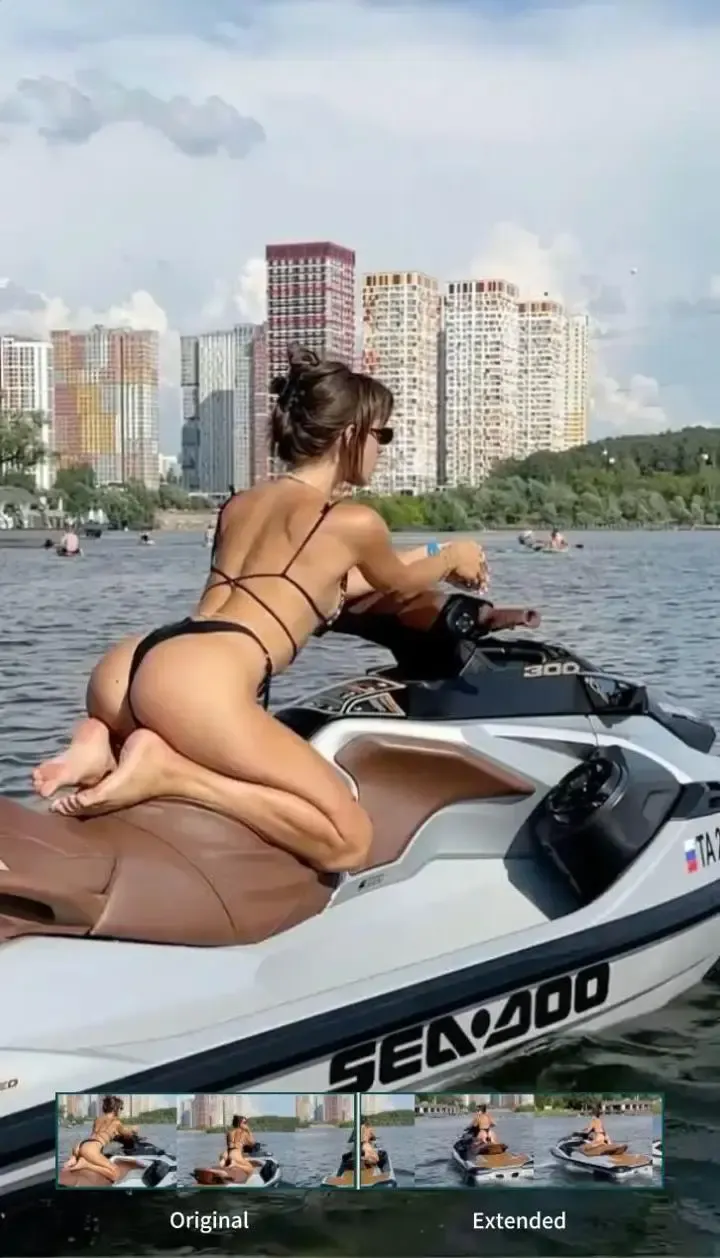
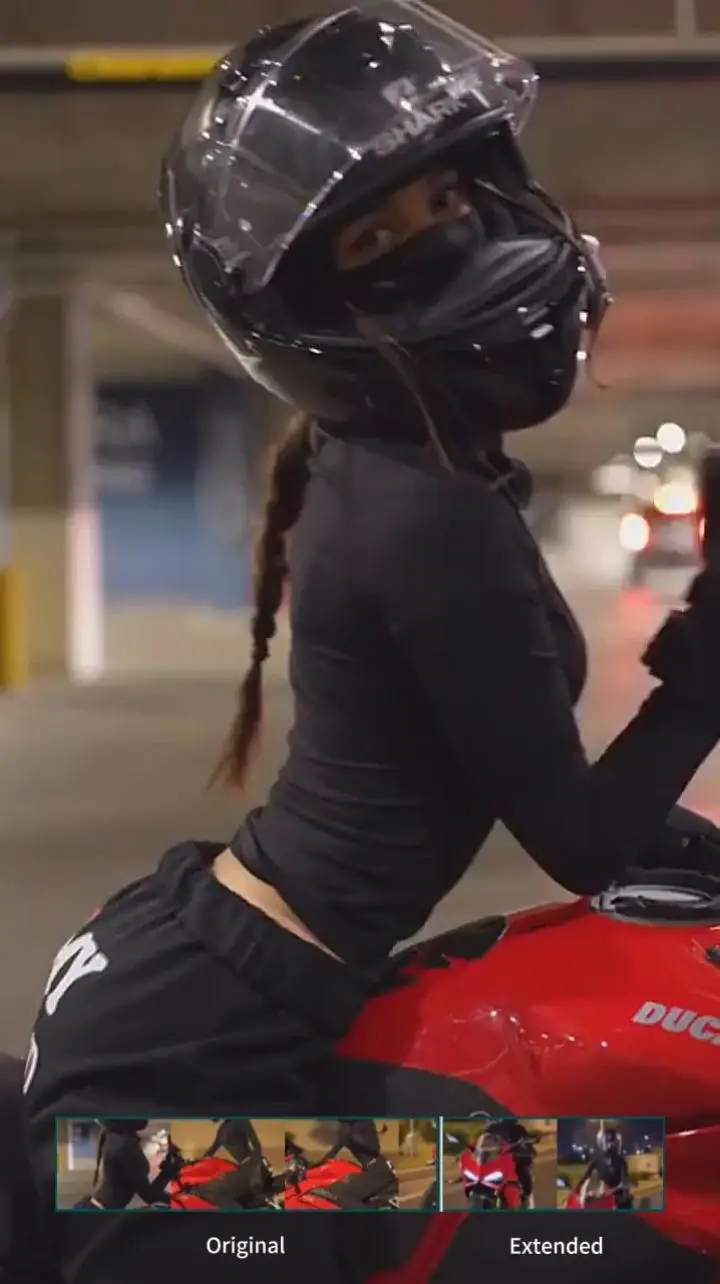
Extend videos with AI for free using ImageToVid. Upload a clip, describe what happens next, and create natural video continuations in seconds with high-quality, watermark-free results. Perfect for content creators, video editors and marketers.
Upload your video, describe what happens next, and let AI create smooth, natural continuations in seconds.
Upload an MP4, MOV, or M4V file for up to 1 minute and 100MB. Choose 540p, 720p, or 1080p to begin your AI video extension.
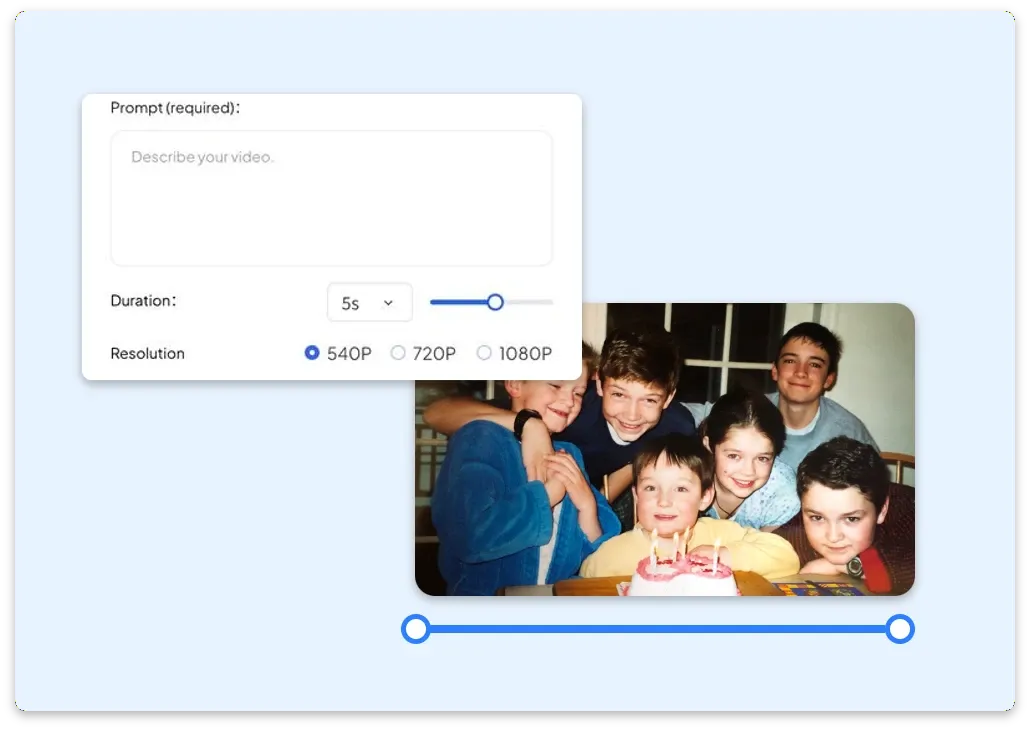
Select the area you want to extend, choose a 1–7 second extension length, and enter a prompt describing what happens next. AI creates a natural continuation based on your prompt.
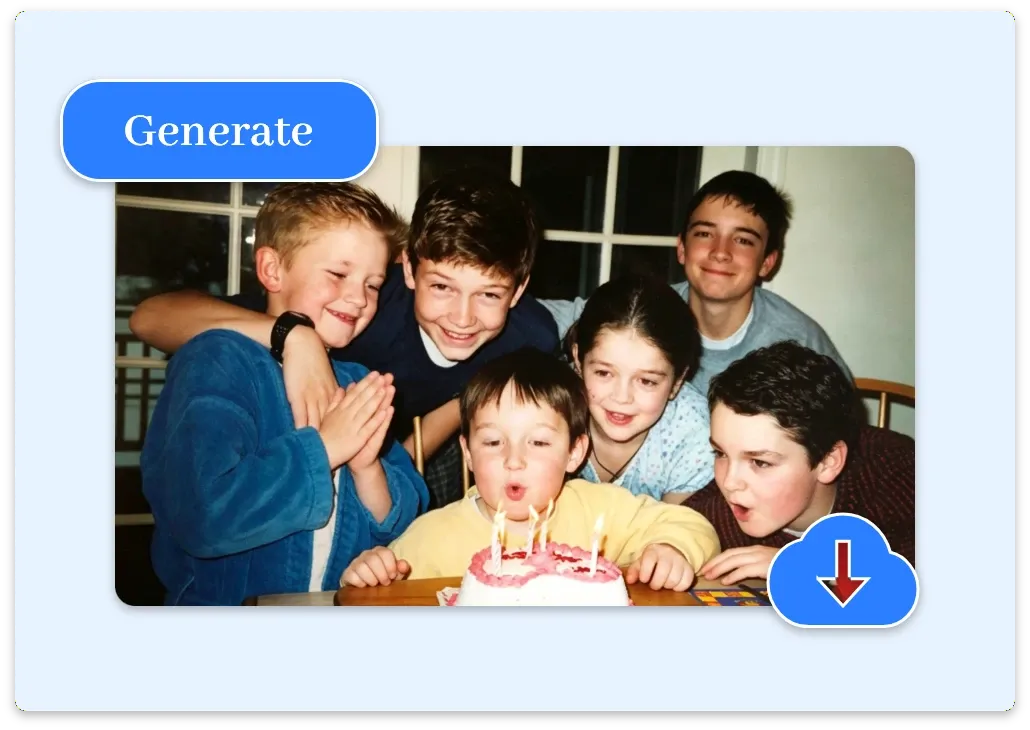
Our AI creates seamless new frames with natural motion and consistent visuals. Preview the result, then download your longer video instantly.
Create seamless AI video extensions with free credits, watermark-free downloads, fast generation, and high-quality results. ImageToVid helps you extend videos naturally while keeping motion, characters, and visuals consistent.
Create longer videos with free credits. Use ImageToVid's free AI video extender online and generate natural continuations instantly with no upfront payment.
Download extended videos without watermarks for a cleaner, more professional result. Publish, edit, or use your AI-generated content for commercial projects with confidence.
Extend video length without compromising quality. Our AI video extender maintains sharp details, consistent lighting, and natural colors, delivering seamless results ready to share or edit.
Generate natural continuations that preserve character appearance, camera angles, lighting, and visual style, so every extension feels like part of the original video.
Extend short clips in seconds with AI-generated continuations. ImageToVid creates smooth new frames quickly while maintaining natural motion and visual consistency.
Upload common video formats including MP4, MOV, and M4V, then extend your clips with AI without complicated conversion steps.
Discover how AI video extension helps creators across different workflows.
Video editors can fix unfinished shots and continue scenes naturally. AI video extender matches the original motion, camera direction, and pacing, helping create longer videos without repeated filming or complex timeline editing.
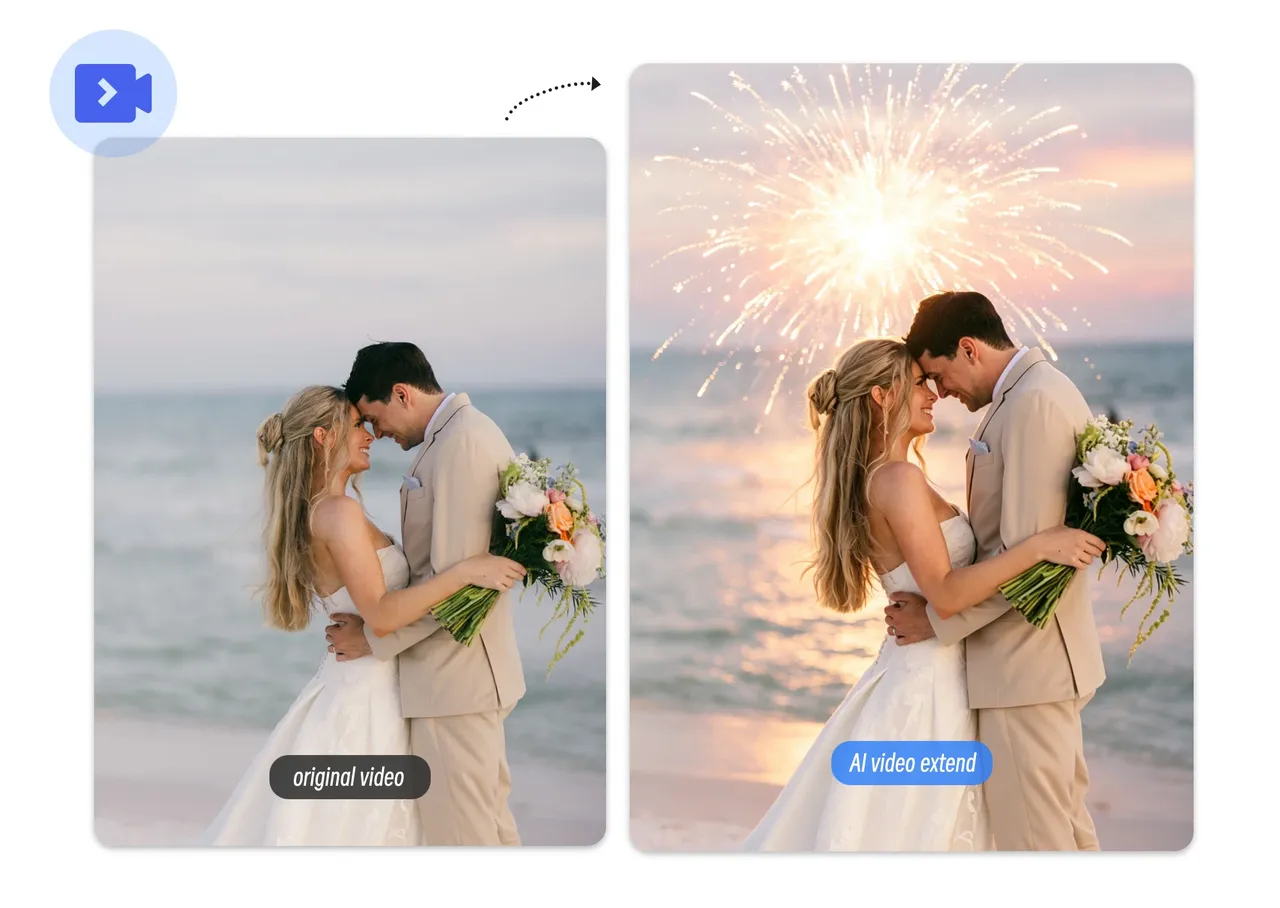
Social media creators can extend videos with AI for Reels, TikTok, and YouTube Shorts. Create smoother loops, stronger endings, and engaging content with fast AI video extension powered by simple prompts.
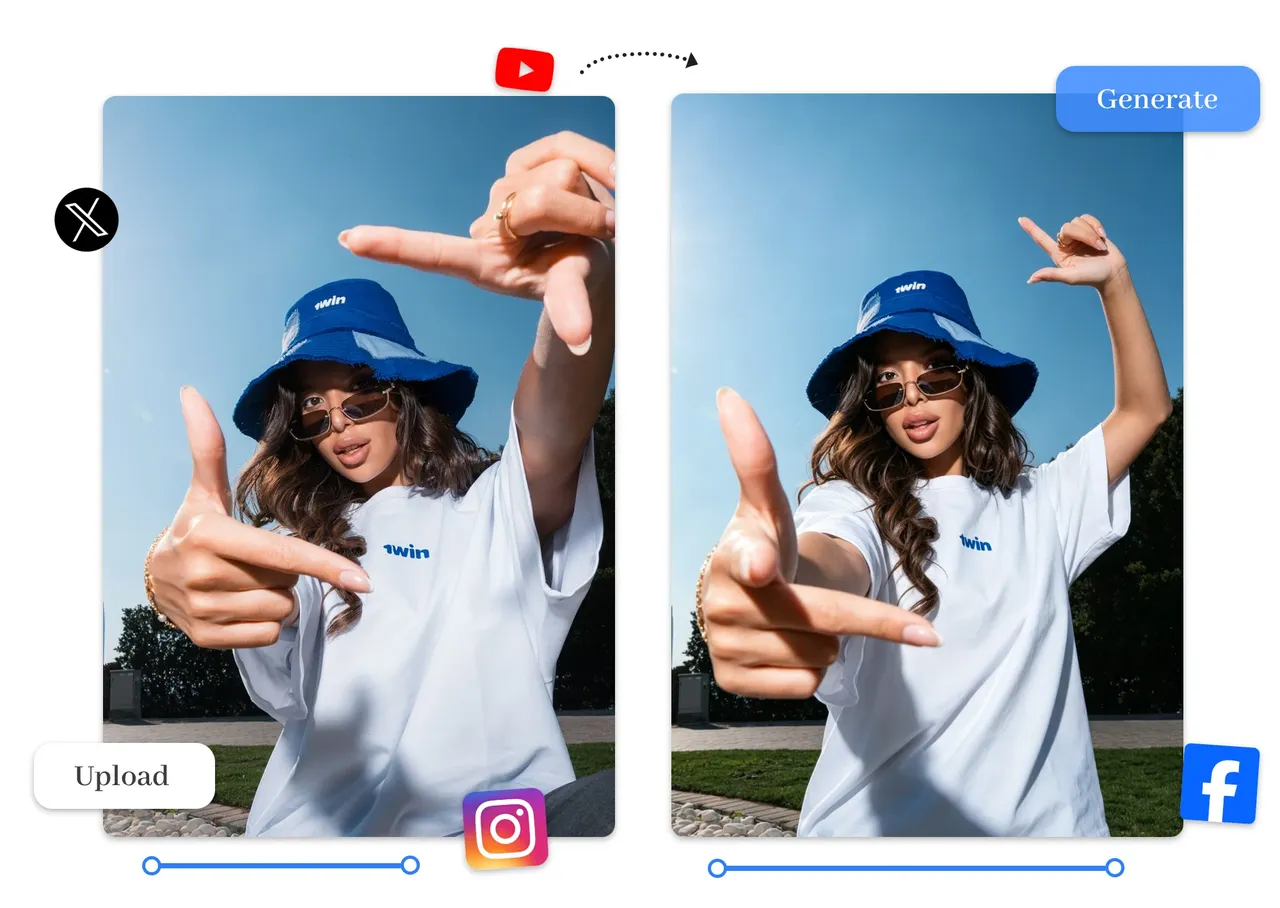
Marketers and ecommerce teams can extend video length with AI to showcase more product details, add stronger CTAs, and create UGC ads without another recording session.
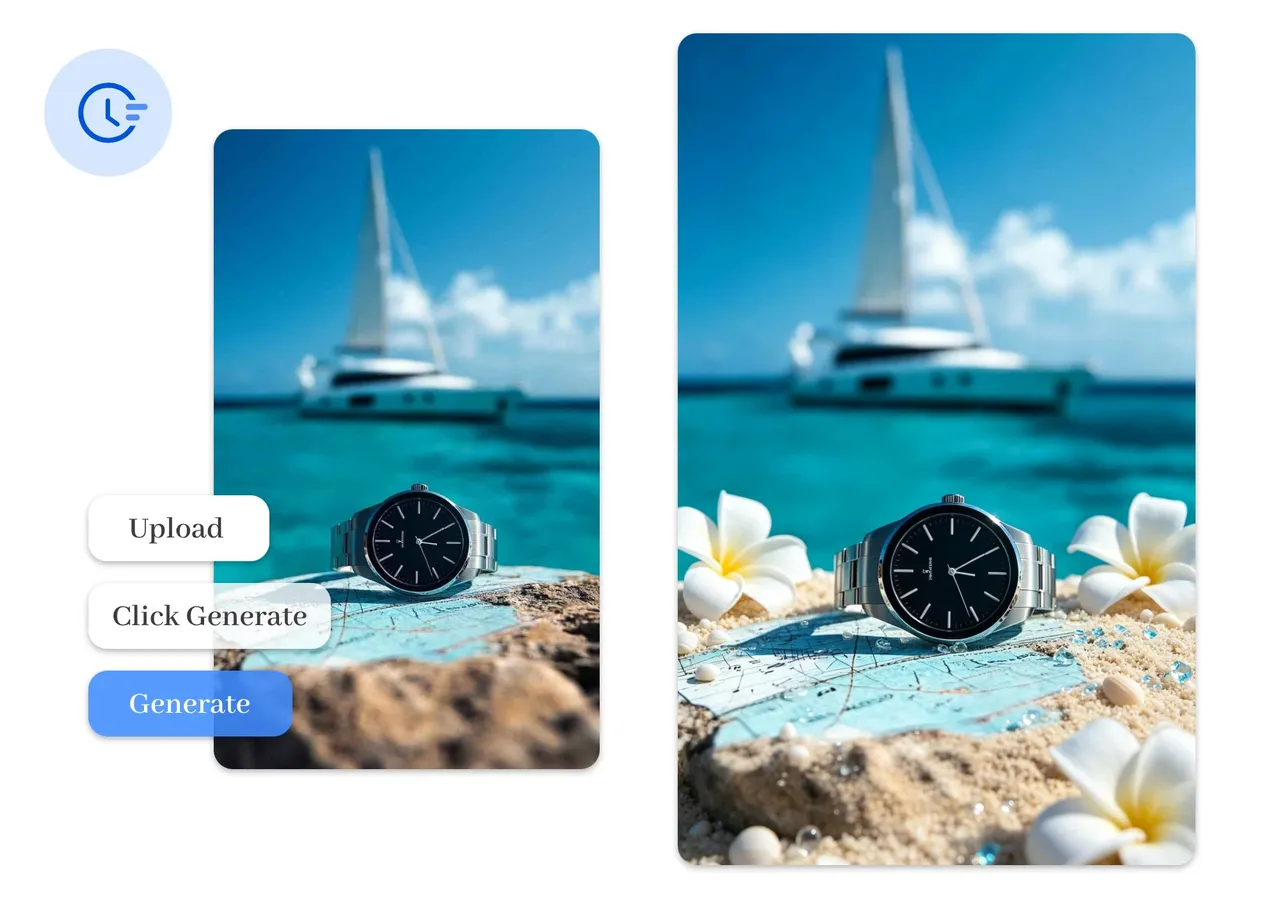
Filmmakers and vloggers can expand cinematic scenes, travel videos, and storytelling clips with natural motion, consistent lighting, and high-quality AI video expansion.
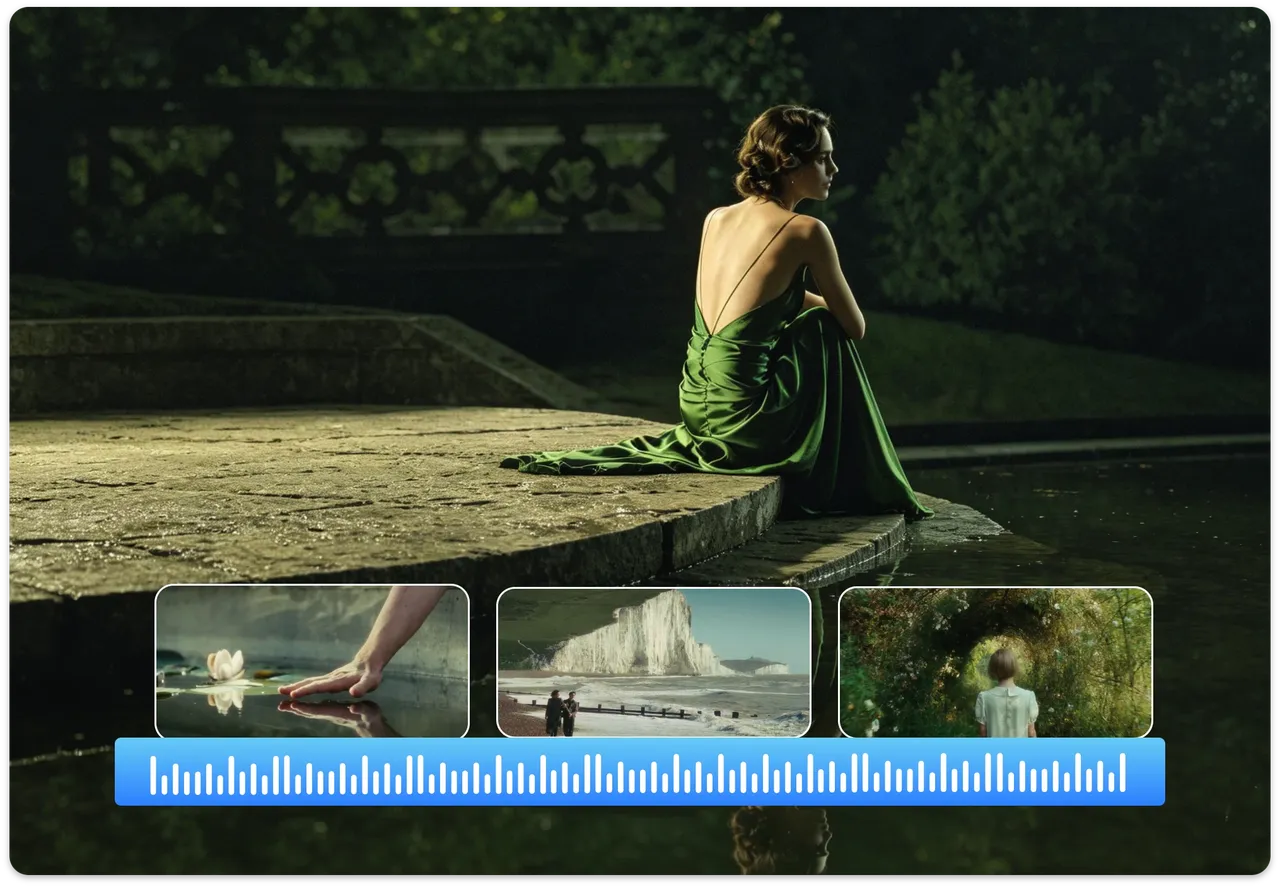
Hear how our online video extender helps users save time, improve storytelling, and publish better videos.
Instead of rebuilding scenes in my editor, I upload a clip, write a prompt, and get a seamless extension in minutes. It's become part of our weekly production workflow.
I used it to extend drone and travel footage for YouTube. The added motion matched the original lighting and pacing, making every scene feel like it was captured in one take.
We extended several UGC product videos for paid ads. The extra scenes looked consistent with the originals and gave us more room for product highlights and stronger CTAs.
Everything you need to know about AI video extension, supported formats, pricing, privacy, commercial use, and more.
Upload once, describe what comes next, and let ImageToVid do the rest. Make videos longer with AI while keeping motion, characters, and visuals consistent.