
Romantic French Kiss
Choose a type
PNG, JPG, or WEBP up to 16MB
Loading example…
Free AI Kiss Video Generator
Upload two individual portraits or animate a couple photo into a natural-looking kissing video. Our AI kiss video generator makes it easy to create short clips for romantic memories, social media, and creative projects. Get started with available free credits and explore different kissing styles.
AI Kissing Video Generator Examples and Styles
Explore AI kissing video examples in different styles, from gentle romantic kisses to French kisses and playful blown kisses. Preview each available template to find the motion and visual style that best fits your idea.
Realistic Kissing
Realistic Kissing
Sweet Blow Kiss
Sweet Blow Kiss
Kiss Everywhere
Kiss Everywhere
How the AI Kiss Video Generator Turns Two Photos into a Realistic Kissing Video
Our free AI kiss video generator keeps the process simple, so you can upload two portraits or animate a couple photo without a separate editing workflow.
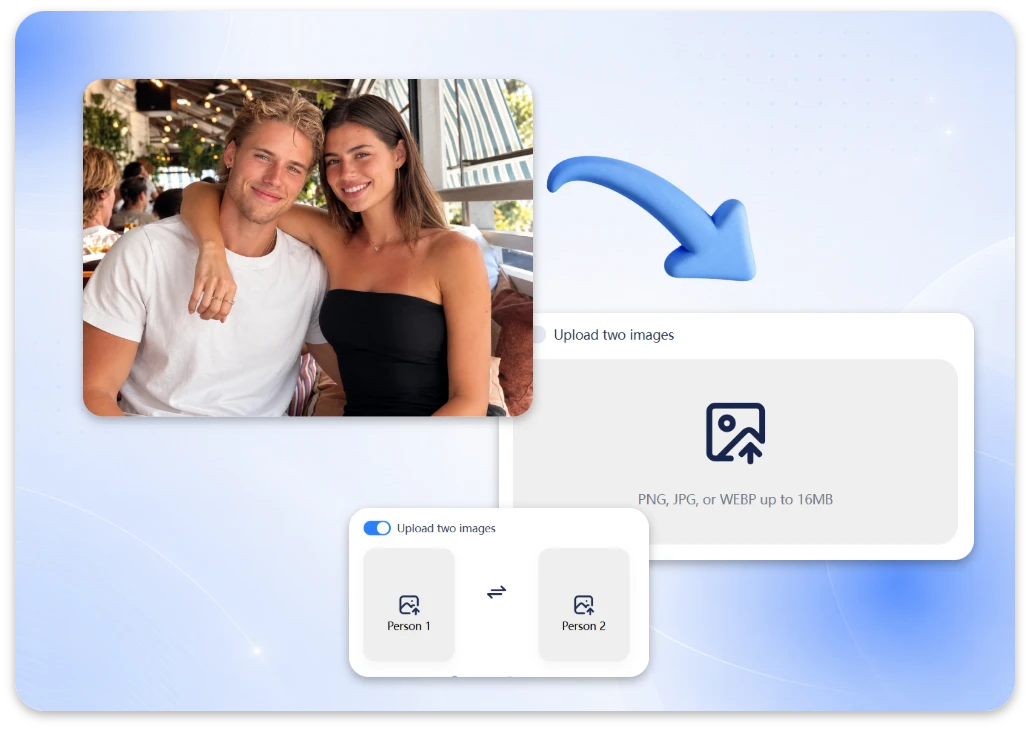
Step 1: Upload and Begin
Upload two separate portraits or an existing couple photo in JPG, PNG, or WEBP format.
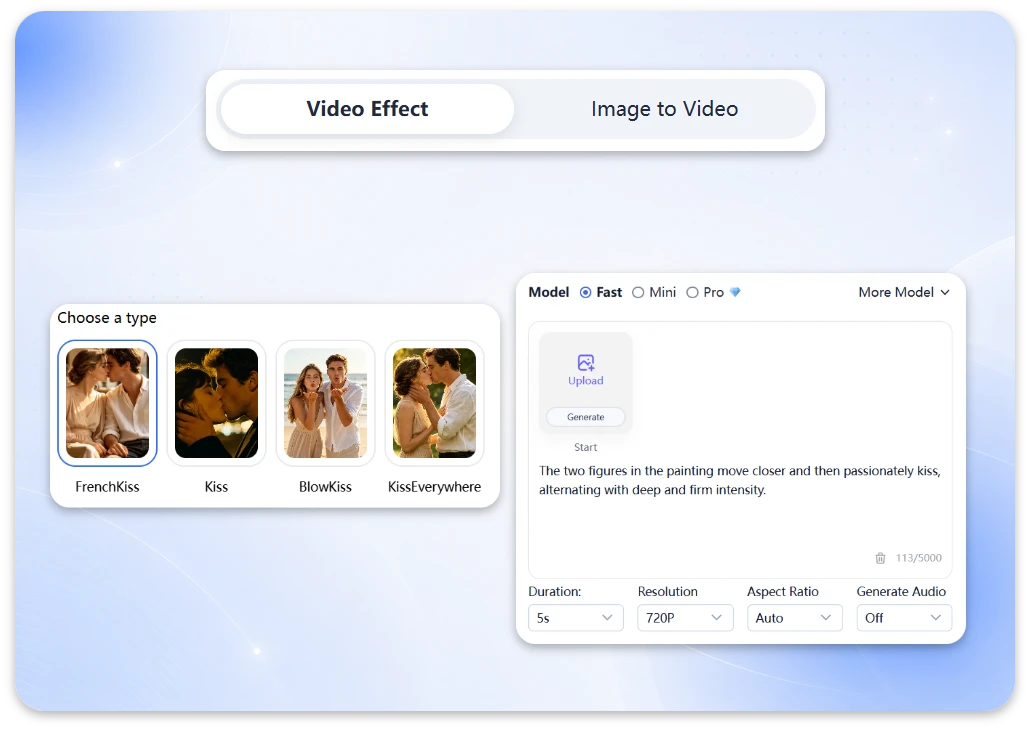
Step 2: Choose Kissing Style
Select a kissing template that matches your idea, then choose from the available video durations.
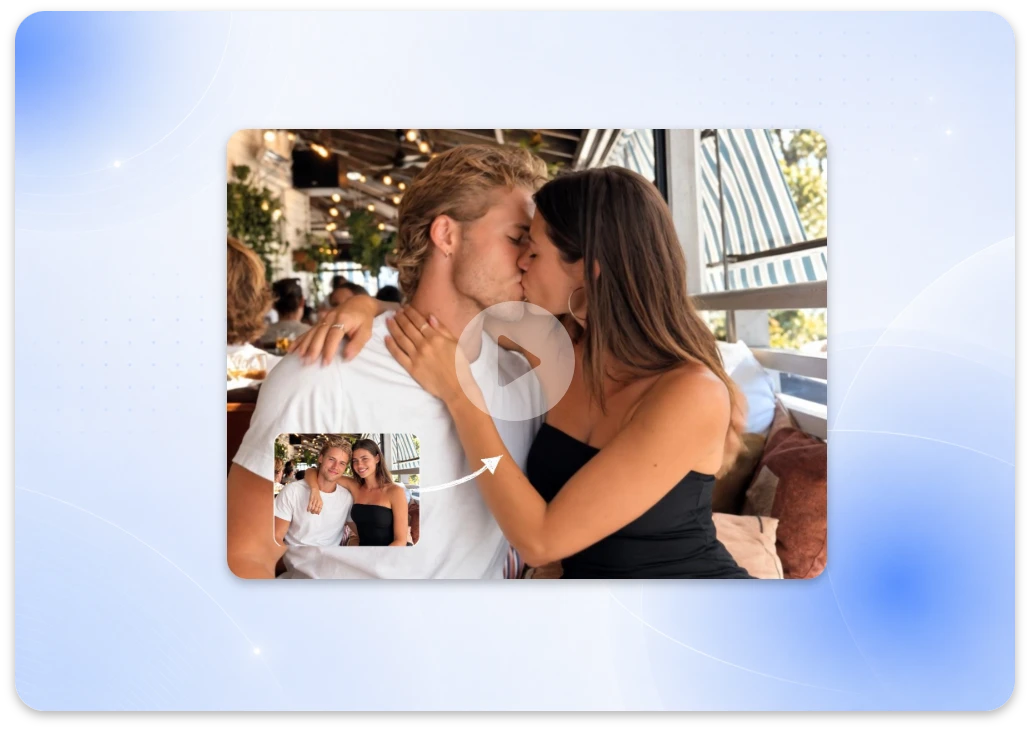
Step 3: Download Your HD MP4 Video
Generate and preview your video, then download it as an MP4 in a supported resolution and share it online.
Features of Our AI Kiss Video Generator
Our AI kissing video generator turns photos into romantic clips with flexible kissing styles, natural-looking motion, and a straightforward online workflow.
Natural-Looking AI Kissing Motion
The AI animates facial expressions and kissing movements to create a more cohesive scene. Clear portraits and compatible face angles can help improve visual consistency, though results vary depending on the input photos and selected style.
High-Definition Kissing Videos
Create detailed kissing clips with clear facial features and smooth-looking motion. Download your finished video in HD MP4, with resolutions up to 1080p available according to the selected generation settings.
Flexible Photo Input for AI Kiss Videos
Start with one photo or upload two separate portraits to create an AI kissing video. You don't need an existing couple photo. If you don't have suitable images, create a couple image with our AI image generator and bring it to life with a kissing animation.
Multiple AI Kissing Styles
Choose from available styles, including kiss, French kiss, blow kiss, and kiss everywhere. Each template offers a different creative direction, making it easy to create anything from a gentle romantic moment to a more playful kissing video.
Photo Privacy and Deletion Options
Your privacy matters. Uploaded photos are handled securely, and generated videos are automatically deleted after 7 days. You can also manually delete your generated videos at any time. For more details, please see our Privacy Policy.
Fast Online AI Kiss Video Generation
Create a video directly in your browser without installing an app. Generation typically takes around one minute, although processing time can vary by template, video duration, and current system conditions.
What Can You Create with an AI Kiss Generator?
Explore different ways to use your kissing video, from personal memories and cinematic edits to anime-inspired clips and creative social content.
Turn Couple Photos into Romantic AI Kissing Videos
Bring a couple portrait to life with our free AI kiss video generator. Create a short video for an anniversary, Valentine's Day, a personal greeting, or a romantic social media post. It is a simple way to turn a favorite photo into a more expressive memory.
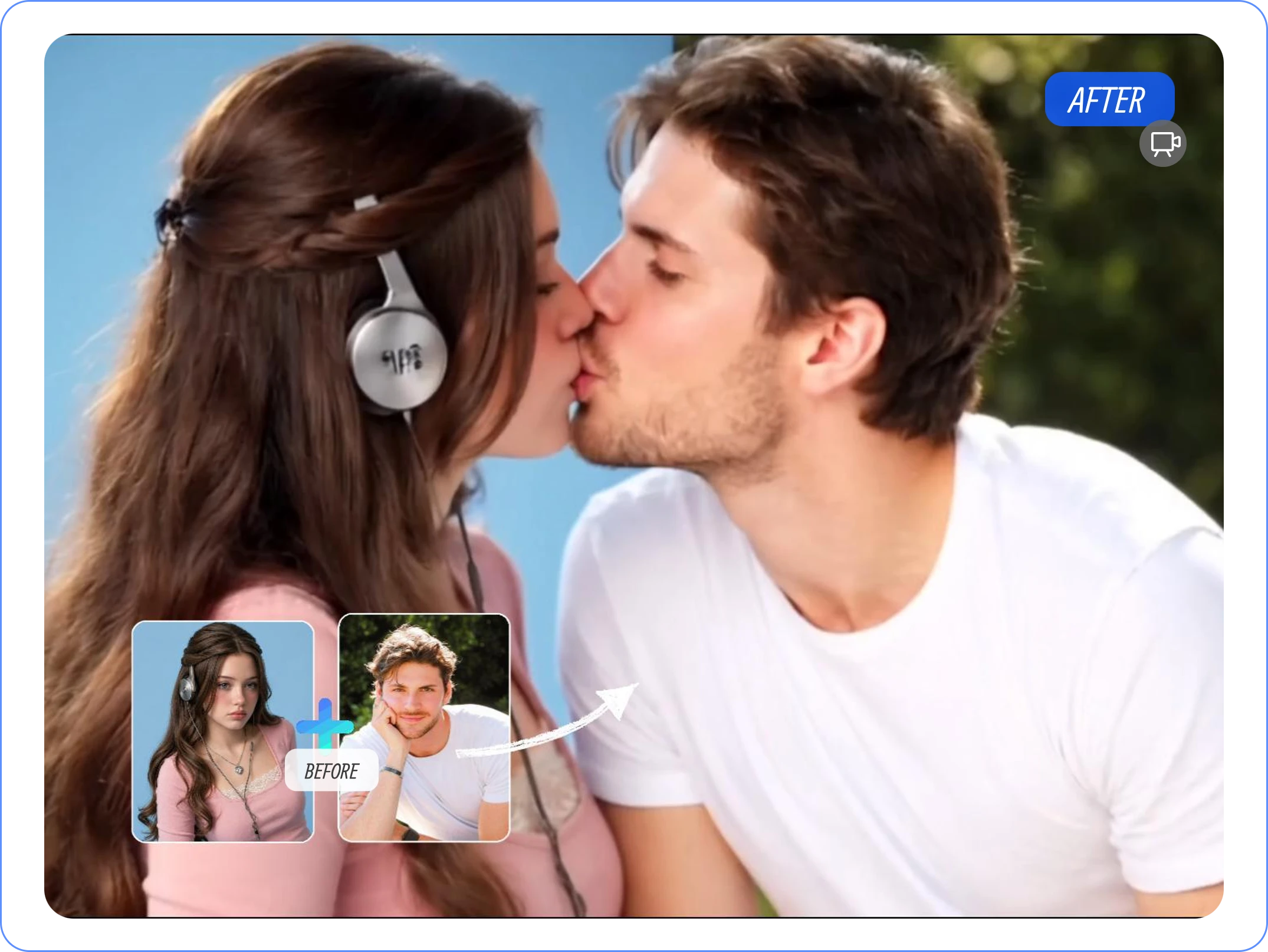
Create Movie-Style AI Kiss Videos
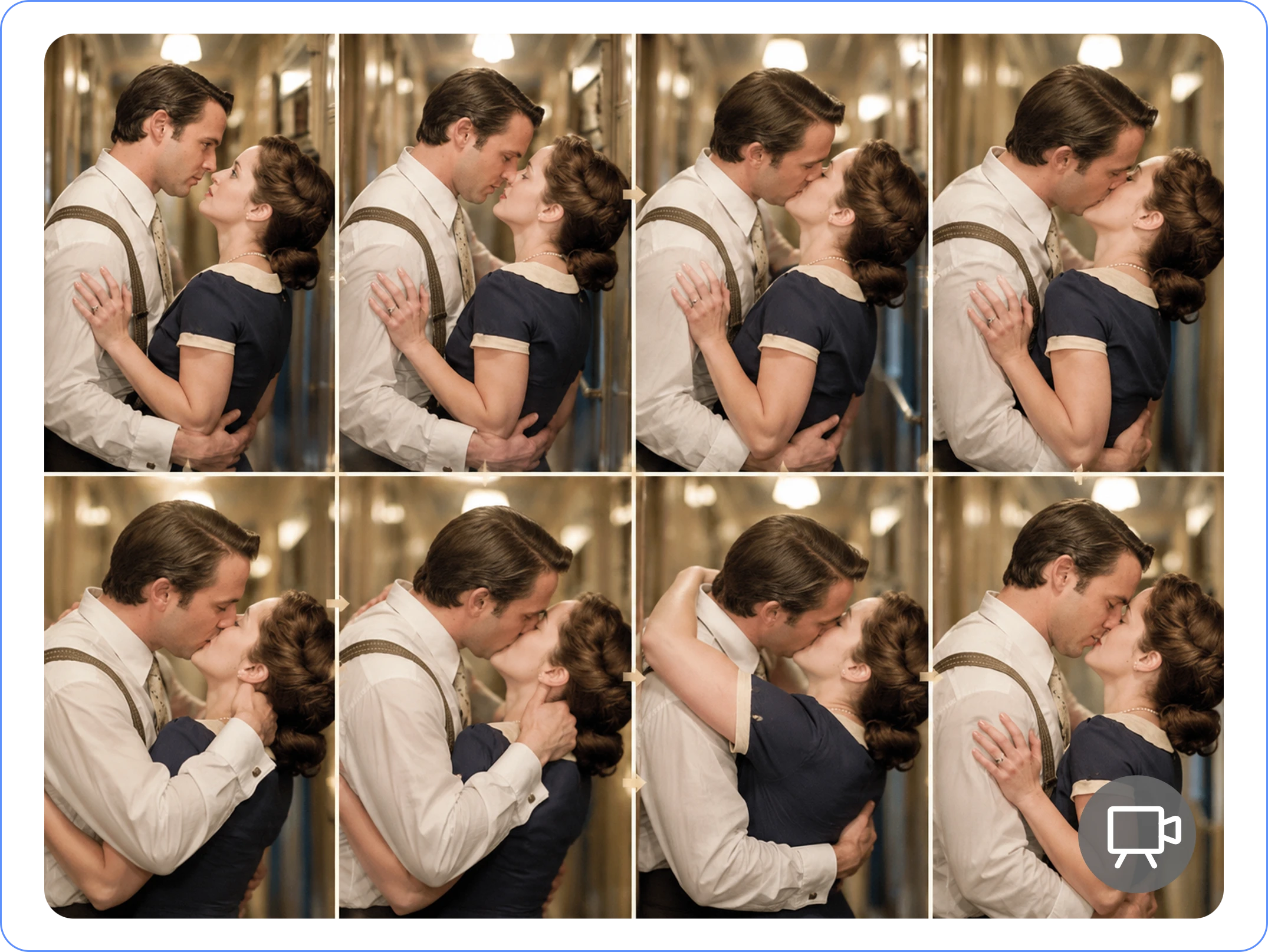
Use two supported portraits to create a cinematic kissing scene for visual storytelling, short-film concepts, or romantic edits. The selected style and source images help shape the final look, making each result suitable for a different creative direction.
Bring Anime Romance to Life
Animate supported anime portraits or illustrations into short romantic clips. Experiment with kissing styles to create content for original characters, fan art, storytelling, and social media.
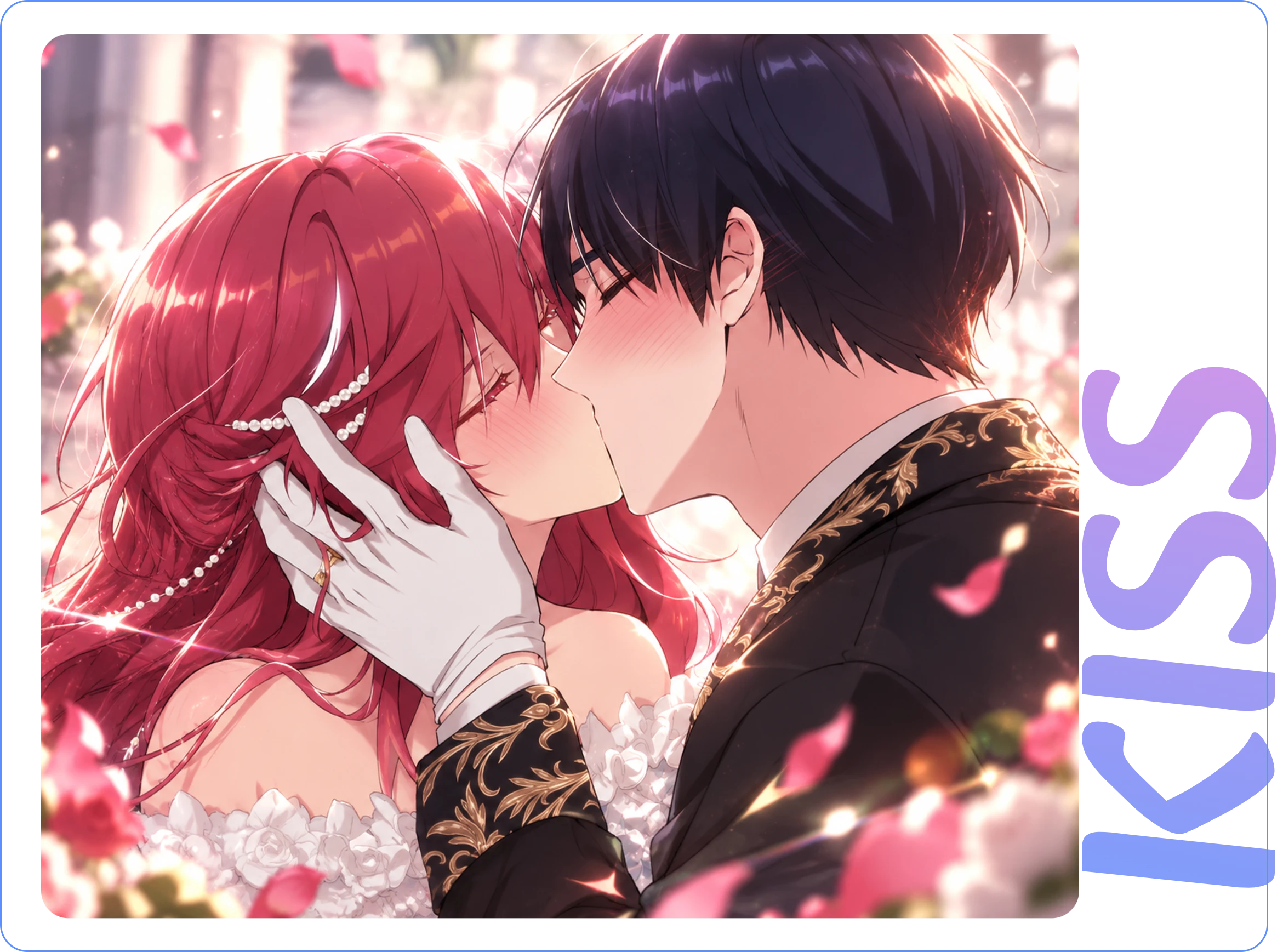
Photo Tips for Better AI Kiss Video Results
These quick tips can help you get better results from our online AI kiss video generator.
1. Choose Clear Portraits with Natural Face Angles
For the best results with our free AI kiss video generator, use front-facing or slightly angled portraits with clearly visible facial features. When creating a video from two separate photos, choose images where both people face slightly toward each other. Compatible head positions can help the AI create a more cohesive kissing scene.
2. Match Lighting and Photo Composition
Photos with similar lighting, brightness, and camera angles often work better together. Soft, even lighting helps maintain a consistent appearance, while similar framing makes the transition between two portraits look more natural.
3. Keep Faces and Mouths Uncovered
Make sure the eyes, nose, mouth, and jawline are clearly visible. Hair, hands, masks, or large accessories covering the lower face may affect the generated movement. Clear facial details give the AI a better starting point for creating a natural-looking AI kissing video.
4. Upload Sharp, High-Quality Images
Start with clear JPG, PNG, or WEBP photos supported by the tool. Avoid blurry screenshots, excessive compression, and heavily edited portraits. Better source images can help preserve recognizable facial details throughout the animation, although results vary by image and selected style.
Free AI Kiss Video Generator FAQs
Everything you need to know before creating your first AI kissing video online from photos.
1. What Is an AI Kiss Video Generator?
An AI kiss video generator turns a still photo into a short animated kissing scene. With our free AI kissing video generator, you can upload a couple photo or use two separate portraits in supported modes to create an AI kissing video online.
2. Can I Use Two Separate Portraits?
Yes. You don't need an existing couple photo. Upload two individual portraits when the selected mode supports it, and the AI will generate a scene in which both people move toward a kiss.
3. Is This AI Kiss Video Generator Free to Use?
Yes. Register for an account to receive free credits and start creating a kissing video online. Each template has its own credit cost, so check your available balance before generating.
4. What Image Formats Are Supported?
You can upload JPG, PNG, or WEBP images, subject to the current upload requirements. For better results, choose clear portraits with visible faces and avoid blurry or heavily compressed photos.
5. How Are My Photos and Videos Stored?
Uploaded photos and generated videos are handled according to the platform's retention policy. Eligible records can also be deleted manually. See the Privacy Policy for storage periods, deletion options, and further details.
6. What Video Format and Resolution Can I Download?
Generated videos are available in MP4 format, with resolutions up to 1080p depending on the selected settings. Supported aspect ratios may include 9:16, 16:9, and 1:1, depending on the generation mode.
7. Can I Download My AI Kissing Video Without a Watermark?
Yes. The generator supports watermark-free video downloads. You can save your finished kissing video as an MP4 clip and use it for personal projects or social media, subject to the applicable export settings.
Turn Your Photos into a Romantic Kissing Video
Bring a favorite couple photo to life or upload two separate portraits to create an AI kissing video. Choose a style that fits your idea, generate your clip online, and explore the available options with free credits.