Step 1: Upload Your Image
Upload the image you want to turn into a video. Your image can feature a person, product, landscape, artwork, or any other visual you want to animate.
Unlock Pro Models & 1080p — Up to 60% Off
 ImageToVid
Sign Up & Get Free Credits
60 Credits Today. 60 More Tomorrow.
ImageToVid Sign Up & Get Free Credits
60 Credits Today. 60 More Tomorrow.
Reference image
Optimized result
Click "Optimize prompt" to see the enhanced version with better structure, lighting, composition, and style keywords.
Upload an image and instantly create a ready-to-use AI video prompt. The AI analyzes your subject, movement, camera direction, and visual details to build a prompt for AI video generation.
Create more precise AI video prompts without spending time figuring out what to describe or how to structure your prompt.
Prompts can include continuity instructions for important details such as faces, clothing, hairstyles, body proportions, products, and backgrounds.
Upload your images in the format that works best for you, including JPG, PNG, JPEG, and WEBP, and let AI handle the prompt creation.
Get specific instructions for actions, movement speed, slow push-ins and tracking shots to pans, orbits, and other cinematic movements.
Turn simple ideas into clear, structured prompts with detailed instructions for subject movement, camera behavior, timing, and scene continuity.
Create prompts that can be adapted for popular image-to-video models such as Kling, Veo, and Seedance without starting from scratch.
Generate image to video prompts for free with a simple workflow: upload your image, create your prompt, and copy or download the result.
Create a ready-to-use AI video prompt from your image in three simple steps.
Upload the image you want to turn into a video. Your image can feature a person, product, landscape, artwork, or any other visual you want to animate.

The AI analyzes your image and turns its visual details into a structured AI video prompt, including subject motion, camera movement, timing, and visual continuity. It describes natural movement, camera direction, subject actions, and other details that help guide AI video generation.

Review the generated image to video prompt, then copy or save it for later use with ImageToVid or another compatible AI video generator.
Explore prompt examples for Kling 3.0, Seedance 2.5, and Veo 3.1.
Seedance 2.5 is a strong fit for longer sequences, character-driven actions, multi-scene storytelling, and synchronized audio.
Before
A singer performs an energetic choreography on a futuristic neon stage.
After
Detailed promptA singer performs an energetic synchronized choreography on a futuristic neon stage. The singer moves rhythmically while the dancer performs sharp, coordinated movements beside them. Neon lights pulse subtly with the music as the camera slowly tracks forward and slightly circles the performers. Keep their faces, hairstyles, outfits, and body proportions consistent throughout the sequence, with smooth transitions between movements and natural motion.
Before
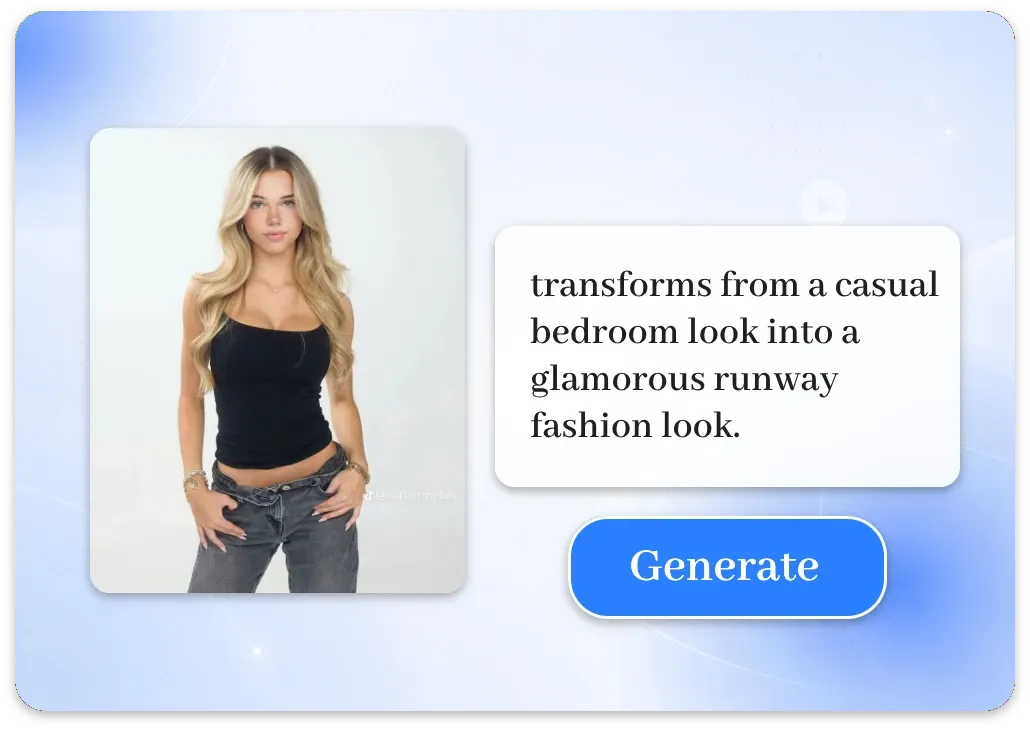
A woman transforms from a casual bedroom look into a glamorous runway fashion look.
After
Detailed promptA woman stands in a bedroom wearing a casual outfit. She snaps her fingers, triggering an instant but visually seamless transformation into an elegant high-fashion outfit. The transformation happens continuously without changing her identity, face, hairstyle, or body proportions. The camera slowly pushes in during the transformation, while the bedroom lighting transitions into a polished fashion-show atmosphere. Keep the movement fluid and visually coherent from beginning to end.
A good video prompt tells the model what should move, how it should move, and how the camera should behave.
Start with the most important action in the shot. For example, describe a character walking forward, turning their head, waving, dancing, or looking toward something.
Camera direction can significantly change the feeling of a video. You can describe movements such as a slow push-in, tracking shot, pan, tilt, orbit, pull-back, or locked-off camera.
Use clear words to describe how fast and how strongly the movement should happen. Terms such as slowly, smoothly, gradually, quickly, or gently can help control the rhythm and intensity of the animation.
Specify the visual details that should remain unchanged throughout the video. This can include the subject's identity, facial features, hairstyle, clothing, body proportions, product appearance, or important background elements. Clear continuity instructions can help reduce unwanted changes.
Answers to common questions about creating better AI video prompts from images.
After creating your prompt, use these AI video tools to turn your images or references into finished videos.
Turn a reference video into new character performances and dynamic scenes.
Create Reference VideosAnimate your still images and turn them into dynamic videos.
Create Image to VideoTurn property photos into polished real estate videos with AI.
Create Real Estate VideosTransform photos and characters into engaging dance videos with AI.
Create Dance VideosUpload an image, and let the generator turn its visual content into a clear AI video prompt with motion, camera, timing, and visual continuity instructions.