
Best:
For two-person photos, couple images, and character interactions that need emotional comic storytelling. 720p 15s
AI Comic Drama
Unlock Pro Models & 1080p — Up to 61% Off
 ImageToVid
Sign Up & Get Free Credits
50 Credits Today. 50 More Tomorrow.
ImageToVid Sign Up & Get Free Credits
50 Credits Today. 50 More Tomorrow.
Best:
For two-person photos, couple images, and character interactions that need emotional comic storytelling. 720p 15s
AI Comic Drama
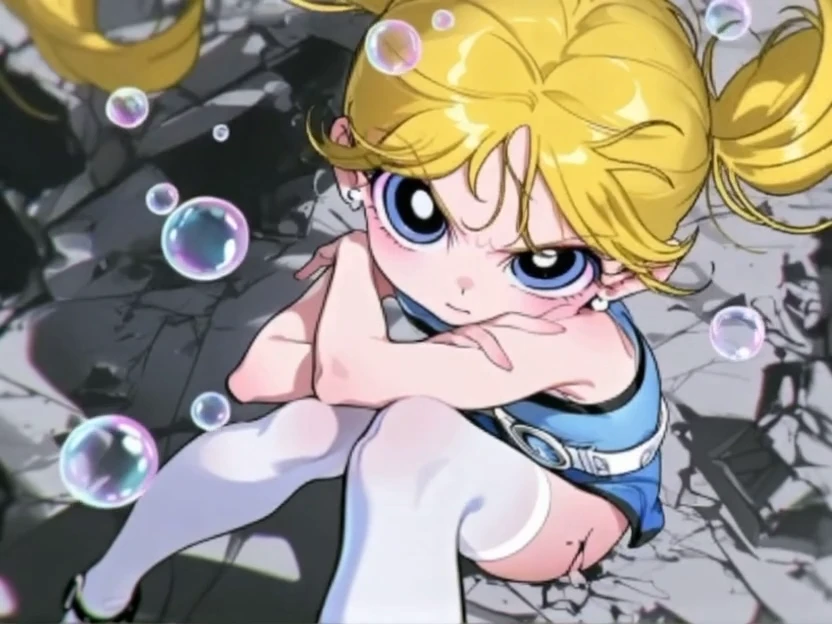
Best:
For comic panels and illustrations that need seamless animation between the first and final frames. 540p 5s
Manga Panel Transition
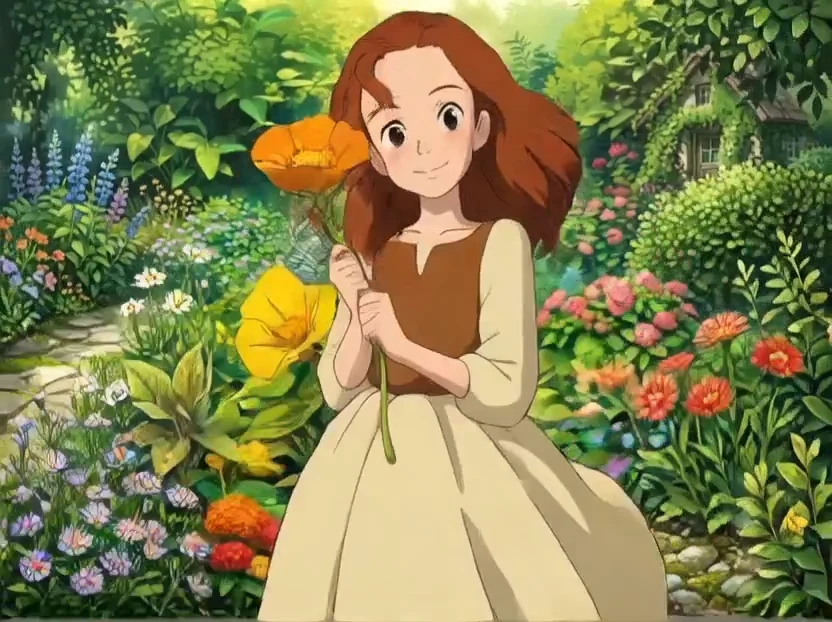
Best:
For character portraits and fantasy illustrations that need a warm, peaceful, and emotional animated atmosphere. 720p 15s
Anime Healing Scene
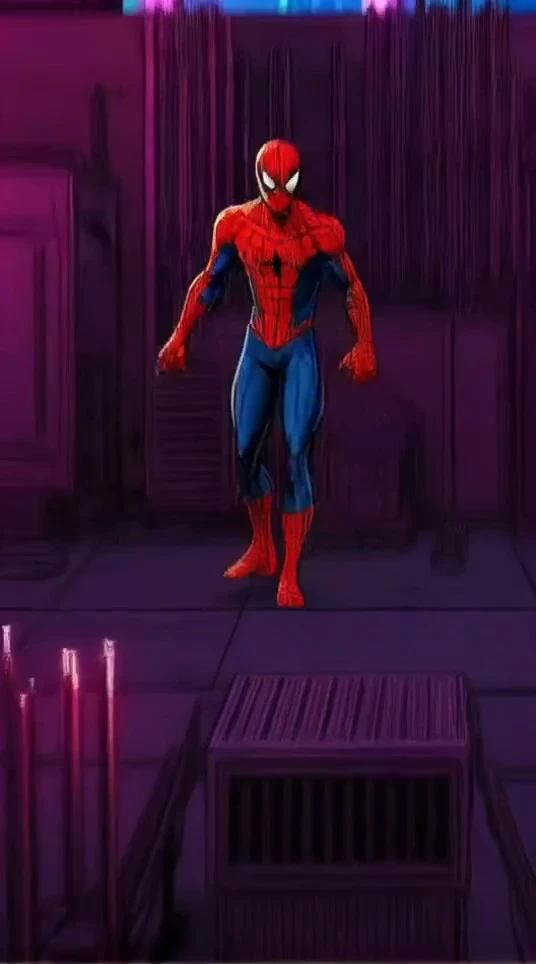
Best:
For anime characters, cosplay, or real people in front-facing half-body or full-body images with dynamic action effects. 720p 15s
Manga Superhero Action Scene
Turn comic panels, manga pages, manhwa scenes, and webtoon images into animated motion comics with AI. ImageToVid help you animate one image or connect two panels with cinematic motion, optional audio, and no animation software.
100 free credits · Up to 1080p · No watermark
See how original comic panels come to life with AI-generated motion using ImageToVid's free comic to video AI tool. Each example was created from one or two original comic images.
Shonen Manga to Video Animation
The character lunges forward with powerful speed, clothes and hair moving dynamically, intense speed lines, slight camera shake - preserve black-and-white manga style.
Mode: One Panel · 1080p · 5s
Romance Webtoon to Video
Hair and clothing move in a magical wind, glowing particles circle the character, background light pulses softly, slow camera orbit - preserve original webtoon colors.
Mode: One Panel · 1080p · 5s
AI Comic to Video Drama
Juna awakens her Lycan power between two rival men in a moonlit castle. Glowing eyes, magic runes, emotional conflict, dramatic standoff, cinematic camera, epic anime style.
Mode: One Panels · 1080p · 10s
Superhero Comic Panel to Video
Hero raises head, cape in wind, city lights glow, low-angle push-in, bold cinematic energy - inked comic-book style preserved.
Mode: One Panel · 1080p · 5s
Anime Comic Panel Animation with AI
Slow cinematic zoom toward the character, gentle blinking, soft wind moving hair and clothing, warm lighting changes, floating particles in the background - preserve the hand-drawn anime illustration style.
Mode: One Panel · 720p · 5s
Classic Cartoon Animation
Animate this comic panel into a playful classic cartoon scene. The character moves with exaggerated expressions, fast comedic reactions, stretchy motion, and energetic body movement.
Mode: One Panel · 1080p · 5s
Whether you want focused motion in a single panel or a cinematic bridge between two story beats, ImageToVid gives you both workflows.
Upload one comic image and let the AI add character motion, camera movement, and cinematic effects inside the scene. Perfect for close-ups, emotional reactions, and dramatic reveals - all from one still image.
Upload a start and an optional end image, and the AI creates a 5-second visual transition between them. Ideal for character transformations, scene changes, expression shifts, or building short motion comic sequences.
Three simple steps from static panel to animated clip. No animation experience needed.
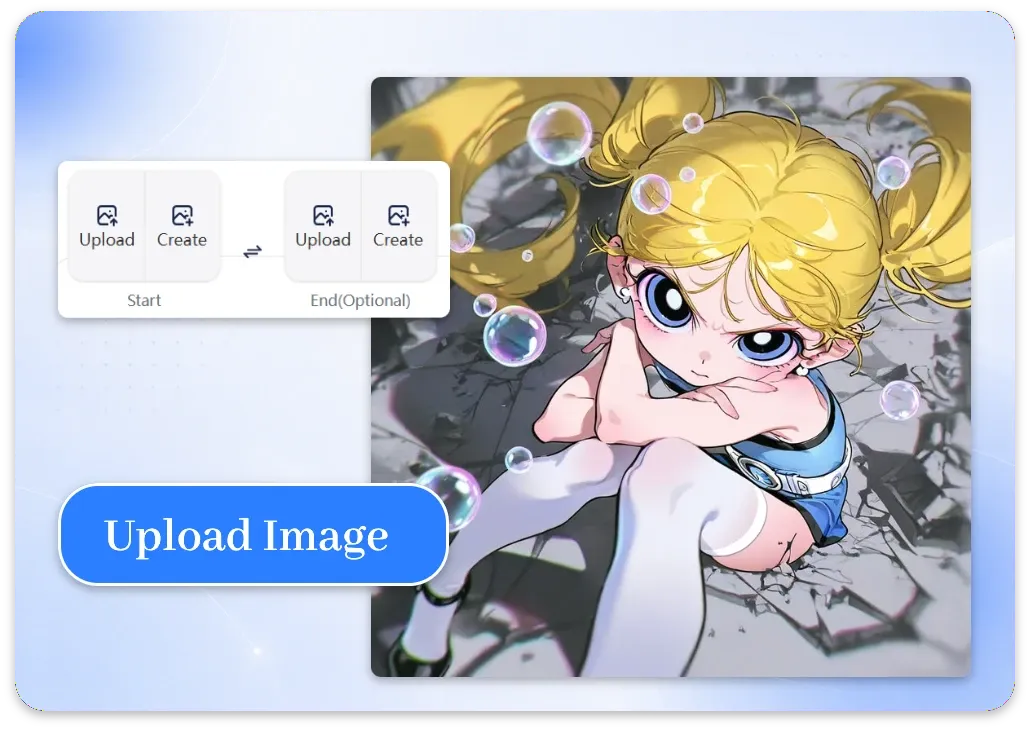
Choose a clear comic panel, manga page, webtoon scene, manhwa illustration, or original character artwork. Add an optional end image for panel transitions. High-resolution artwork produces the best results.
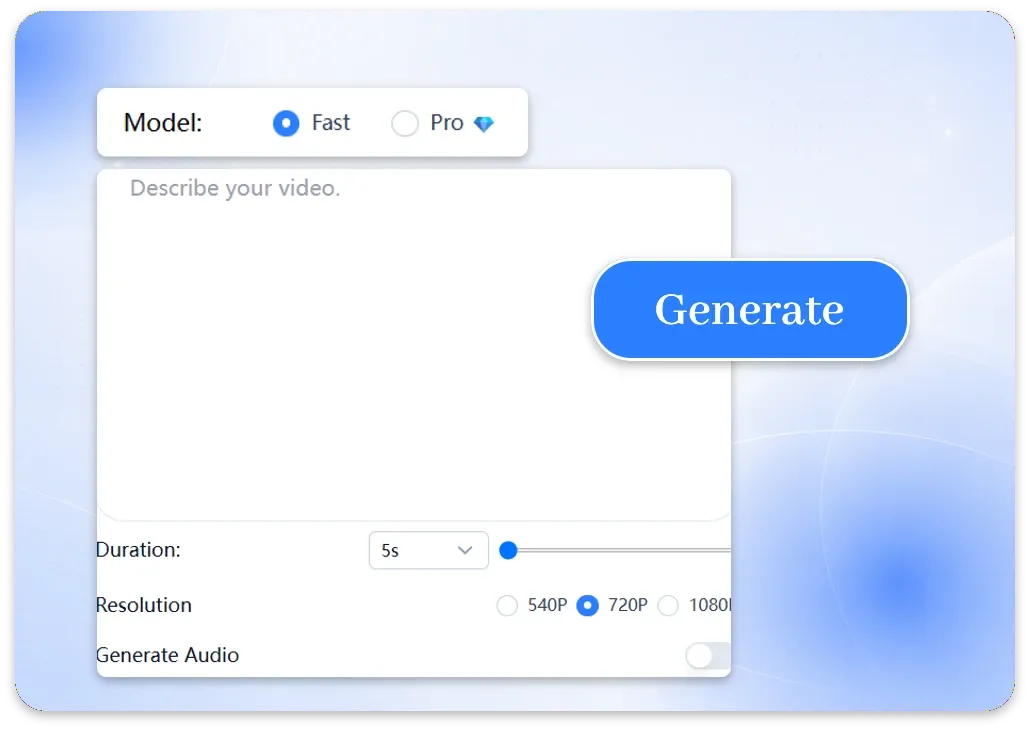
Write a simple motion prompt explaining what the character should do, how the camera should move, what should happen in the background, and which parts of the original comic style should remain unchanged.
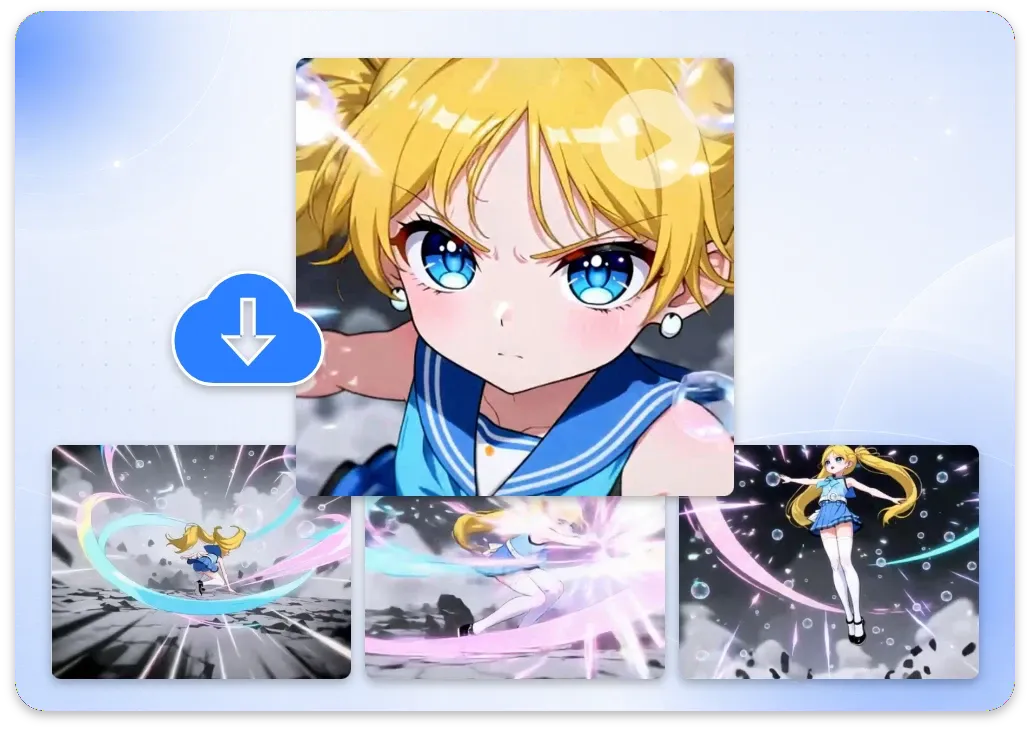
Choose 540p, 720p, or 1080p output and generate your 5-second comic video. Preview, refine your prompt if needed, and download a watermark-free clip ready for social media, trailers, or further editing.
Our comic to animation combines motion control with fast HD rendering. Try AI comic to video generator online and start creating in seconds - no complex animation tools required.
Animate any type of comic artwork, from manga pages and webtoon scenes to manhwa illustrations, graphic novels, and original character designs.
Start creating animated comic videos instantly with 100 free credits. No credit card or subscription required.
Export in 9:16, 4:3, and other video output ratios. Designed for Shorts, TikTok, Reels, and trailers.
Preserve the same character appearance, costume, and visual style when animating multiple comic panels.
Choose 540p previews, 720p social clips, or 1080p HD for sharper details and cleaner illustrated lines.
Keep original line art, colors, character design, and visual style while adding cinematic motion to your comic panels.
From manga creators to brand teams - see how different creators turn static panels into dynamic AI videos.
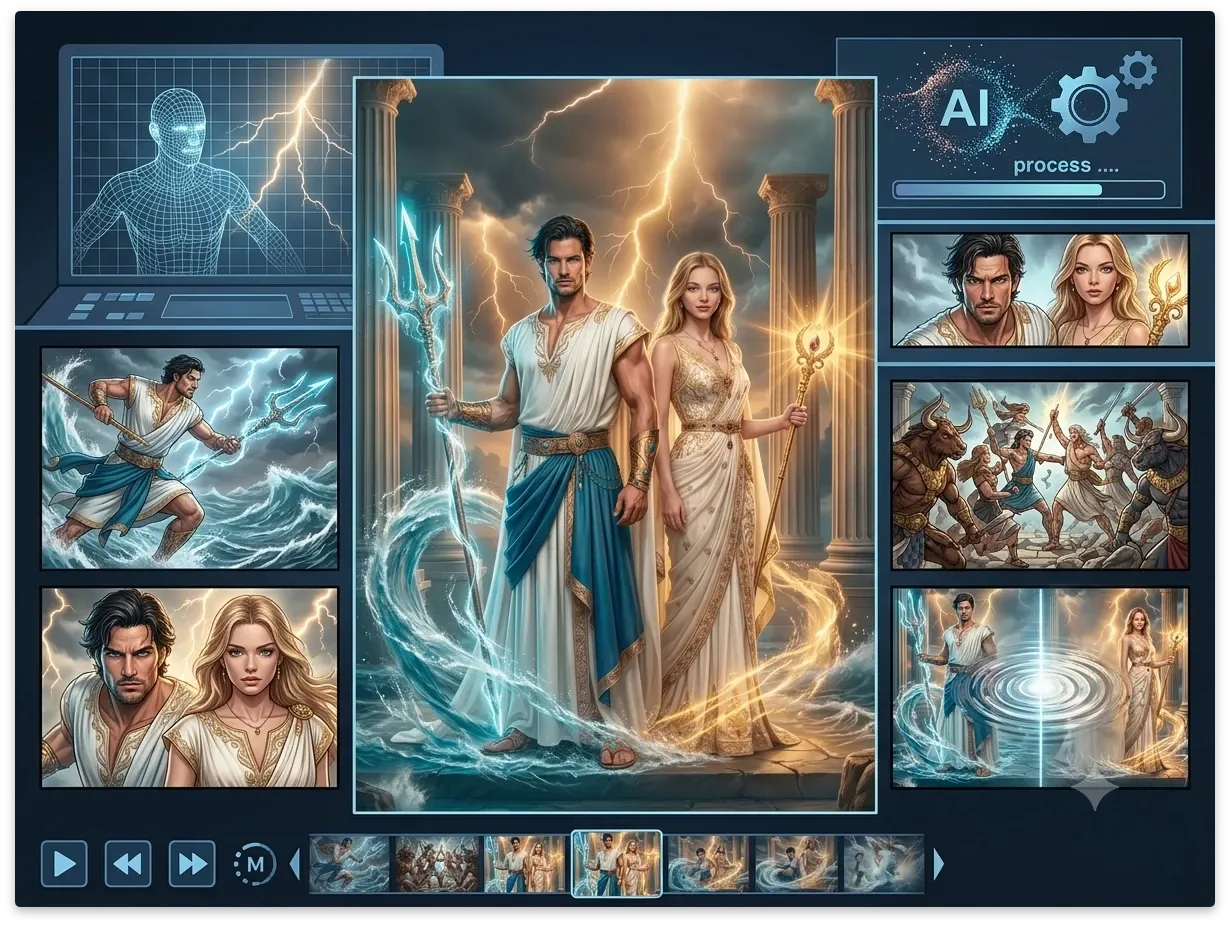
For AI Comic Story Creators
Turn comic panels into engaging story videos with AI comic animation. Upload manga pages, character scenes, or illustrated stories and transform them into motion comics with character movement, cinematic camera effects, and smooth scene transitions.
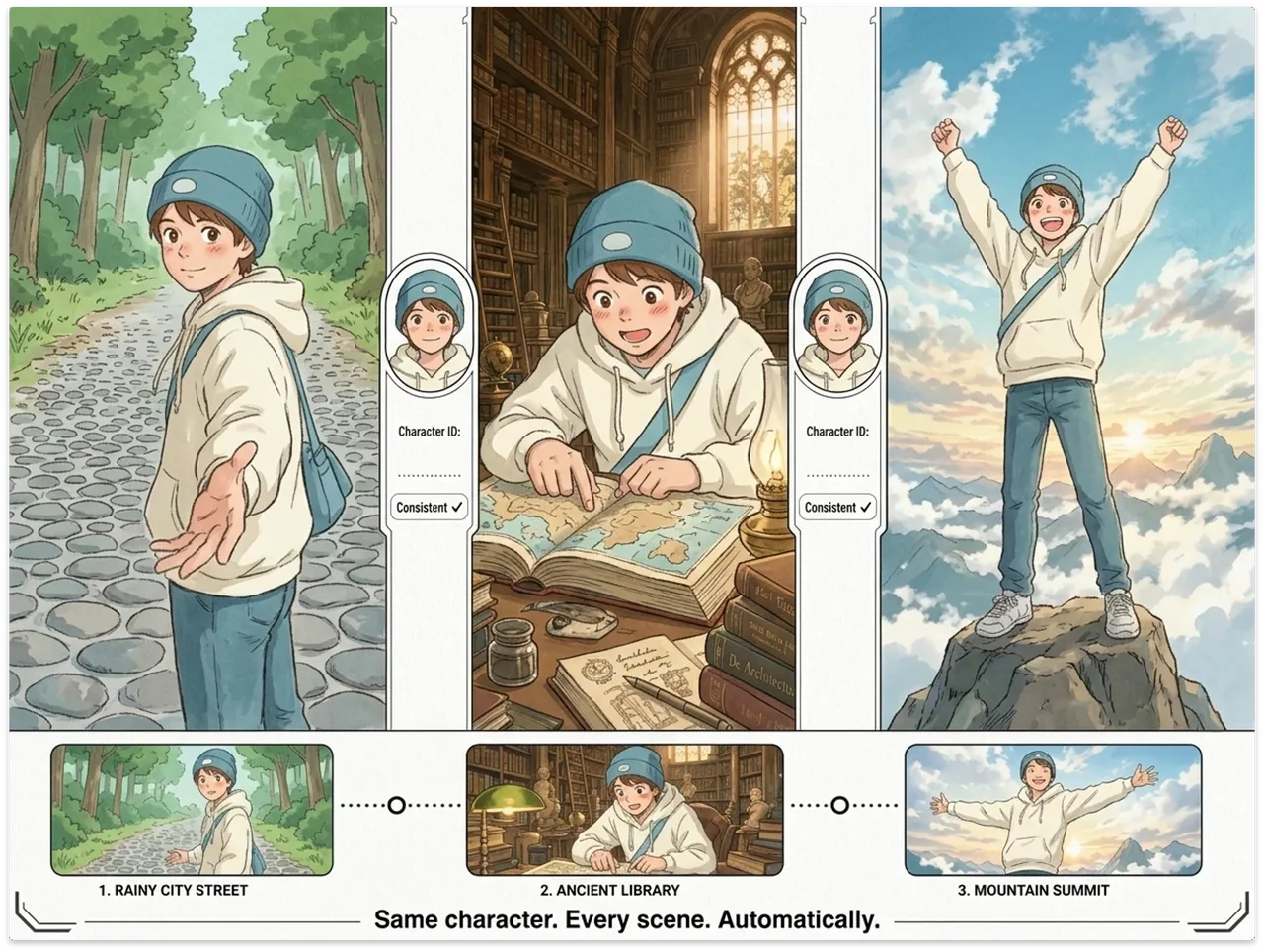
For Manga Creators & Webtoon Artists
Bring your stories to life with free comic to animation. Upload manga panels or webtoon artwork and use an AI comic video generator to create cinematic trailers, character highlights, and chapter previews.
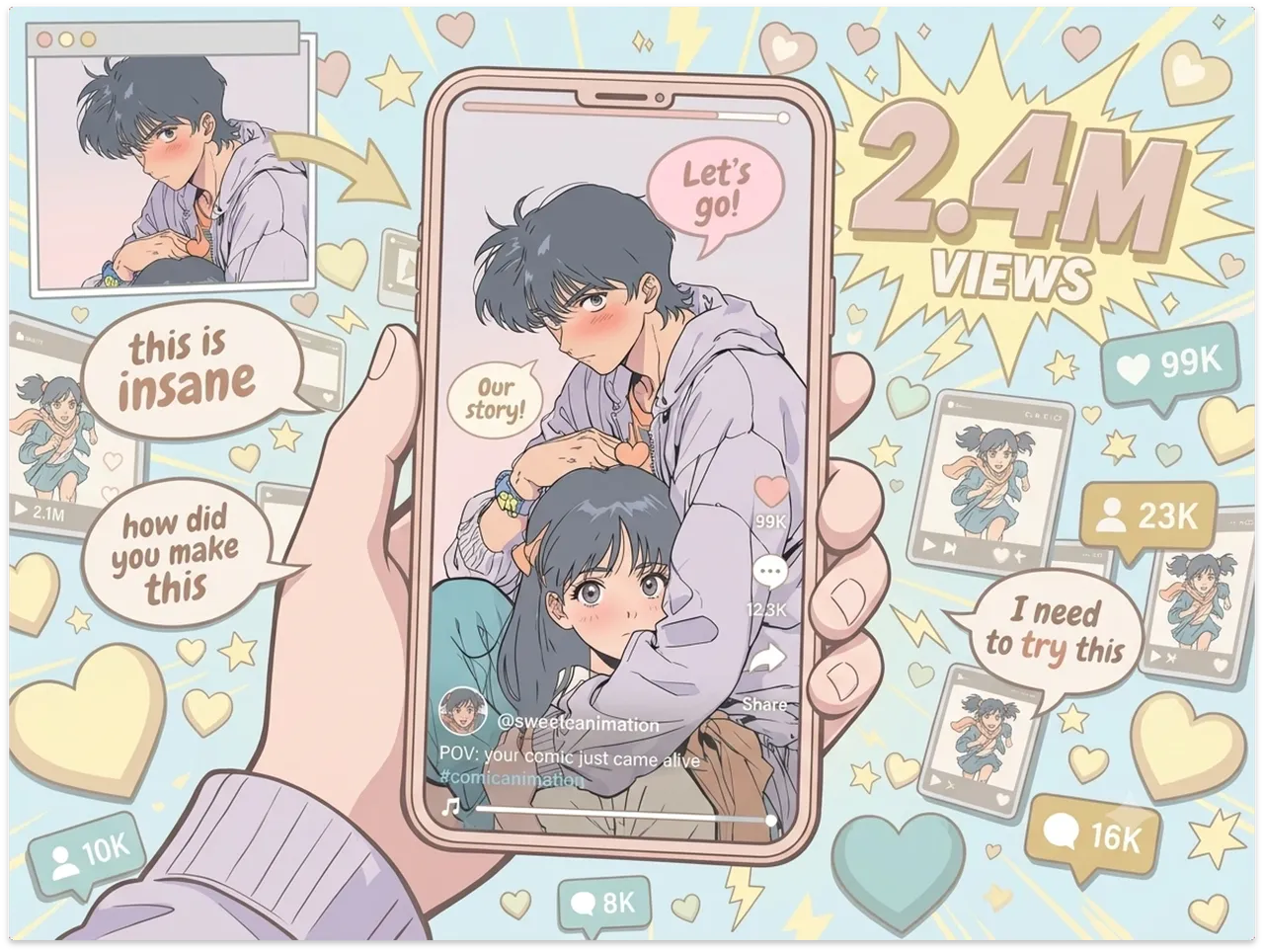
For Content Creators & Influencers
Transform your favorite illustrations into shareable content with manga to video AI. Upload comic images and generate dynamic short clips with smooth motion, visual effects, and cinematic transitions.
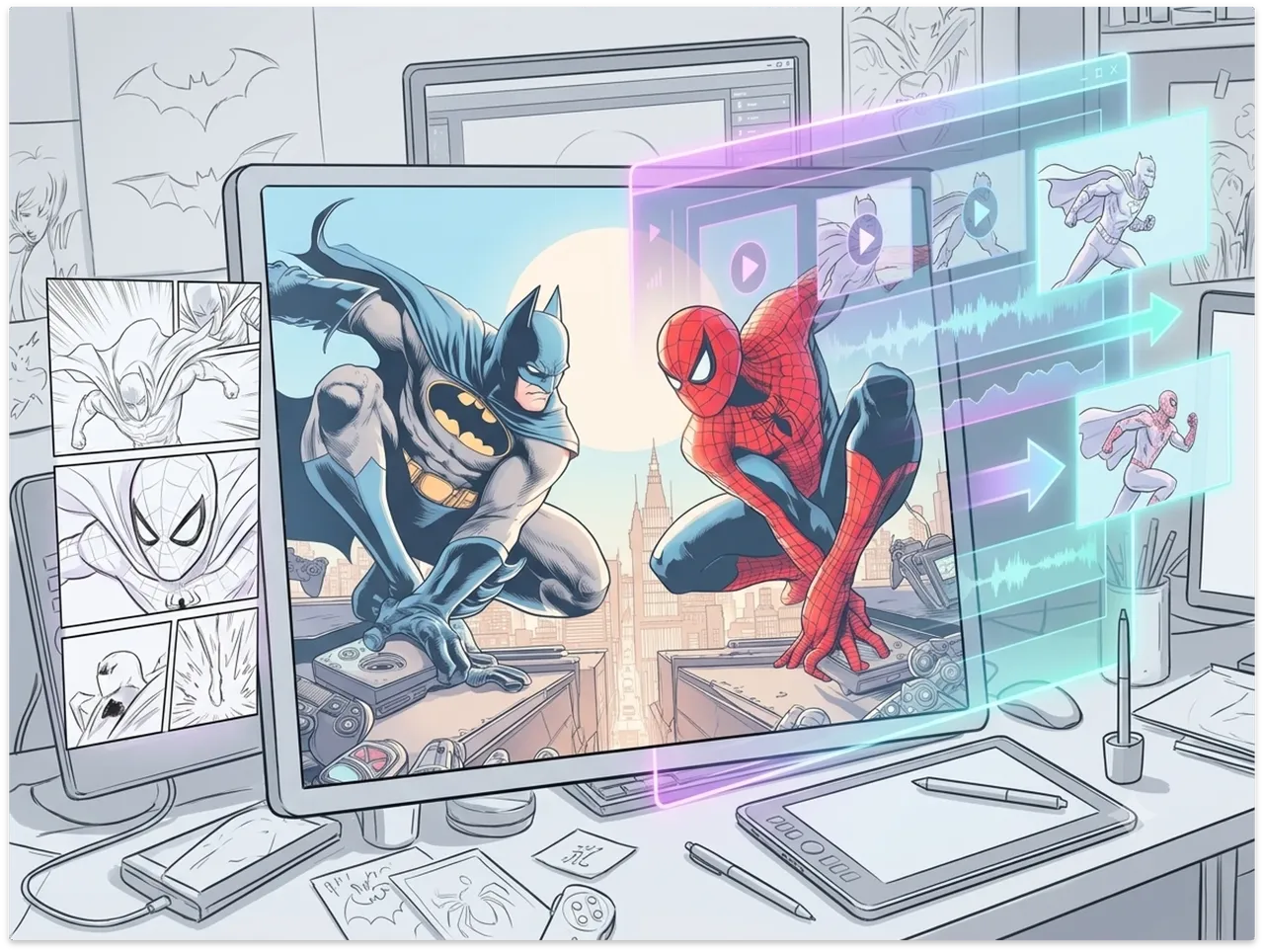
For Filmmakers & Video Creators
Turn static artwork into animated sequences with animate comic panels. Upload comic scenes, storyboards, or concept designs and create a comic to animation experience with camera movement, character motion, and visual effects.
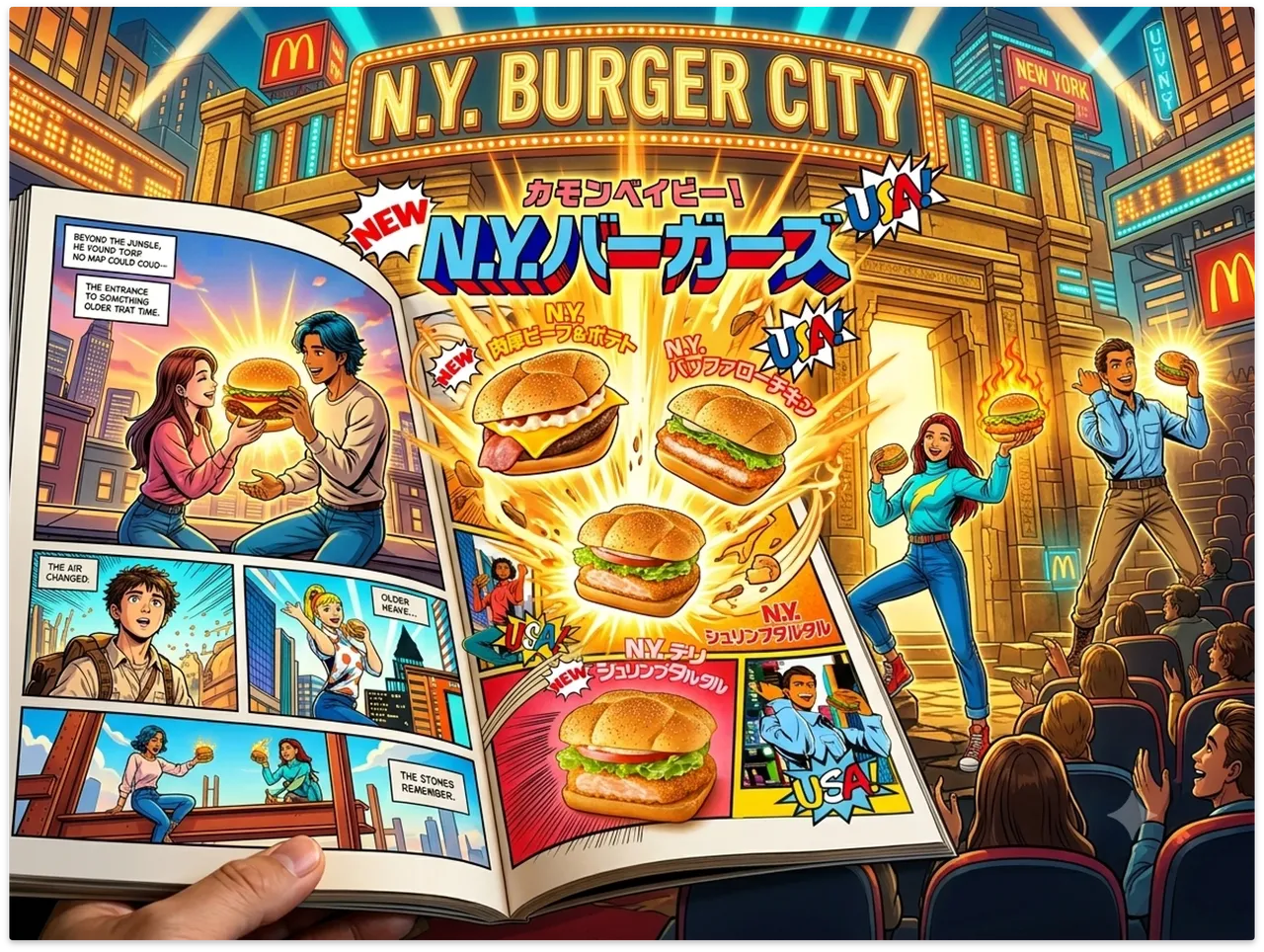
For Marketers & Brand Teams
Create unique marketing visuals with comic to video online. Upload brand illustrations, product artwork, or campaign designs and transform them into animated comic-style videos.
Your artwork already tells the story. Add movement, atmosphere, and cinematic energy with ImageToVid's free AI comic to video generator. Upload one or two panels, describe the motion, and create a watermark-free comic video online.