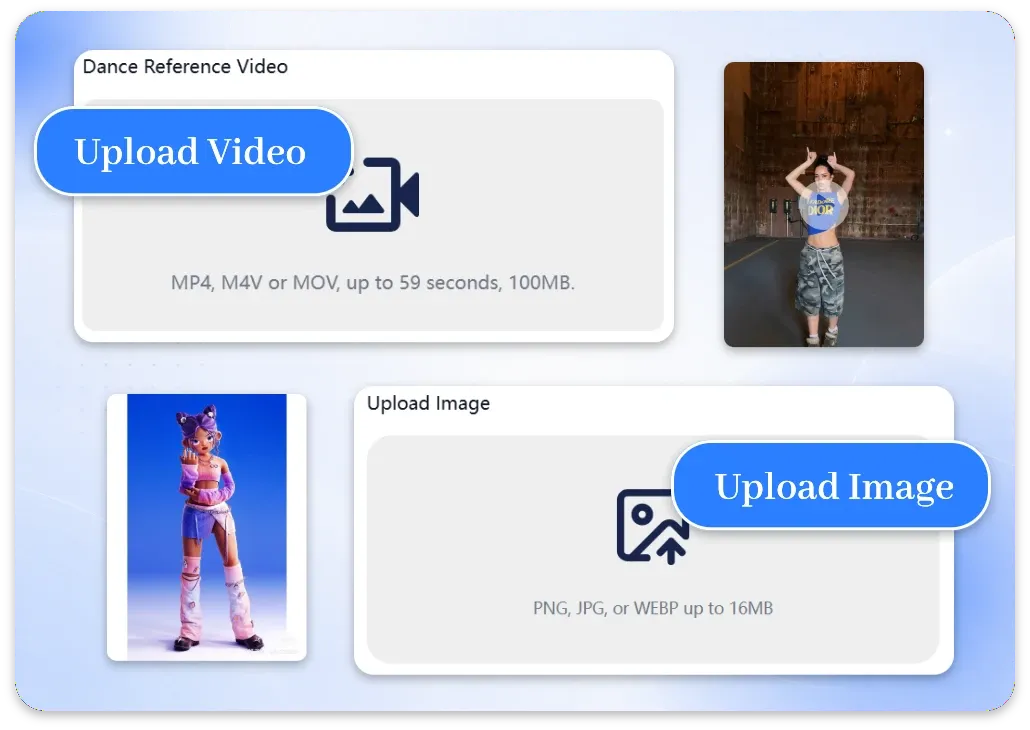
Step 1: Upload Your Image and Reference Video
Upload the image you want to animate and a reference video containing the movement you want to transfer. Choose footage with clear, visible actions for more consistent AI motion transfer.
Unlock Pro Models & 1080p — Up to 61% Off
 ImageToVid
Sign Up & Get Free Credits
50 Free Credits Today. More Rewards Tomorrow.
ImageToVid Sign Up & Get Free Credits
50 Free Credits Today. More Rewards Tomorrow.
Upload character image
PNG, JPG, or WEBP up to 16MB
Transfer natural movements, gestures, and poses from a reference video to your image while keeping your character consistent throughout the animation.
Create motion-controlled videos online with a simple workflow. Upload your image, apply motion references, and generate realistic animations without animation skills.
Upload the image you want to animate and a reference video containing the movement you want to transfer. Choose footage with clear, visible actions for more consistent AI motion transfer.
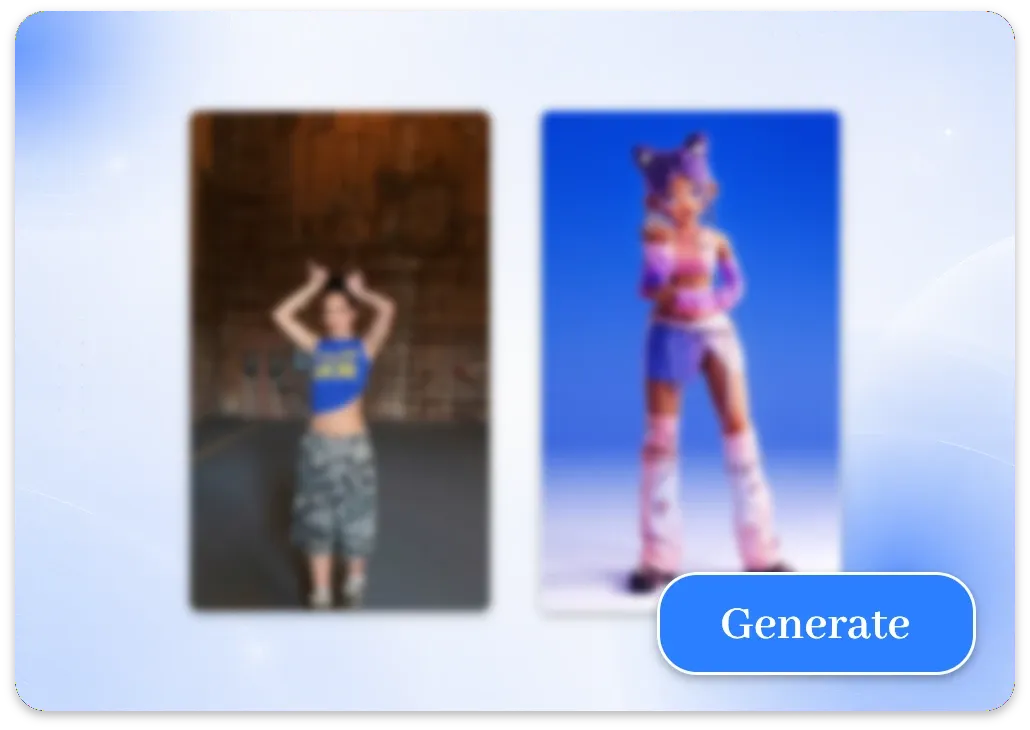
Our AI transfers the movements, poses, gestures, and facial expressions from your reference video to your character image, generating a dynamic video while preserving your character’s appearance.
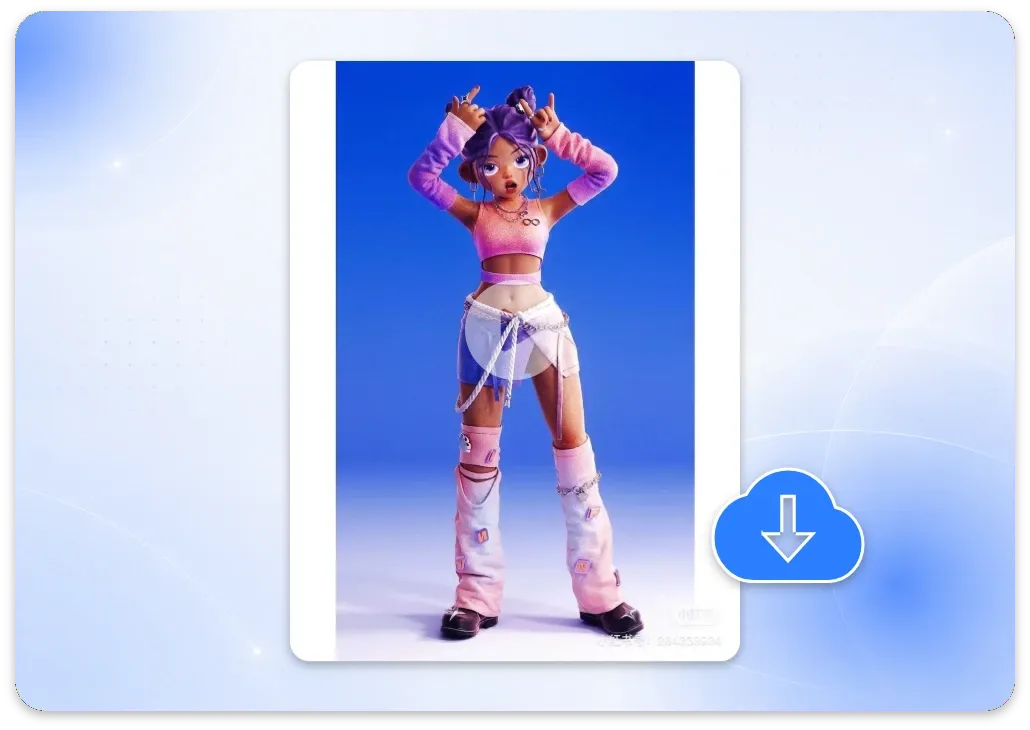
Preview your generated video, then download it for social media, marketing campaigns, creative projects, or character animation.
Create realistic motion with precise transfer, character consistency, HD output, fast generation, and watermark-free videos.
Transfer movements from a reference video to your image with precise motion tracking. The result is smooth, realistic animation that follows the original actions while preserving the character’s key details.
Keep faces, outfits, and key character details consistent during image to video motion control. Your character follows the reference movement while preserving the original appearance and visual style.
Transfer full-body movements, poses, and gestures from a reference video to your character. Create dynamic animations while preserving the subject’s overall appearance and proportions.
Transfer natural facial expressions from a reference video to your character. Create smiles, surprised reactions, serious looks, and other expressive movements while keeping the character’s appearance consistent.
Generate crisp HD videos with clear details and export your results without a watermark. Create content for social media, campaigns, and creative projects.
Turn your image and motion reference into a video without a complicated editing workflow. Upload your files, apply the movement, and let the model handle the animation.
Turn a single image into engaging videos with natural movement, expressive characters, and dynamic actions.
Have a photo that deserves more attention? Pair it with a trending motion reference and let AI Motion Control turn it into an energetic video. Create fresh dance clips, reaction videos, and short-form content for TikTok, Reels, and YouTube Shorts without another filming session.
Give your branded characters more ways to move and perform. Use original character images and motion references to create reusable content for product launches, social campaigns, branded storytelling, and marketing videos without recreating every scene from scratch.
Reimagine dramatic scenes and storytelling moments with your own characters. Use a reference video to transfer acting movements, gestures, and expressions, creating original scenes without filming from scratch.
Turn a static character or portrait into an engaging performance using a dance or movement reference. Transfer choreography, poses, and gestures to create dance clips, character performances, and short-form videos without filming yourself.
Bring anime characters, illustrations, and original artwork to life with AI Motion Control. Upload a character image and a movement reference to transfer poses, gestures, and expressions, turning static artwork into dynamic animated scenes.
Use clear source material and matching movement references to help the AI create more consistent motion transfer results.
Choose a high-quality image with the subject’s face and body clearly visible. Images with clear character details generally help produce more consistent results.
Use a reference video with a visible subject and easy-to-follow movements. Clear poses, gestures, and body actions are easier for the model to transfer.
For more natural results, choose an image and reference video with similar subject angles and framing whenever possible.
Try to keep the subject visible throughout the reference video. Heavy occlusion, extreme camera movement, or blurry footage can affect motion transfer results.
Explore real examples of image animation, motion transfer, character movement, and dynamic video creation.
Explore more AI tools for creating, animating, and enhancing videos.
Turn a reference video into new character performances and dynamic scenes.
Create Reference VideosTurn property photos into polished real estate videos with AI.
Create Real Estate VideosTransform photos and characters into engaging dance videos with AI.
Create Dance VideosAnimate your still images and turn them into dynamic videos.
Create Image to VideoTurn static images into dynamic videos with natural movement and expressive animation. Upload an image and reference video to create your first motion-controlled video.