ImageToVidImageToVid

New Users Get 100 FREE Credits

AI Photo Animation

Animate Photo AI for Realistic Moving Pictures

Bring still images to life with AI-powered photo animation. Upload any picture, make image move naturally, and create smooth HD videos online in seconds.

AI Photo Animation Examples

See how a single image becomes a realistic animated video. Each example was created with animate photo AI using one original photo.

Animate Portrait Photo

A woman smiles, blinks, tilts her head, and softly begins speaking to the camera - like a live photo with natural facial animation.

Animate Product Photo

Elegant high heels shine in soft sunlight with gentle shadows and a luxury fashion aesthetic.

Animate Landscape Photo

Snow bursts from a mountain painting and flows naturally into the room with cinematic depth and smooth camera motion.

Animate Anime Character

The character performs energetic hip-hop dance moves with smooth, dynamic motion and expressive flow.

Animate Pet Photo

A white liquid puddle transforms into a playful puppy that runs away happily - pure AI magic in every frame.

Animate Old Photo

A vintage family photo comes alive as the family smiles and shares a warm embrace through lifelike old photo animation.

How to Animate Photos Online

Turn any still image into a moving photo - the entire photo to video workflow takes under a minute.

Step 1: Upload Your Photo

Step 1: Upload Your Photo

Upload a JPG, PNG, or WEBP image. Clear portraits, products, anime art, and high-resolution photos create the most natural results with Animate Photo AI.

Step 2: Generate AI Animation

Step 2: Generate AI Animation

Choose your preferred motion style or write your prompt. Let AI animate your photo automatically with natural motion effects. Most videos are generated in about 30 to 60 seconds.

Step 3: Preview and Download

Step 3: Preview and Download

Preview your picture animated instantly, regenerate if needed, and download a watermark-free HD video ready for sharing.

Why Animate Photos with ImageToVid?

Our AI photo animator combines natural motion effects with fast HD rendering. Try animate photo ai online and start creating in seconds - no complex tools required.

Create Natural Motion Automatically

Our AI engine understands facial features, body posture, and scene depth to generate smooth movement and natural facial animation instead of random effects.

Works with Almost Any Image

From portraits and anime artwork to product photos and old family pictures, our AI image animation technology supports a wide variety of styles with consistent quality.

Fast HD Video Generation

Create professional-looking moving photo results in under one minute. Perfect when you need to make photo move quickly for marketing or social media, with watermark-free HD output and a seamless image to video pipeline every time.

Watermark-Free HD Export

Download clean, professional-quality videos without any watermark. Every AI-generated animation is export-ready for commercial projects, social media, and brand campaigns.

Who Can Benefit from Animate Photo AI Free

From product marketing to creating live photo content - a wide range of creators use image animation every day.
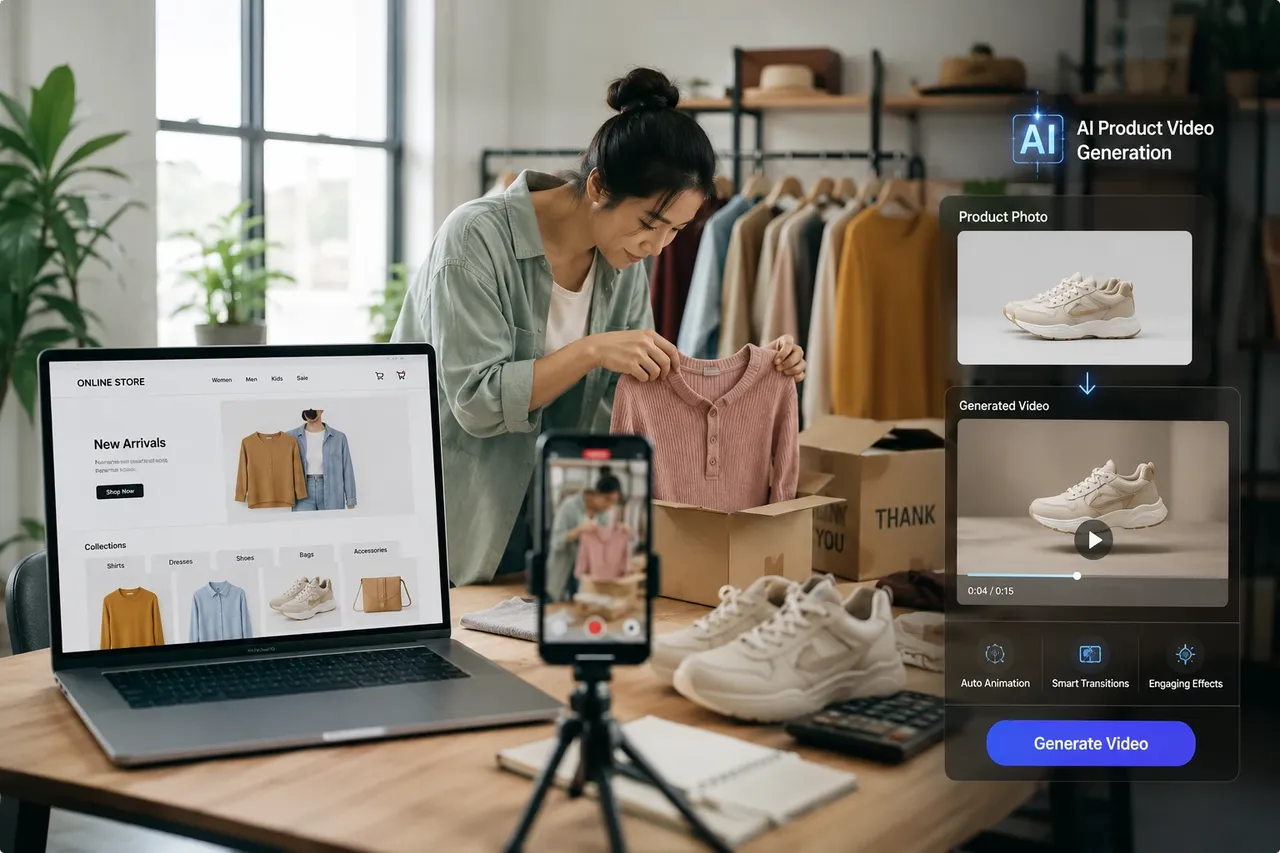
Ecommerce Marketers

Ecommerce Marketers

Turn product photos into engaging promotional videos for Shopify stores, Amazon listings, paid ads, and social media campaigns.
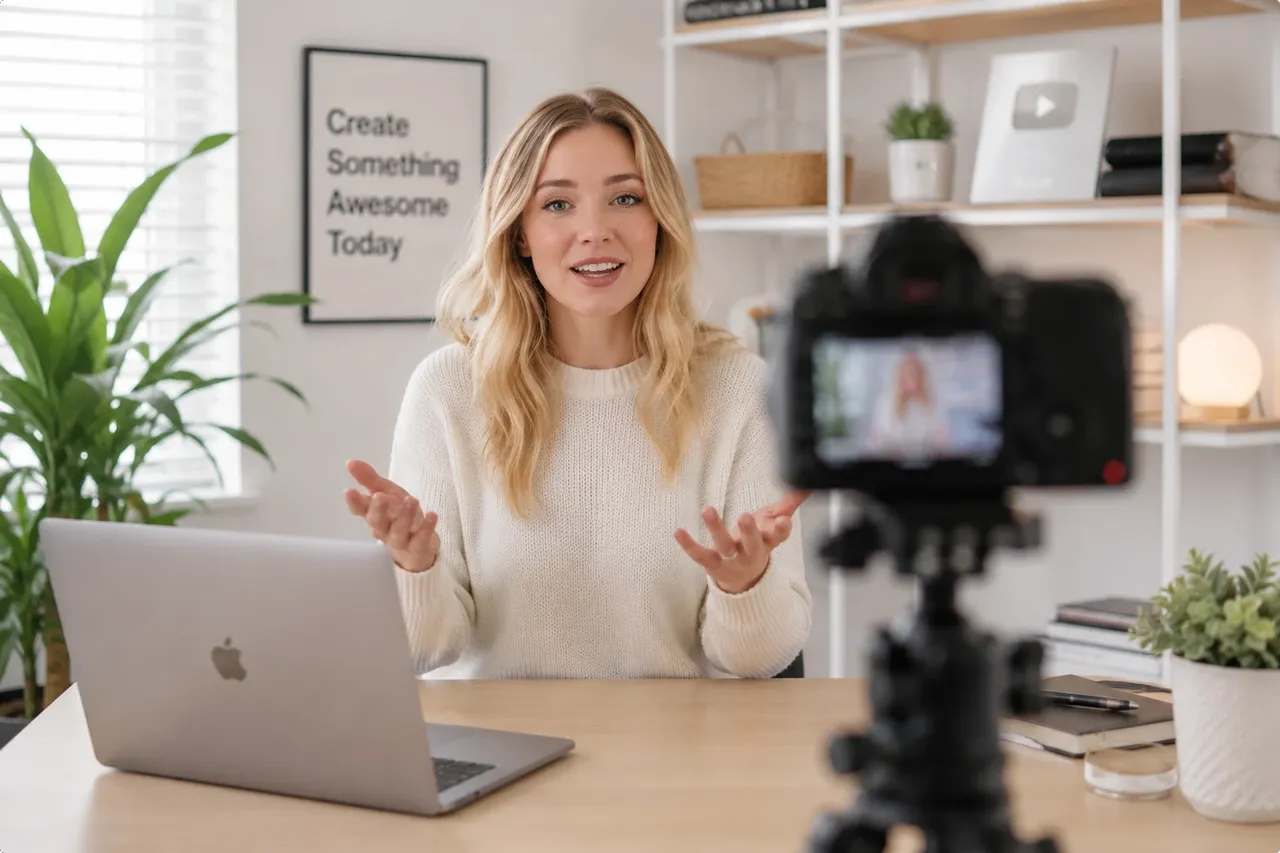
YouTube Creators

YouTube Creators

Animate thumbnails, storytelling images, and historical photos to create more engaging videos without filming new footage.
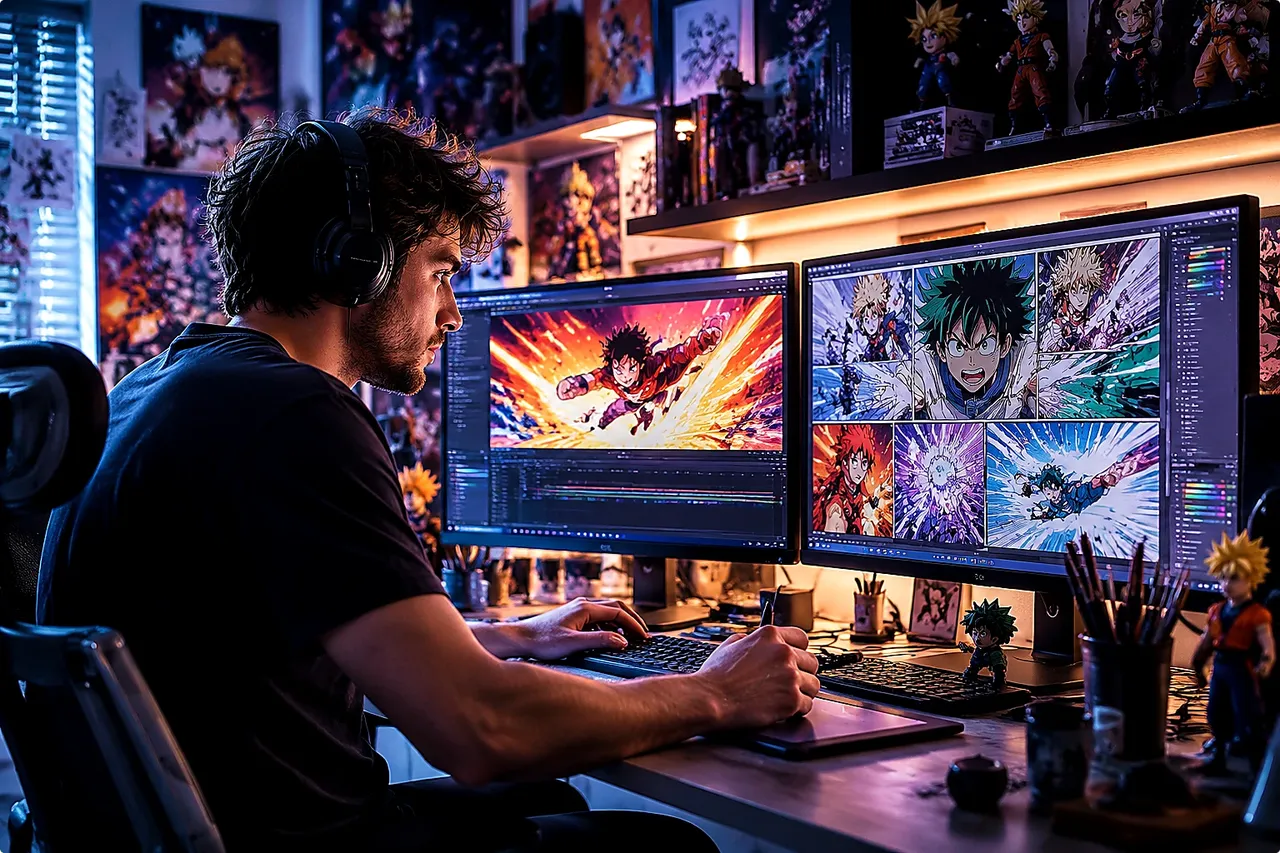
Anime & Short Video Editors

Anime & Short Video Editors

Bring manga panels, illustrations, and character art to life for AMVs, TikTok edits, Reels, and Shorts.

Frequently Asked Questions About Animate Photo AI

What is Animate Photo AI?

Animate Photo AI uses artificial intelligence to transform a still image into a realistic moving video by generating natural facial expressions, camera motion, and object movement.

Is Animate Photo AI free?

Yes. You can try animate photo AI free online before upgrading for longer videos, higher quality, or additional generation credits.

How do I animate a picture?

Simply upload a photo, choose an animation style, click Generate, and AI creates a moving video automatically in under a minute.

What image formats are supported?

You can upload JPG, JPEG, PNG, and WEBP images. Higher-resolution photos generally produce smoother animations.

What pictures work best?

Front-facing portraits, sharp product photos, anime illustrations, and well-lit images typically generate the best AI animation results.

Can I share animated videos on social media?

Yes. Generated animated videos can be downloaded in HD and shared on YouTube, TikTok, Instagram Reels, Facebook, and other platforms.

Can AI animate old photos?

Yes. AI animation can restore old family photos by adding natural facial movement, blinking, smiles, and subtle head motion - turning any still image into a moving photo.

How long does it take to make an image move?

Most animations are completed within 30 to 60 seconds, depending on image complexity and server load.

Create More AI Videos

Continue creating with animate photo AI and explore more video tools from ImageToVid:
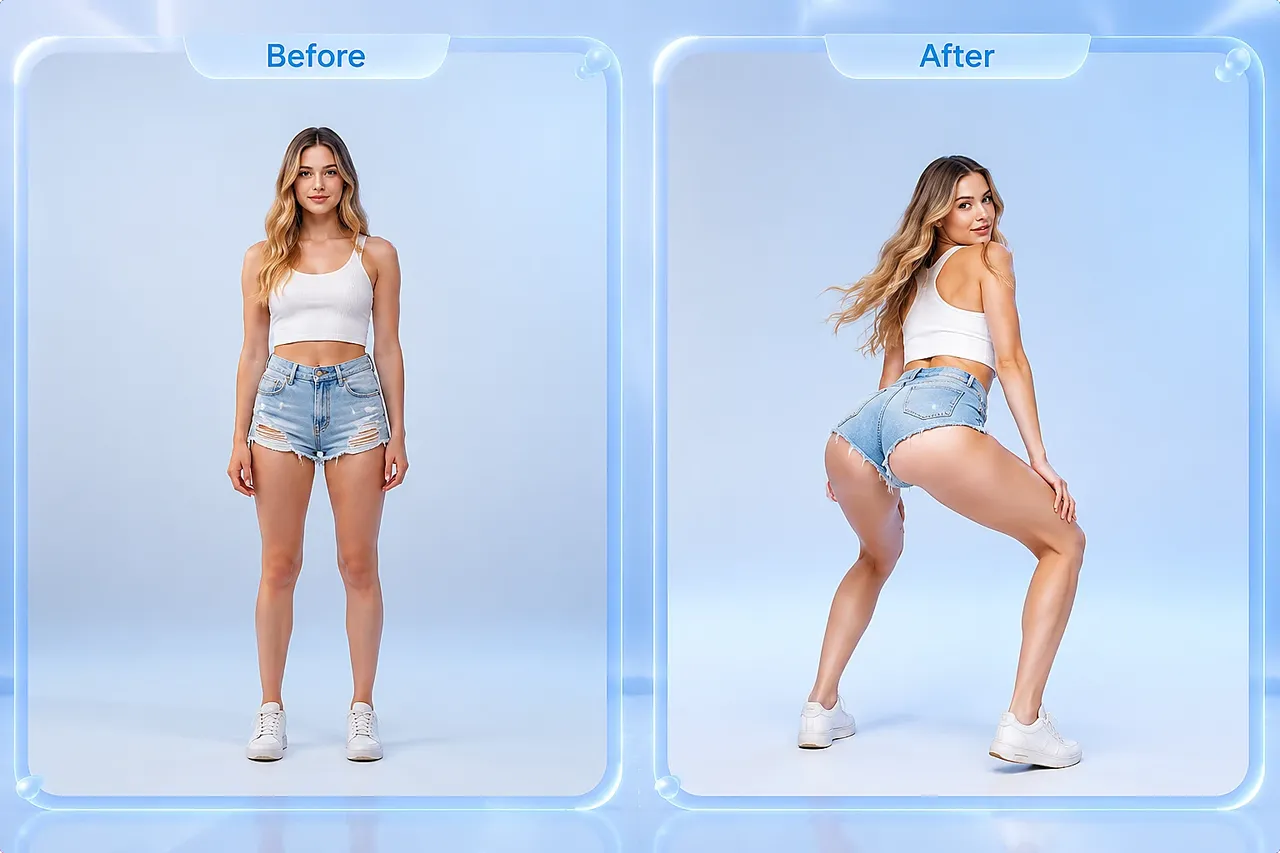
AI Twerk Generator

AI Twerk Generator

Turn a single photo into energetic dance videos with natural body motion.

Create AI Twerk Video
AI Kiss Generator

AI Kiss Generator

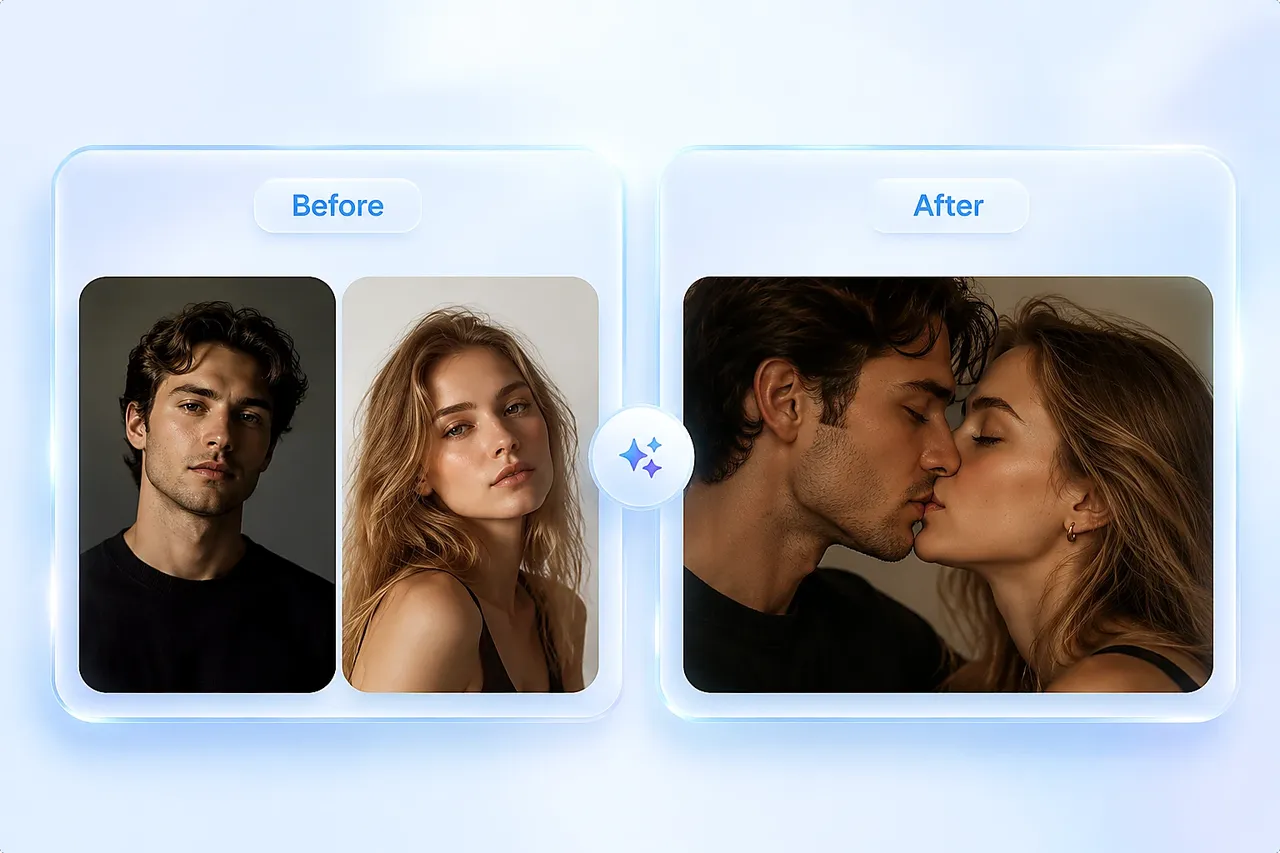
Create realistic kissing animations from two photos in seconds.

Create AI Kiss Video
AI Video Extender

AI Video Extender

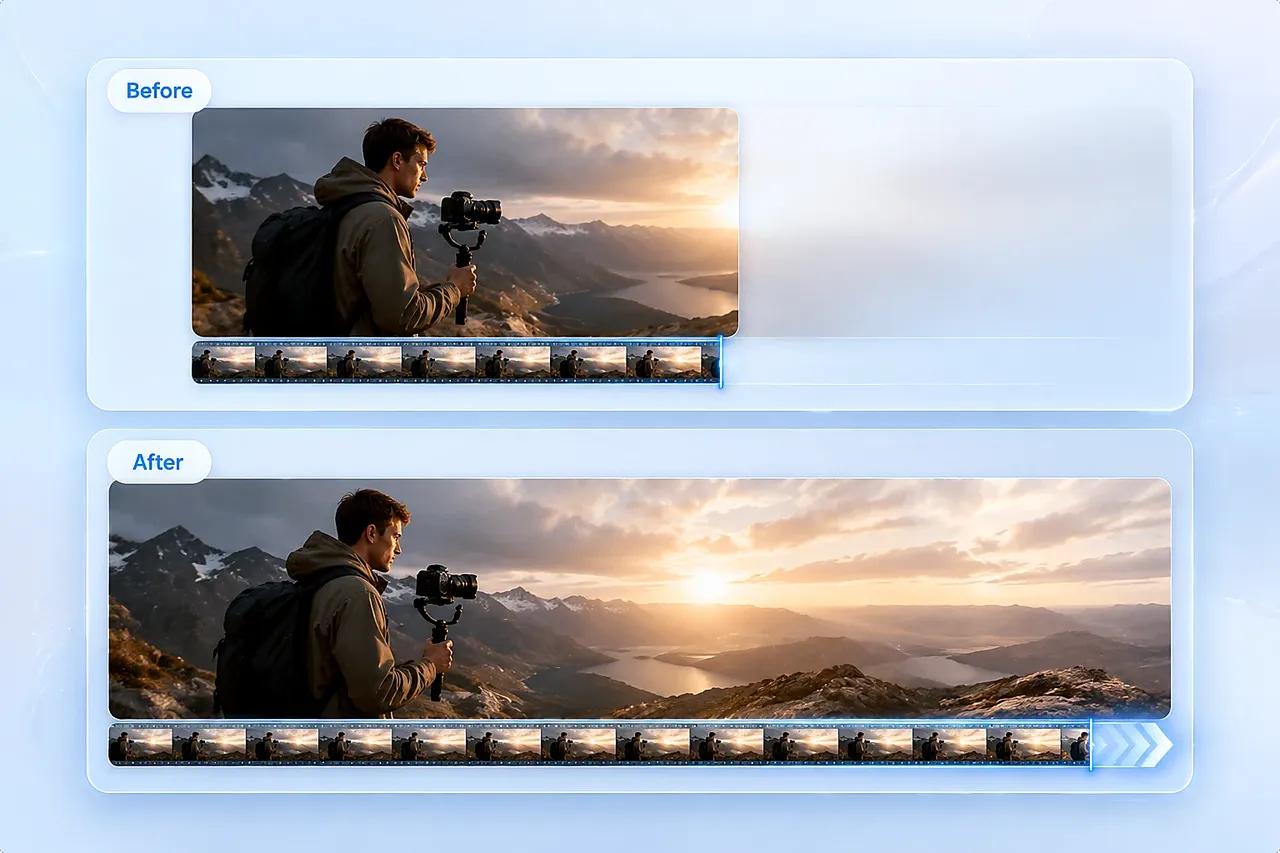
Extend short AI videos smoothly while maintaining consistent motion and visual quality.

Create Extend AI Video

Turn Any Photo into a Moving Story

Turn any photo into a video with realistic AI animation. Upload one picture, generate smooth HD motion in seconds, and start creating today.

© 2026 ImageToVid, All Rights Reserved.