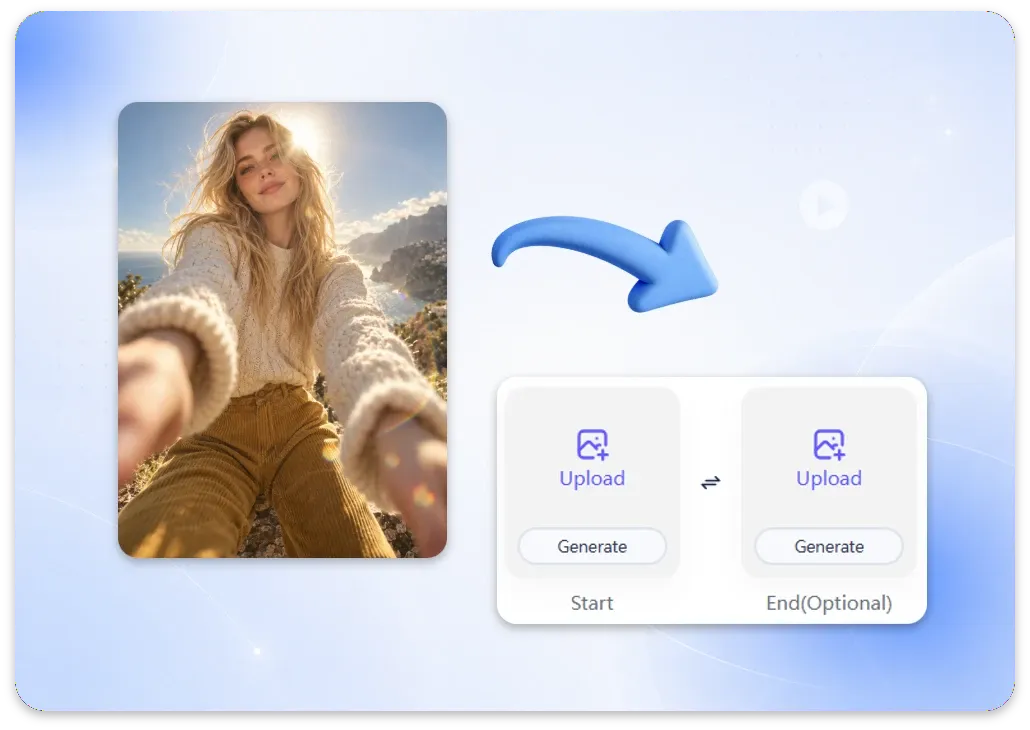
Step 1: Upload Your Image
Start with a clear JPG, PNG, JPEG, or WEBP image. Portraits, product photos, artwork, landscapes, and other images work well when the main subject is sharp and easy to identify.
Unlock Pro Models & 1080p — Up to 61% Off
 ImageToVid
Sign Up & Get Free Credits
50 Free Credits Today. More Rewards Tomorrow.
ImageToVid Sign Up & Get Free Credits
50 Free Credits Today. More Rewards Tomorrow.
ImageToVid AI
Turn any image into a video with AI in seconds. Create image to video content with no content limits, realistic motion, cinematic effects, and optional audio. Made for creators, marketers, ecommerce teams, real estate professionals, and businesses looking to turn existing images into engaging video content.
Create Without LimitsCreating a video from an image takes just a few steps.
Start with a clear JPG, PNG, JPEG, or WEBP image. Portraits, product photos, artwork, landscapes, and other images work well when the main subject is sharp and easy to identify.

Tell the AI what should move and how. Try prompts like “slow camera push-in” or “hair moving gently in the wind” for more controlled, natural-looking results.

Choose an AI model, resolution, aspect ratio, and video length, then select Generate. Available video lengths and resolutions depend on the model and plan, with supported options ranging from short 5-second clips to videos up to 30 seconds and resolutions up to 1080p.
ImageToVid makes it easy to turn existing images into engaging video content without rebuilding every scene from scratch. Whether you're creating social posts, product clips, real estate content, or creative visuals, you can start with the images you already have.
New users receive free credits to create image-to-video content without a separate limit on the number of generations. ImageToVid does not pre-screen your prompts or uploaded images, giving you more creative freedom within applicable laws and regulations. Free credits are valid for 7 days, while purchased credits never expire.
Use image to video AI directly in your browser. There's nothing to install. Upload an image, describe the motion, choose your settings, and generate your video from one place.
Use a free AI image to video generator to turn photos, product images, portraits, and artwork into videos without a watermark. Your clips can be used for social posts, product pages, presentations, portfolios, and more.
Use Fast when speed matters, Kling 3.0 for realistic motion, Veo 3.1 for cinematic video and native audio, or Seedance 2.5 when you need longer clips and better character consistency.
Your uploaded image remains the starting point for the video. AI adds movement, camera motion, lighting changes, and other effects while using the original subject and visual style as the visual foundation.
Upload images in JPG, JPEG, PNG, or WEBP format and turn them into videos with AI. Whether you're working with photos, product images, portraits, or artwork, ImageToVid supports the formats you already use.
The best model depends on the type of video you want to create.
| Model | Best for | Duration | Resolution |
|---|---|---|---|
| Fast | Quick social clips and everyday animation | 5–15s | 540P / 720P / 1080P |
| Pro | General-purpose image-to-video creation with balanced quality and speed | 5–30s | 480P / 720P / 1080P |
| Kling 3.0 | Realistic motion and expressive scenes | 5–15s | 720P / 1080P |
| Veo 3.1 | Cinematic scenes and native audio | 4–8s | 720P / 1080P / 4K |
| Seedance 2.5 | Longer clips and consistent characters | 4–30s | 480P / 720P / 1080P |
| MiniMax H3 | Expressive character movement and detailed animation | 4–15s | 768P / 2K |
A free image to video AI tool can be useful for much more than simple photo animation.
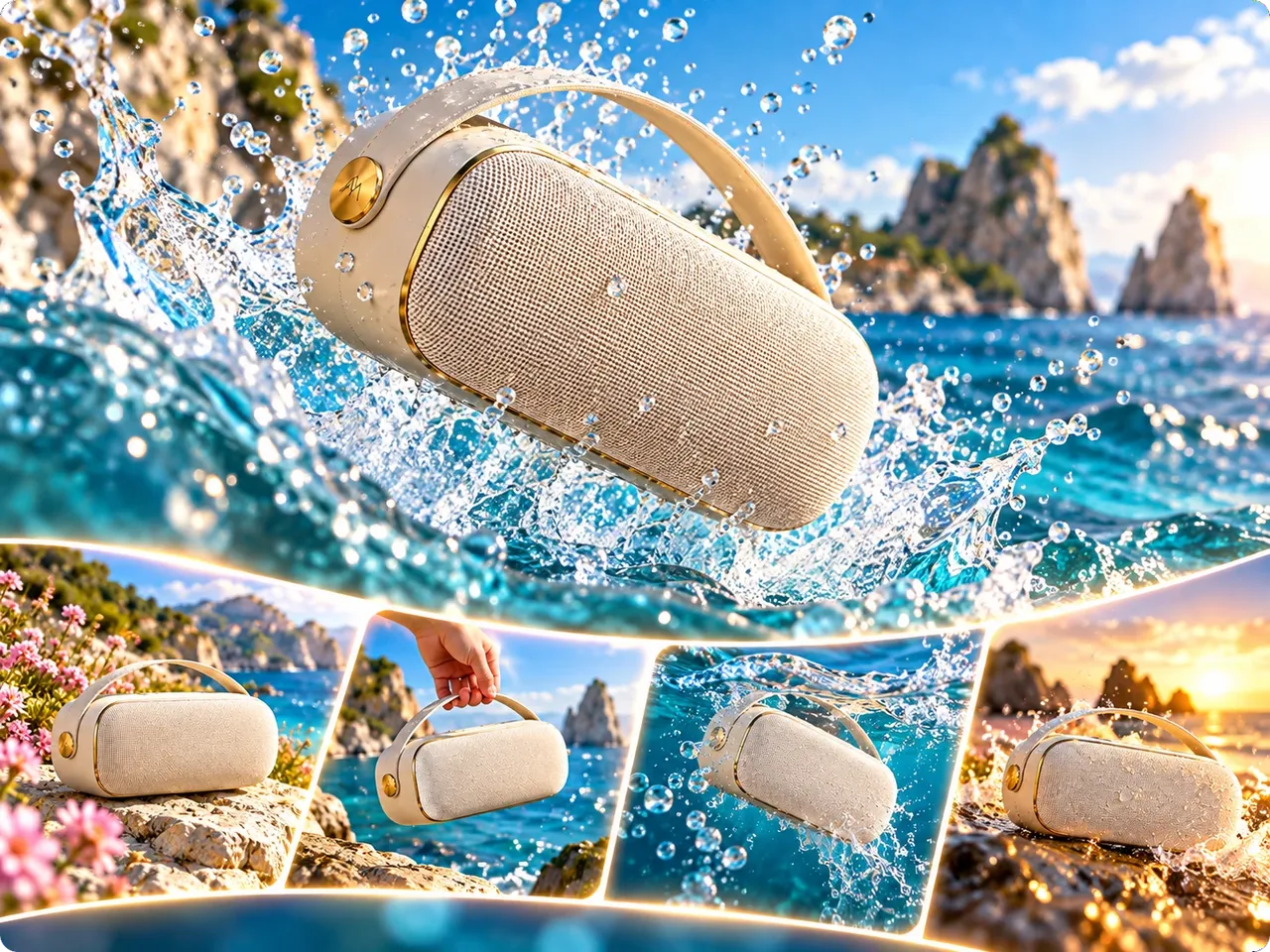
Turn a product photo into a dynamic marketing clip with subtle camera movement, detail-focused animation, and cinematic presentation. Create content for Shopify, Amazon, social ads, product launches, and more without setting up a full photo or video shoot.
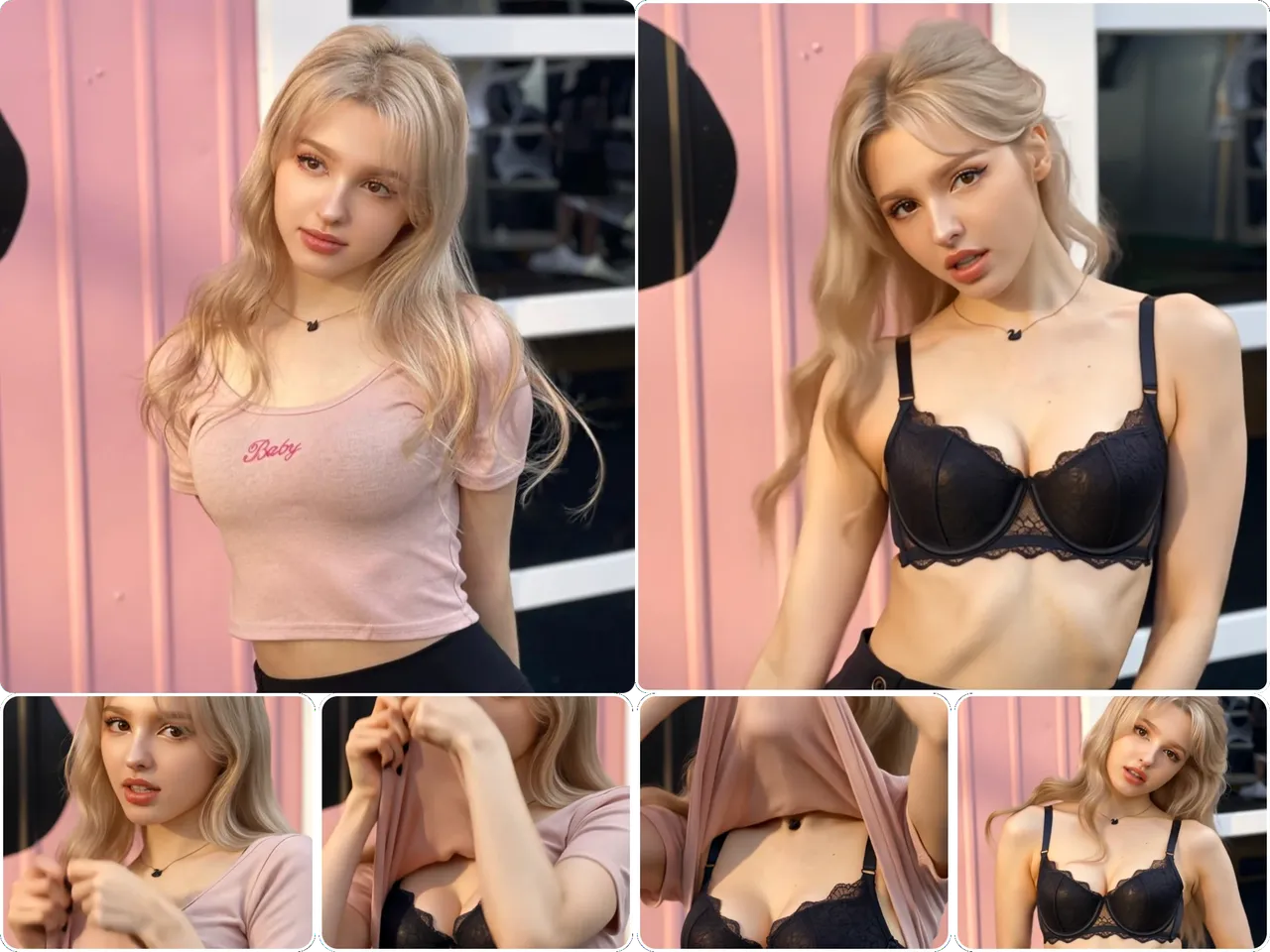
Use photo to video AI to add natural facial movement, camera motion, or environmental animation to portraits. Create content for TikTok, Instagram Reels, YouTube Shorts, and other social platforms.
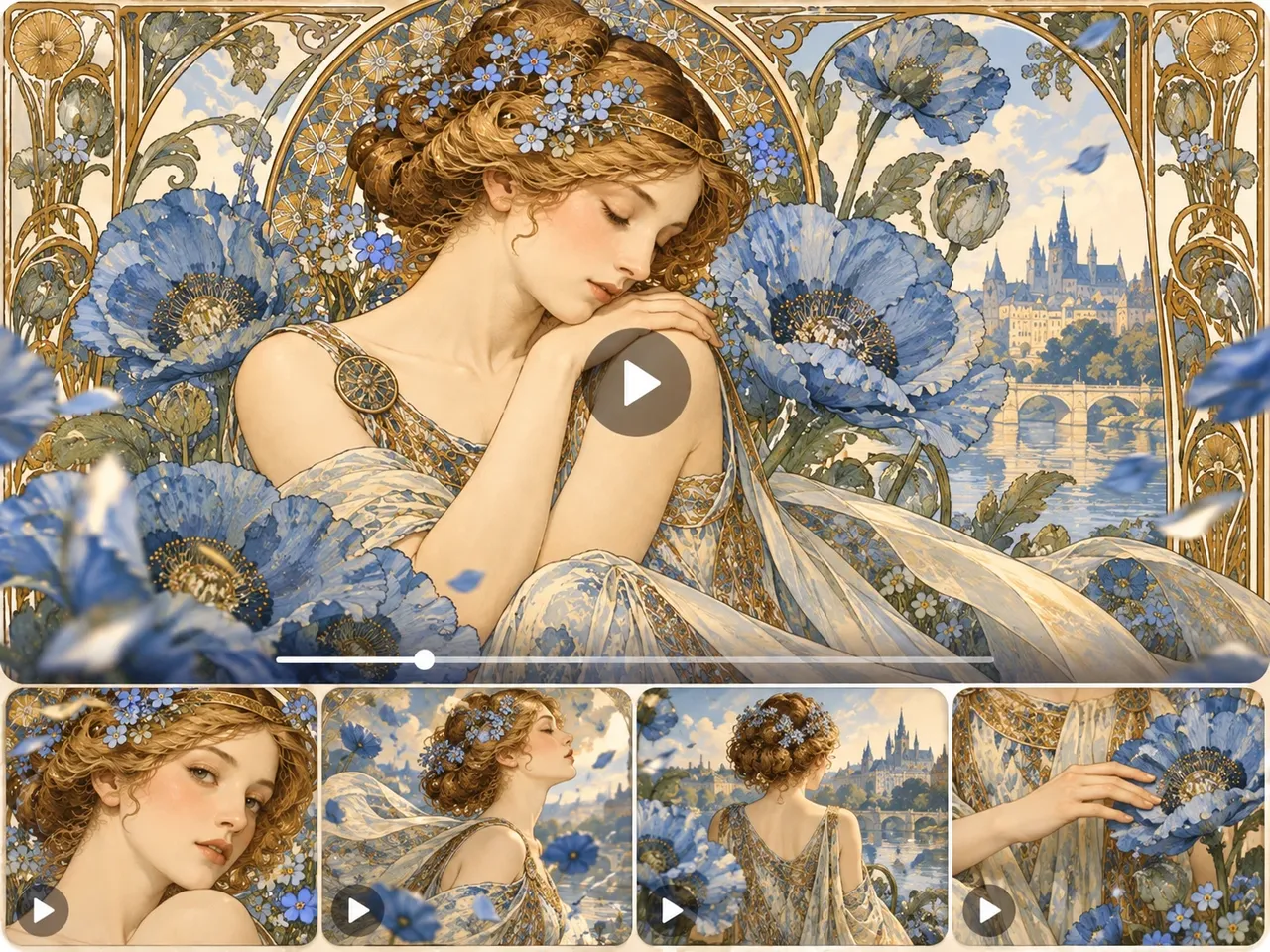
Your artwork already has the visual story — now give it movement. An AI image to video generator lets you animate characters, environments, lighting, and camera movement to create atmospheric clips for social posts, digital portfolios, and creative presentations.
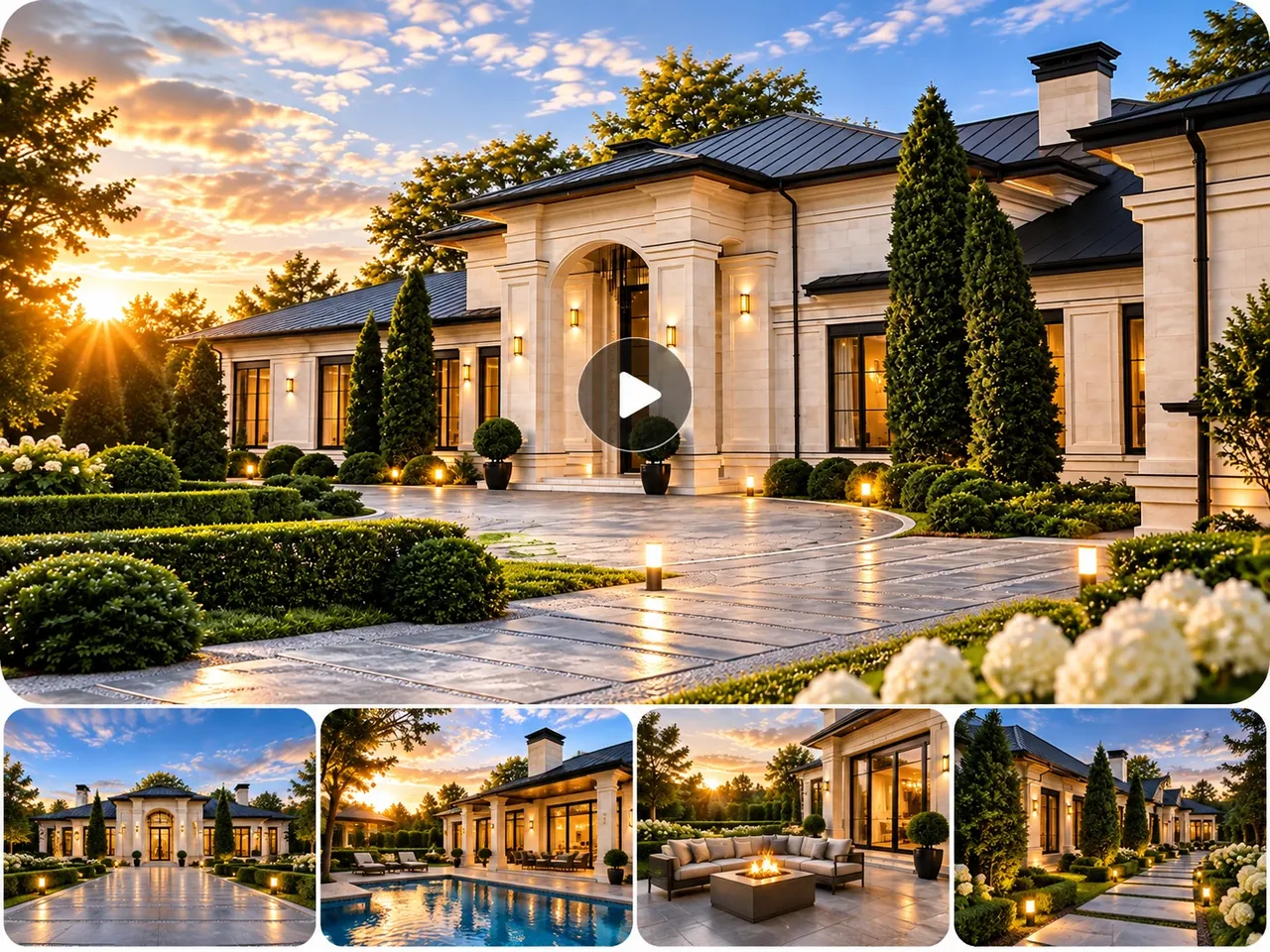
Have a great property image but no footage? Use a free image to video AI generator to turn property photos into polished clips with controlled camera movement and cinematic presentation. Create engaging previews for listings, social media, real estate marketing, and client presentations.
Everything you need to know about creating AI videos from images with ImageToVid.
You don't need a full video shoot to create engaging visual content. Start with a photo, product image, portrait, property shot, or piece of artwork and let AI add the motion. With image to video AI free unlimited, ImageToVid gives you a flexible way to keep creating image-based video content online, with multiple AI models, customizable motion, optional audio, and no watermark.