
Loading example…
Reference images 0/2
0/5000
Model
Fast image generation
Aspect Ratio
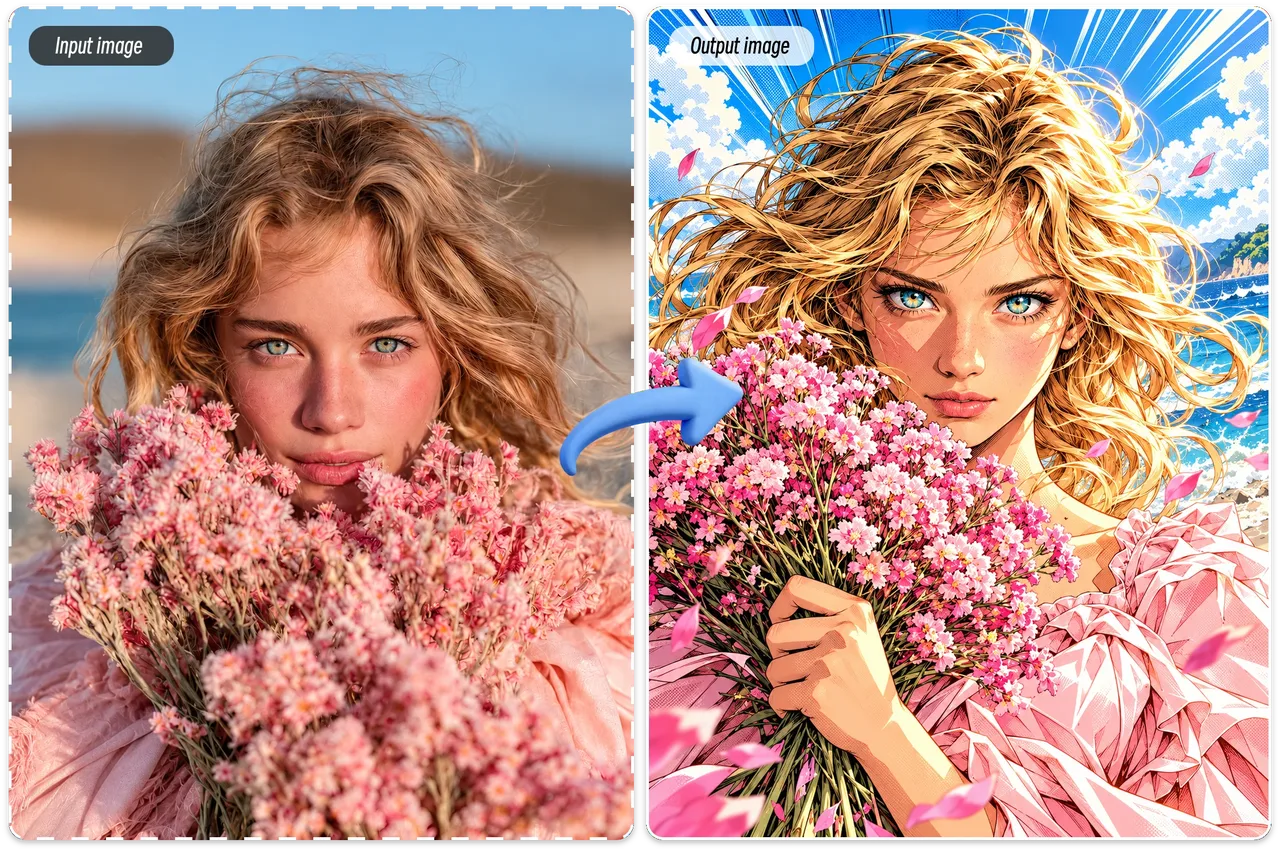
Free Image to Image AI for Easy Photo Editing
Bring your imagination to life with this free AI image to image generator. Create stunning visuals that match your vision and turn your ideas into reality in just a few clicks. Ideal for creators and designers.
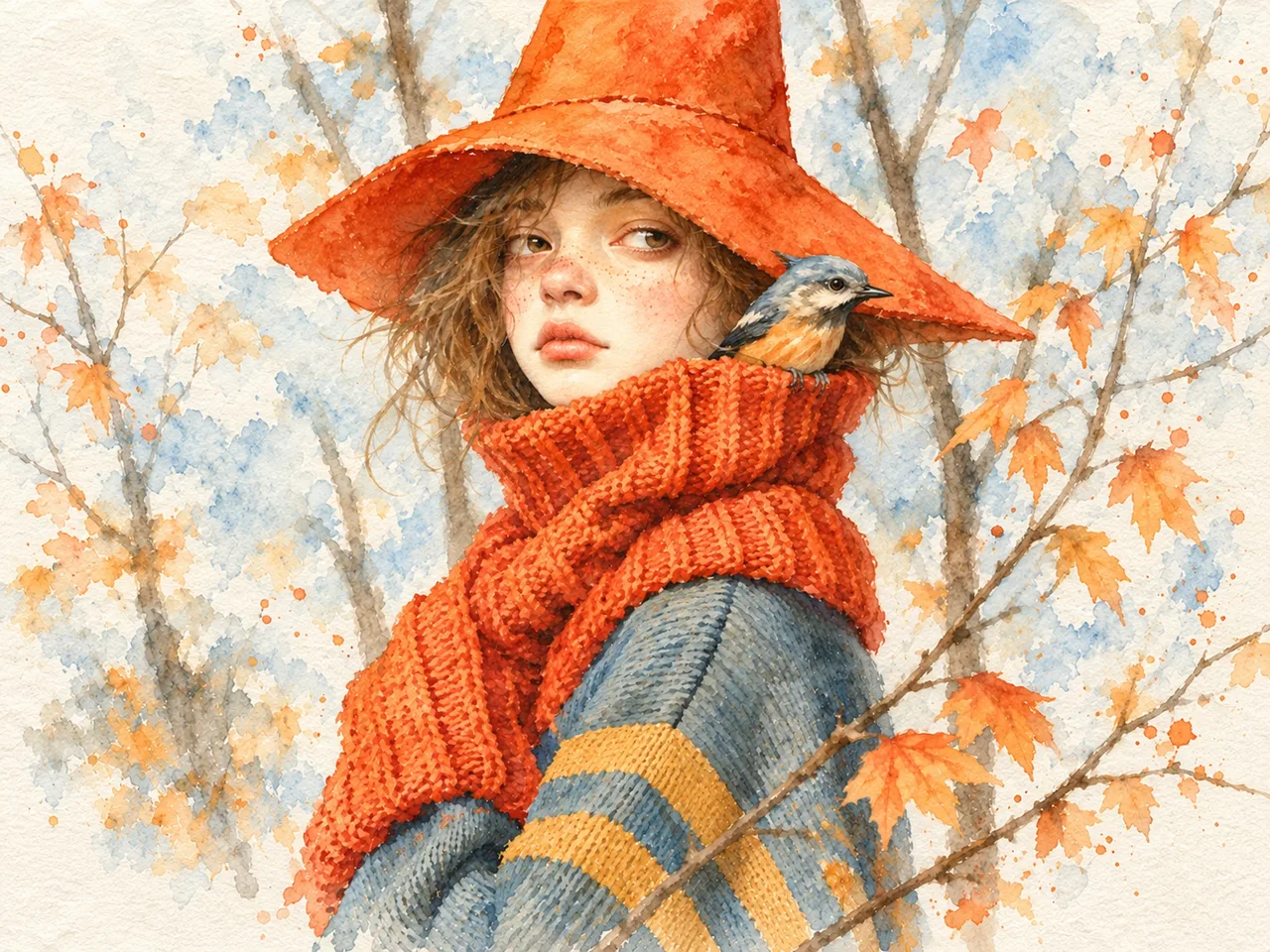
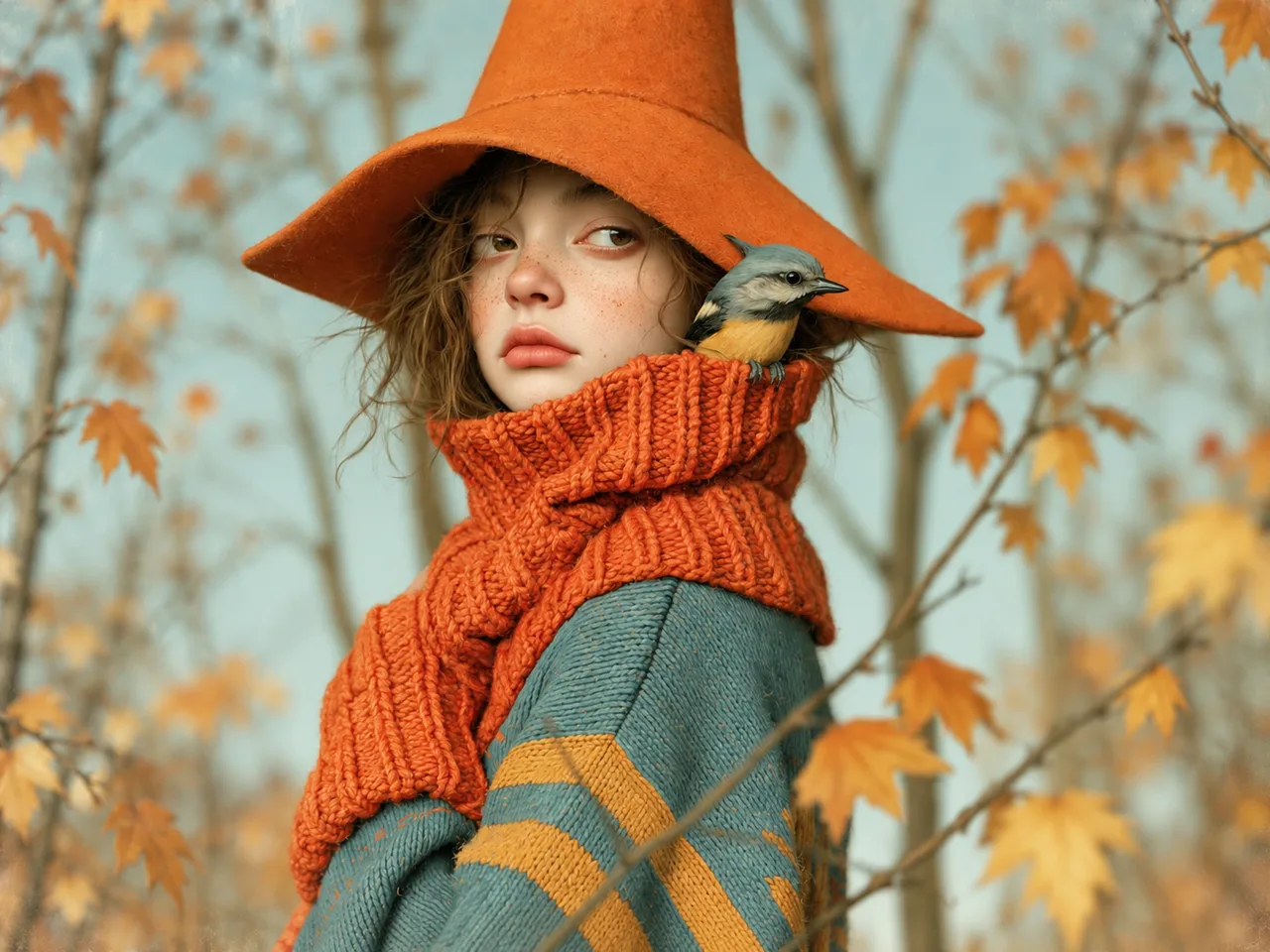
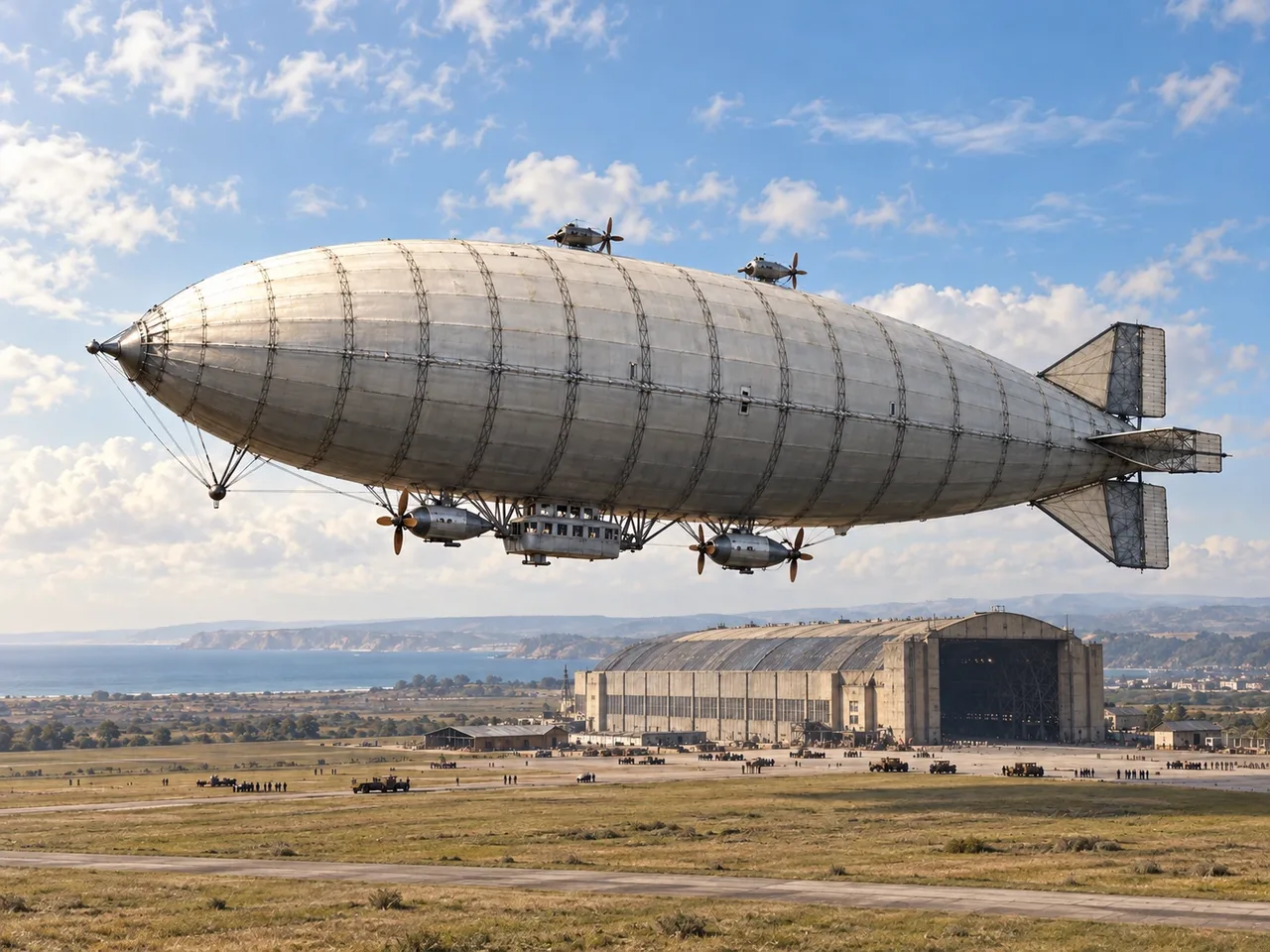
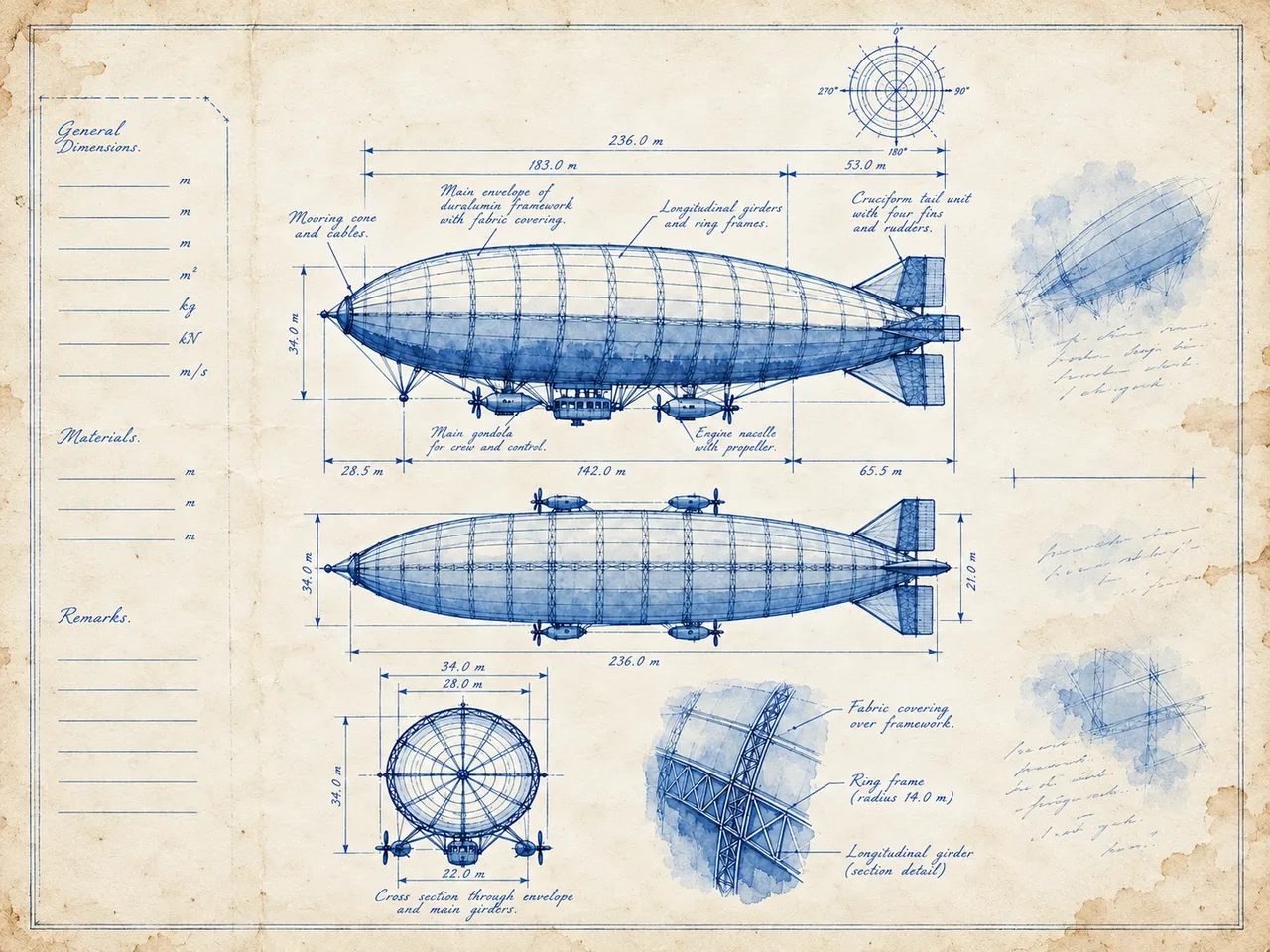
Image to Image AI Examples
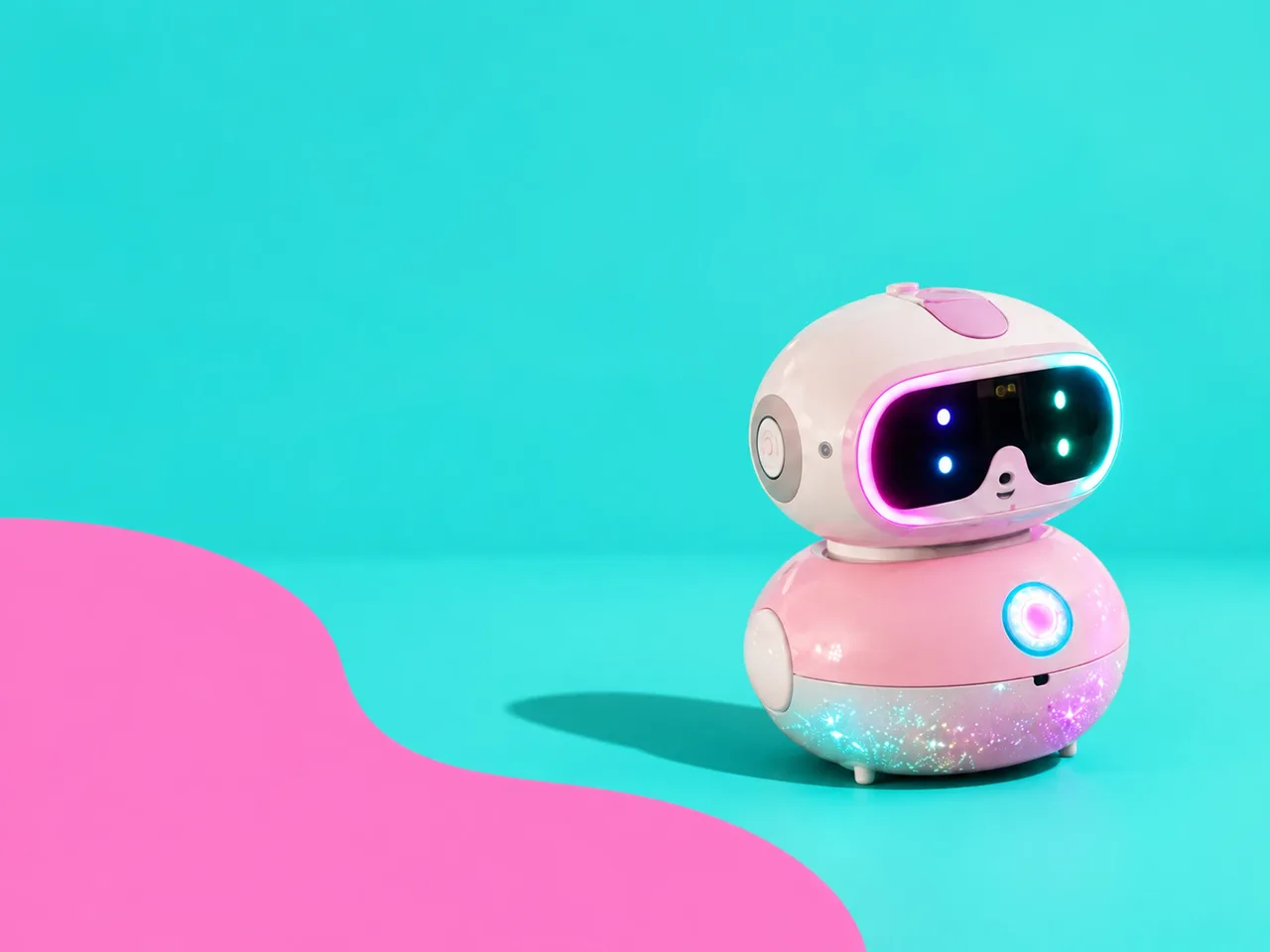
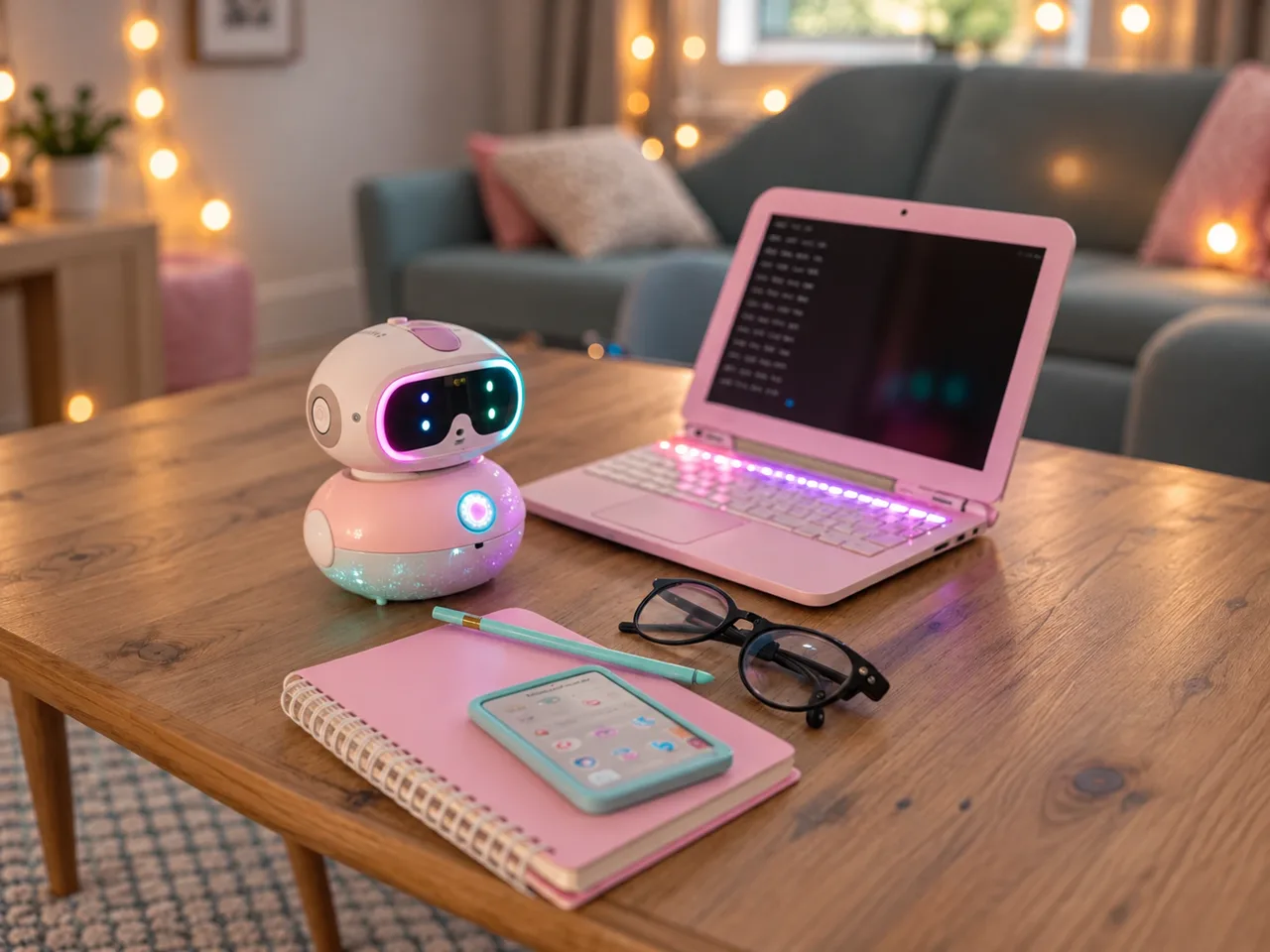
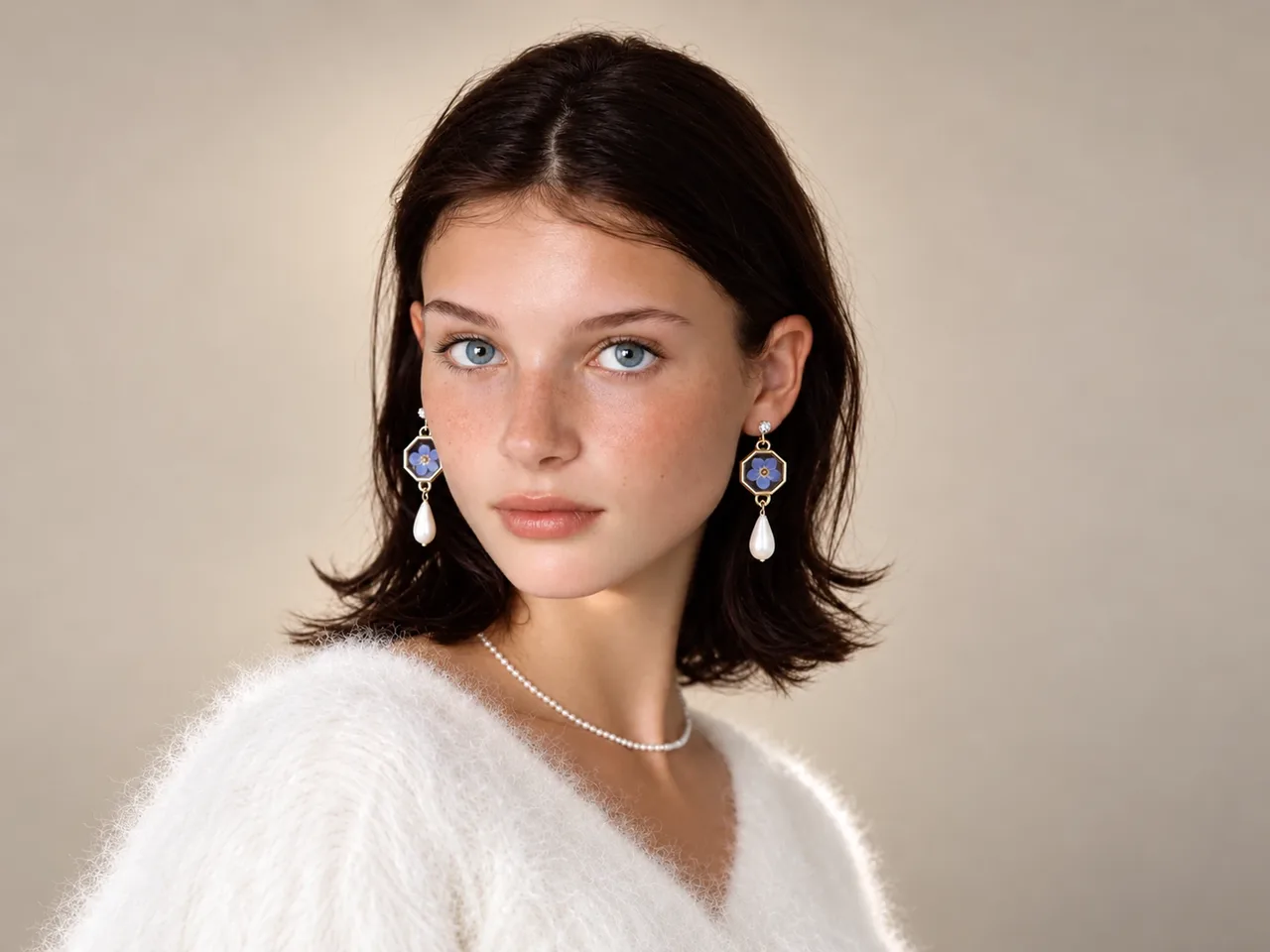
How to Use the Free Image to Image AI Generator
Turn your ideas into visuals in three simple steps. Upload a reference, describe your vision, and let AI transform your image.
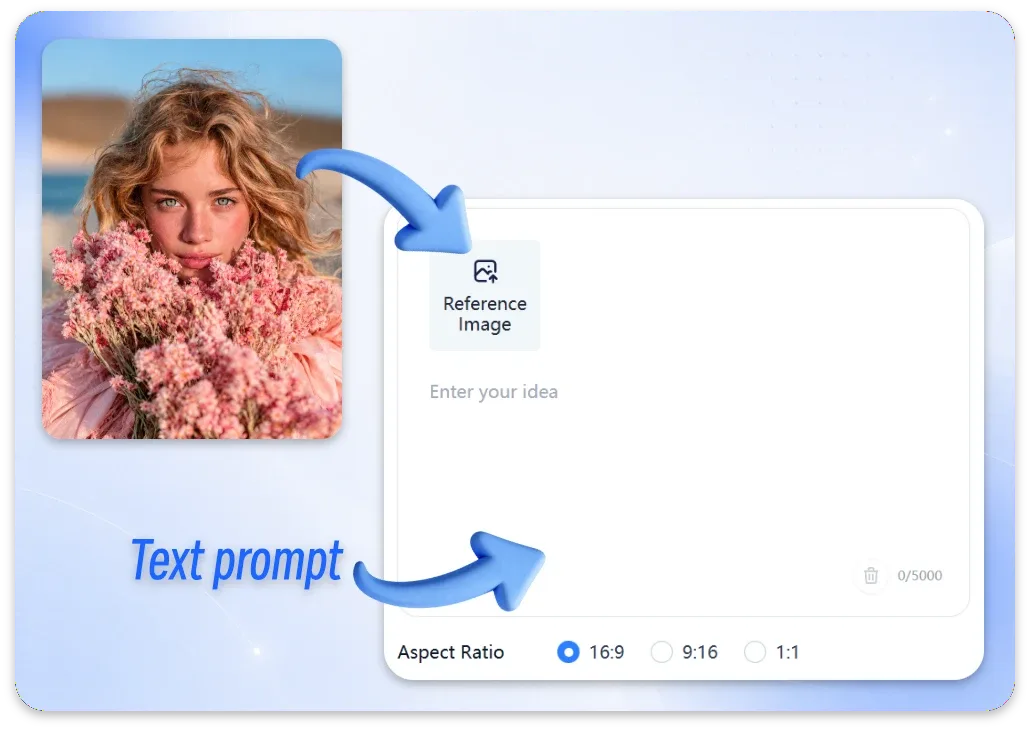
Step 1: Upload an Image
Choose a photo or illustration to get started. Your reference image gives the AI image generator a visual starting point, helping guide the image to image transformation toward your creative goals.
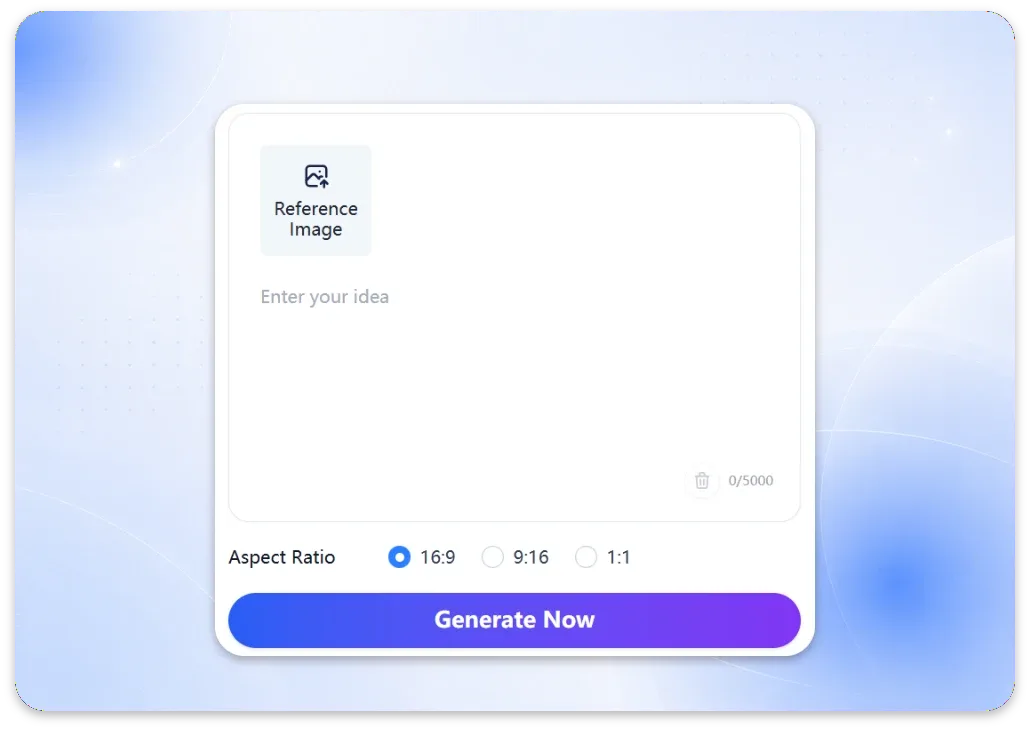
Step 2: Describe Your Vision
Write a clear prompt describing the image you want to create or the changes you want to make. Use AI image editing prompts to guide image to image transformations, adjust styles, or explore new backgrounds and visual details.
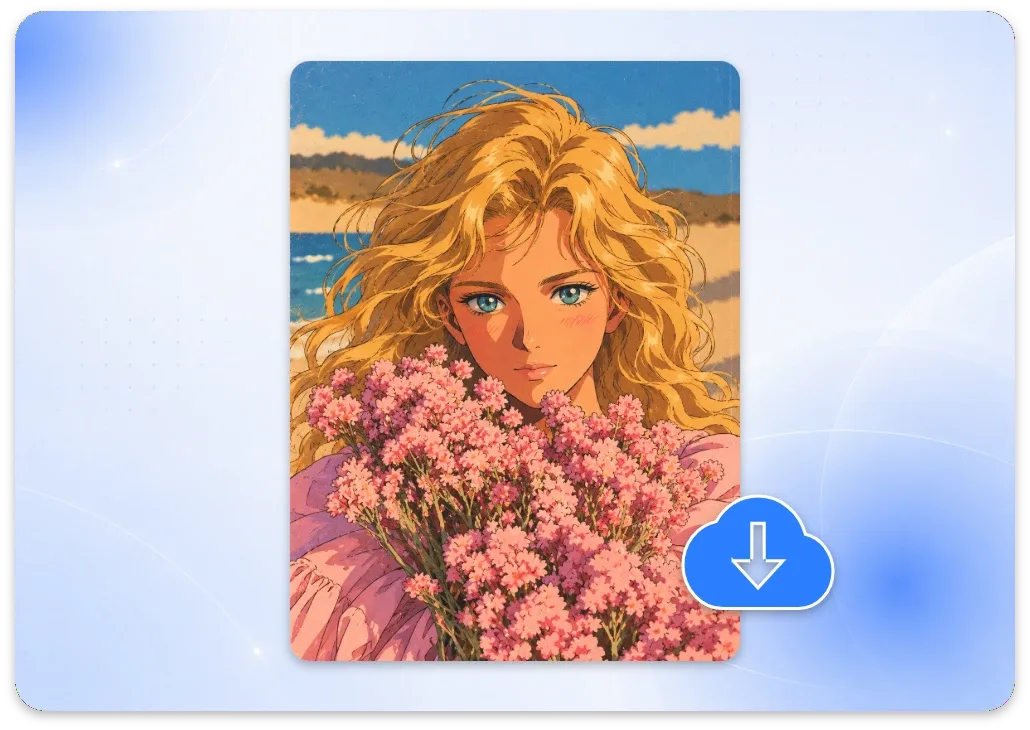
Step 3: Generate and Refine
Generate your image and review the result. Use the image to image AI generator to explore different styles and variations, or refine your text prompt to create new visuals from scratch. Adjust your prompt until the result matches your vision.
Why Choose ImageToVid for AI Image Editing?
Create polished visuals from existing images with advanced AI models, simple text prompts, and an easy-to-use editing workflow.
Advanced AI Models
Leverage advanced AI models to generate high-quality images with sharper details, richer visuals, and more refined results from your prompts.
Watermark-Free Results
Create clean, watermark-free visuals for creative projects, social content, and product imagery, without an added watermark distracting from your final design.
Free to Get Started
Experiment with new prompts and visual styles using your free credits, and discover creative possibilities before choosing your favorite result.
Limitless Creative Directions
Explore a wide range of styles, reimagine scenes, and transform existing photos into visuals that match your vision.
Privacy-First Image Creation
Your uploaded and generated images are automatically deleted after 1 day, helping protect your privacy while you create.
From Image to Video
Happy with your image? Turn it into a video with ImageToVid and bring your new visual concept to life with motion.
What Can You Create with Image to Image Generator?
Turn existing images into something new.
Find a Style That Feels Like You
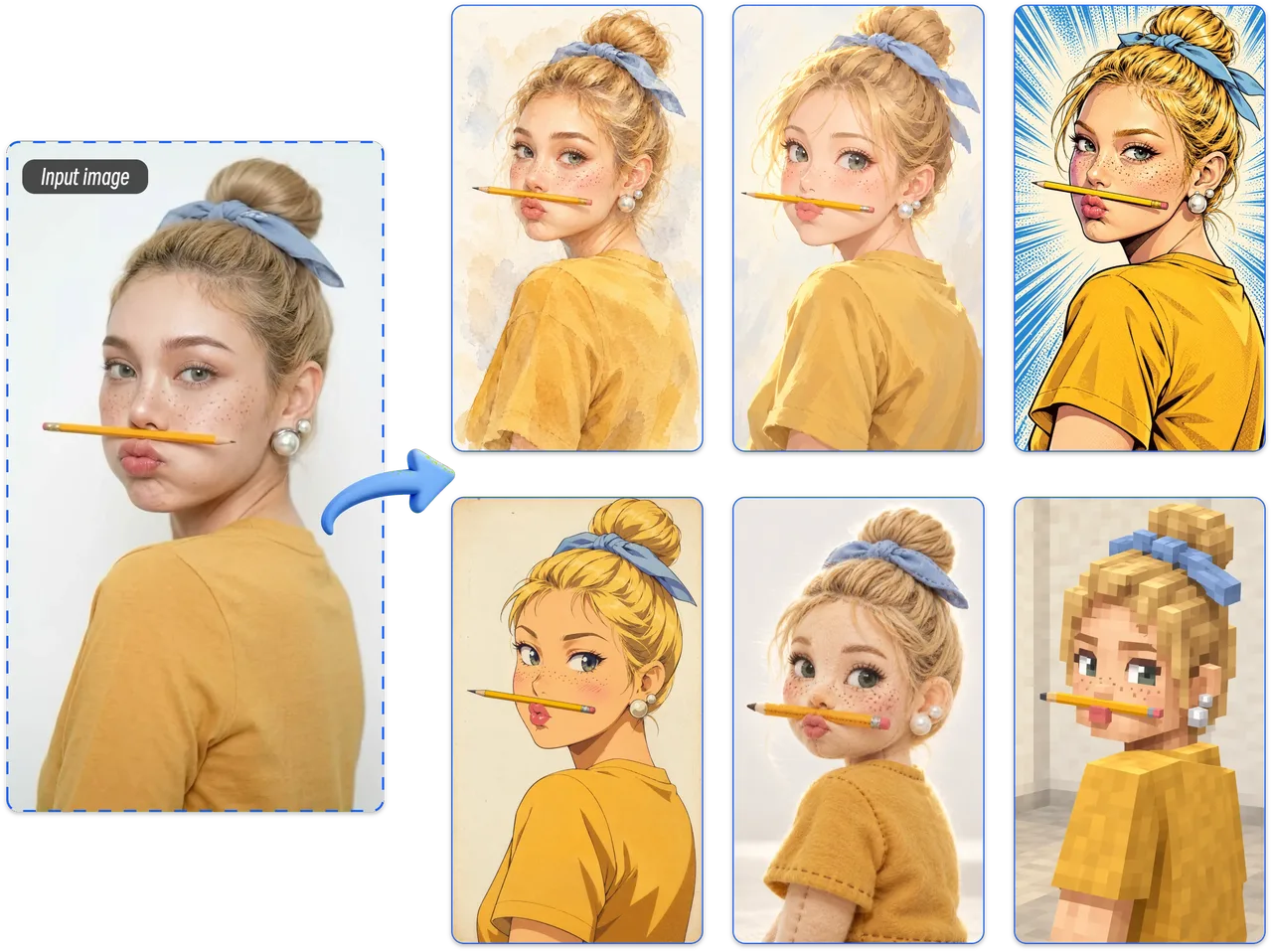
Ready to see your photo in a different style? Try AI image to image generator to turn portraits into anime-inspired art, dreamy watercolor, or bold comic illustrations. Add a short description, upload your image, and explore creative variations with image to image AI for avatars, social posts, and artwork that feels uniquely yours.
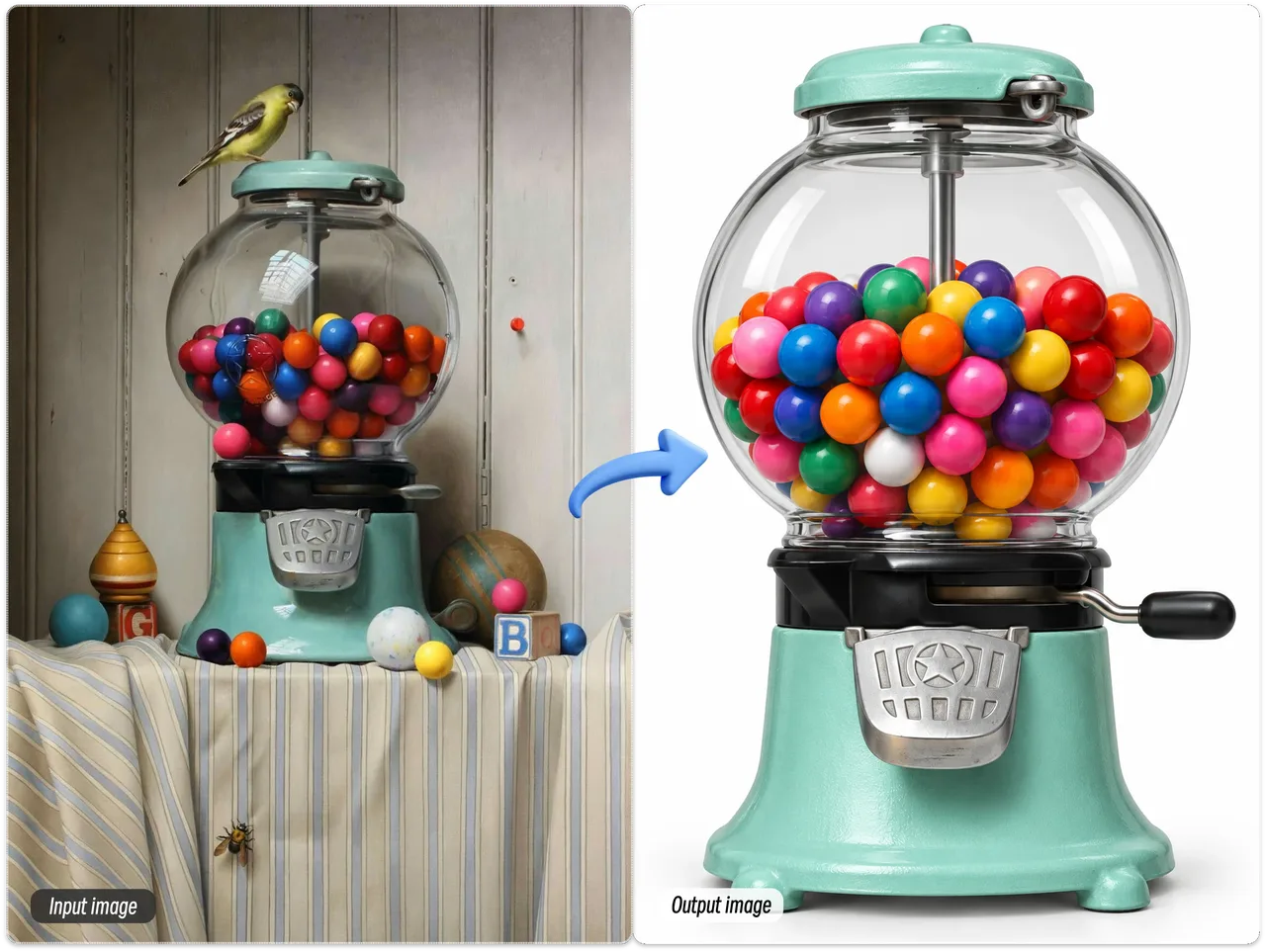
Give Every Product a New Look
A familiar product can tell a different visual story. Use AI product photo restyling to reimagine its background, lighting, and overall aesthetic from a single photo. Create fresh concepts for ecommerce listings, seasonal promotions, or social campaigns with a free online image to image generator, and discover which visual direction best fits your brand.
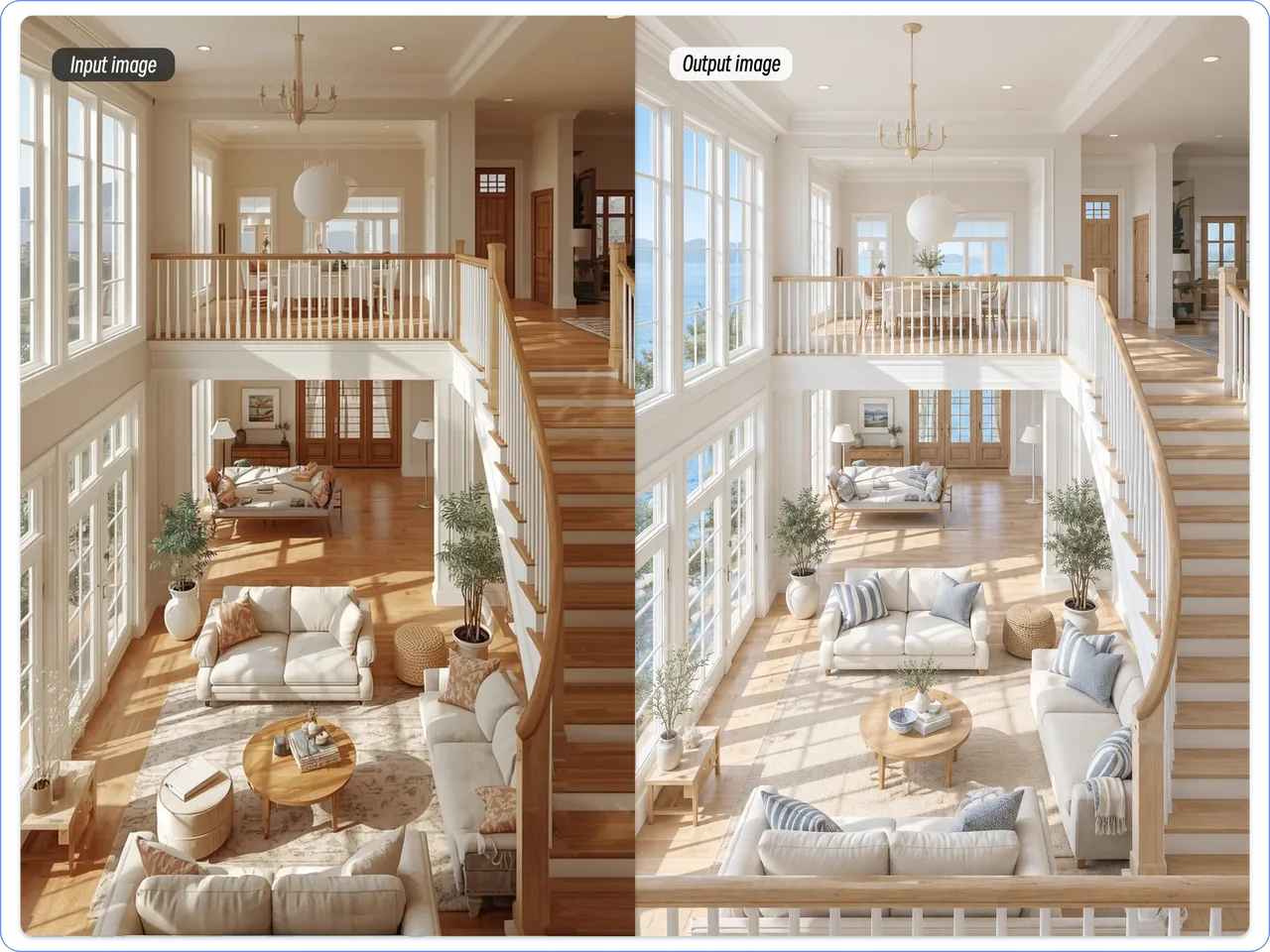
Preview Your Next Interior Look
Your room, your ideas, a fresh perspective. A free AI image to image generator can transform an existing room photo into new design concepts with different colors, decor, and atmospheres. Explore possibilities for a cozy home refresh, a modern interior, or a professional mood board before deciding which direction to take.
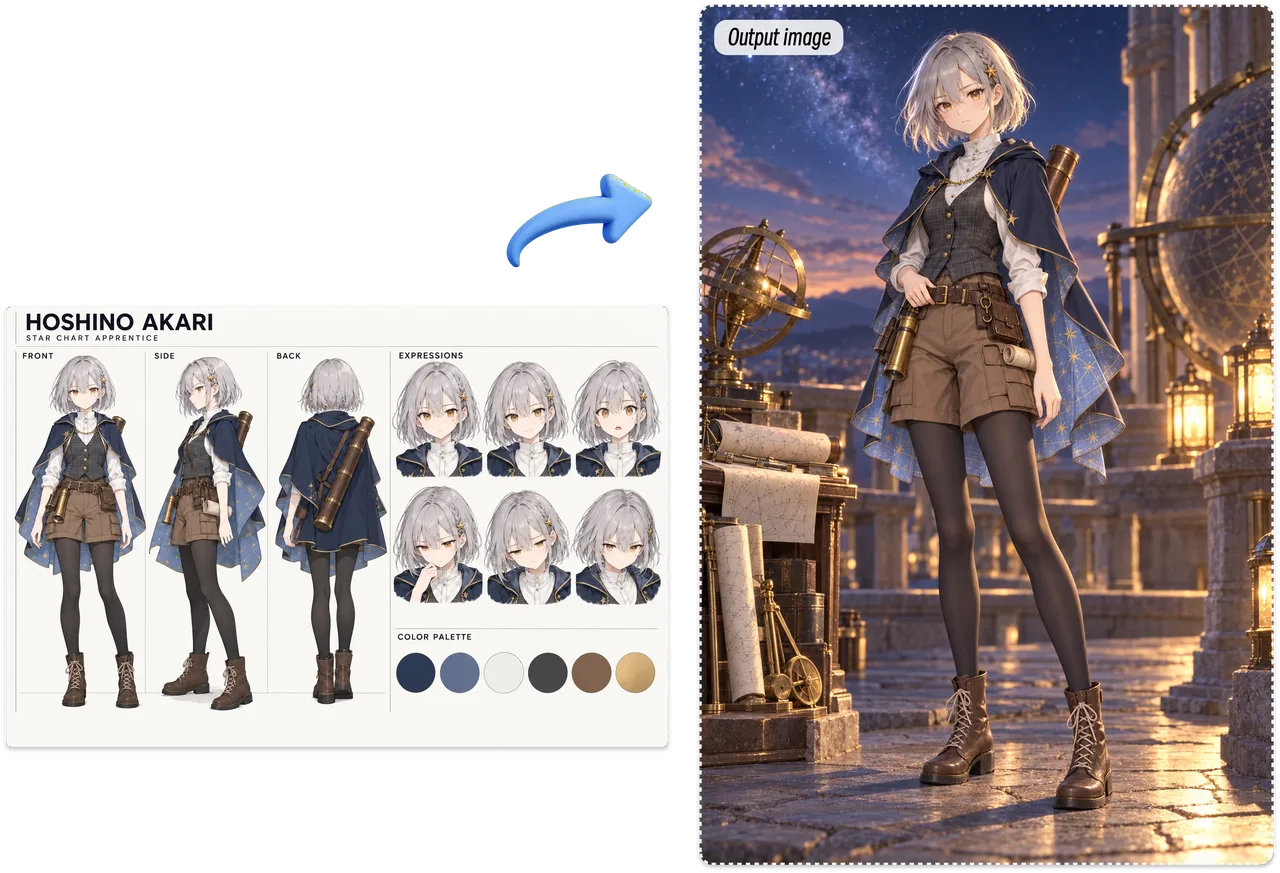
Build a Character Worth Remembering
A rough sketch is only the beginning. Use an AI image generator to explore fresh character designs, expressive details, and new artistic directions. Upload your reference and describe the look you imagine, then use the AI image editor to develop concepts for comics, games, storyboards, or your next original illustration.
Frequently Asked Questions About AI Image to Image Generator
Get clear answers about image transformation, prompts, supported formats, free credits, watermarks, and image privacy before you start creating.
1. What Is an Image to Image AI Generator?
An image to image AI generator transforms an existing photo or illustration using text prompts. Upload a reference image, describe the changes you want, and AI can restyle, enhance, or reimagine your visual while retaining key elements.
2. How Does AI Image to Image Transformation Work?
AI image transformation combines your uploaded image with a written prompt. The reference guides the subject and composition, while your instructions define changes to style, lighting, colors, or details to create a new visual.
3. How Do I Turn an Existing Image into a New Design?
Upload your image, describe your desired result in the prompt box, and generate. Review the output and refine your instructions if needed. This simple workflow helps you create new designs from existing photos without advanced editing skills.
4. What Prompts Work Best for AI Image Generators?
Use clear, specific prompts that explain what to change and what to preserve. Describe the desired style, background, lighting, and details. For more consistent results, explicitly mention important features such as facial identity or product shape.
5. Can AI Restyle a Photo Without Changing the Main Subject?
Yes. You can describe the visual changes you want while asking the AI to preserve important features, such as a person's identity, a product's shape, or the original composition. Results may vary depending on the image and prompt.
6. Which Image Formats Does ImageToVid AI Support?
ImageToVid supports JPG, JPEG, PNG, and WEBP image uploads, with a maximum file size of 16 MB. For the best results, use a clear image with a visible subject and enough detail for the intended transformation.
7. Can I Use the Image to Image Generator for Free?
Yes. Sign up to receive free credits and try the image to image generator without purchasing additional credits first. Free users can generate one image per day. Purchase credits to generate more images.
8. Will My Generated Images Have a Watermark?
No. Images generated with ImageToVid are watermark-free, so you can download clean visuals for your creative projects, profile graphics, product imagery, and other uses without an added watermark.
9. Will My Uploaded Photos or Generated Images Be Stored?
Your uploaded and generated images are automatically deleted after 1 day. Create and transform images with ImageToVid while knowing your images won't be stored indefinitely.
Your Next Great Image Starts Here
From artistic makeovers to polished product visuals, image to image AI makes it easy to turn your ideas into something new. Upload a photo, describe your vision, and see where your creativity takes you.