
Image to Video AI Online
Transform any photo, artwork, or product image into realistic videos with our free Image to Video AI generator. Create smooth motion, cinematic effects, and HD watermark-free videos online in seconds.
Image to Video AI Templates for Every Idea
Explore ready-made templates designed to help you turn photos into video content for social media, product marketing, storytelling, and more.
Prompt
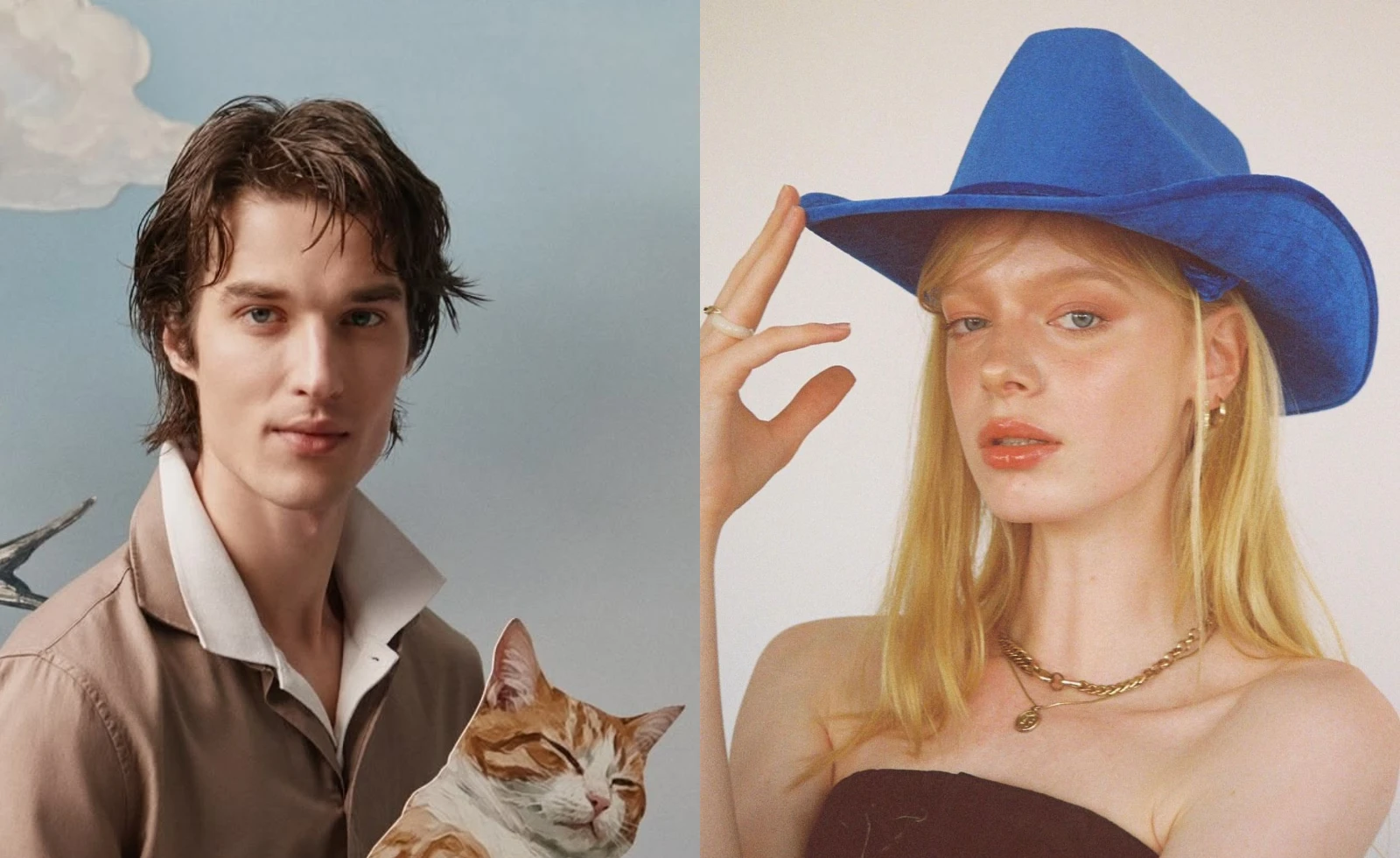
The two figures in the painting move closer and then passionately kiss, alternating with deep and firm intensity.
How ImagetoVid Turns Photos Into Videos
Convert images into videos online with our AI image to video generator. Upload a photo, describe your idea, and create smooth AI-powered motion in seconds.
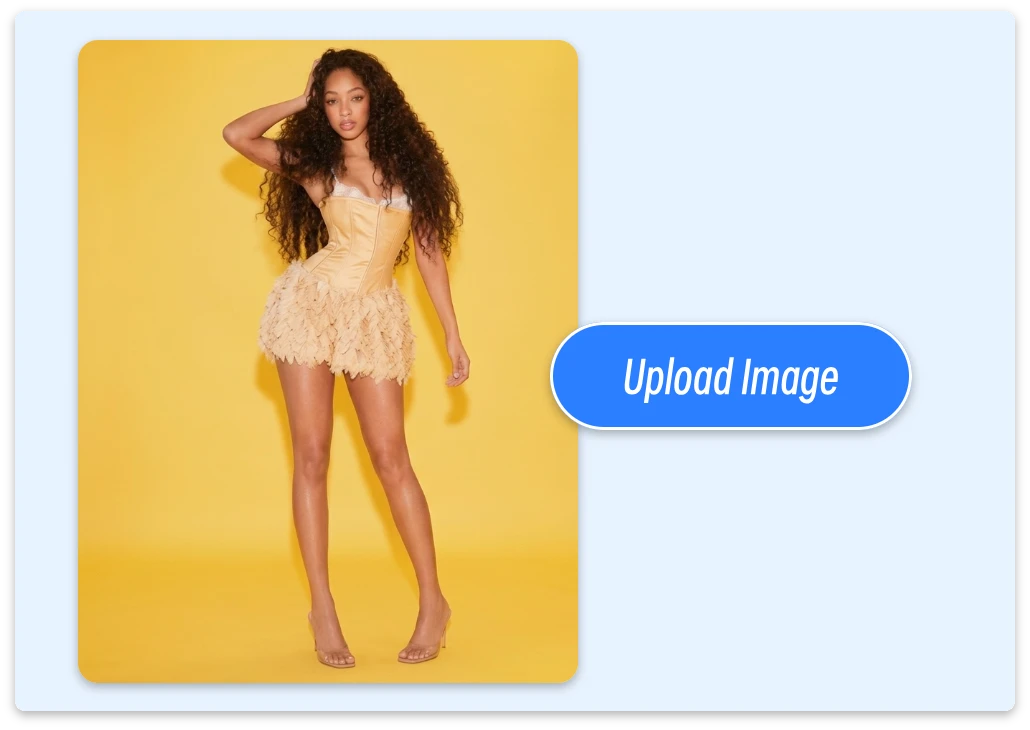
Step 1: Upload Your Image
Upload JPG, PNG, or WEBP images, including portraits, product photos, artwork, or other creative visuals. No image ready? Generate or edit an image with AI before creating your video.
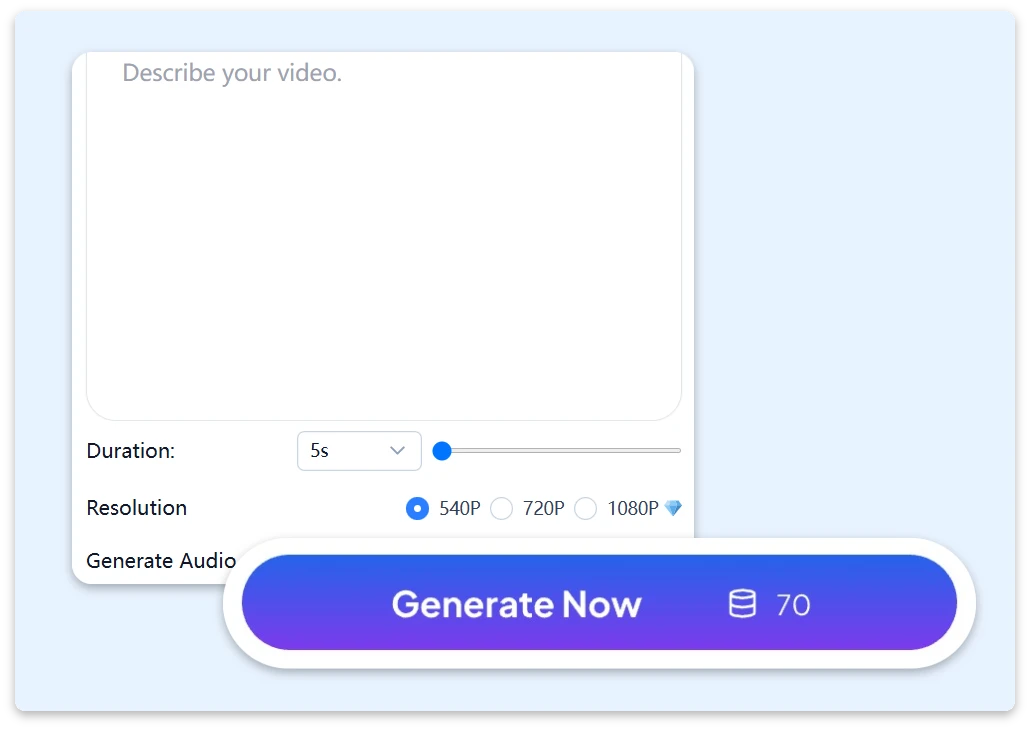
Step 2: Describe Your Video Idea
Add a prompt describing your desired action, camera movement, and visual style. Choose your AI model, video duration and resolution to customize your video generation.
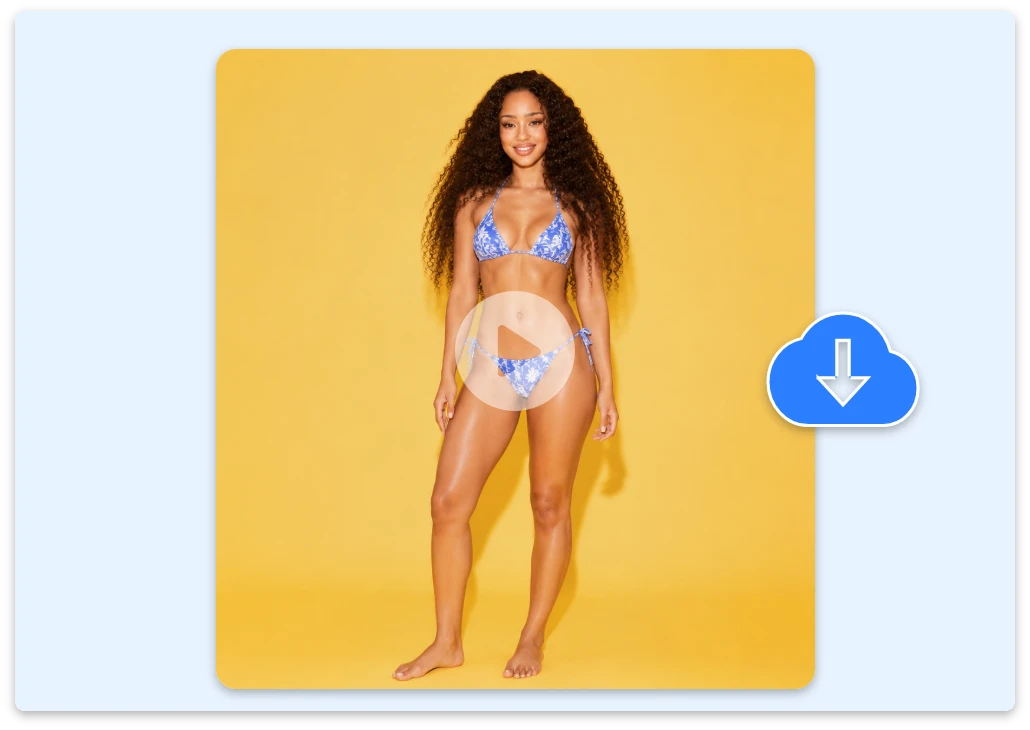
Step 3: Generate Your AI Video
Generate your AI video in seconds and preview the result instantly. Export HD videos with smooth motion and no watermark, ready for social media, marketing, and creative projects.
Why Choose Our Image to Video AI Generator
Create high-quality videos with faster generation, flexible controls, and smooth AI-powered motion. ImageToVid helps creators turn images into videos with ease.
HD Quality & Watermark-Free Export
Create HD videos from images for free with smooth motion and clear details. Export realistic AI videos up to 1080p without watermarks.
Flexible Image Support
Upload different types of images and bring your ideas to life. Create AI photo to video animations from portraits, artwork, products, and other creative visuals.
Fast Image to Video Creation Online
Create videos online in seconds with our image to video online generator. Upload an image, add a prompt, and let ImageToVid AI transform your visuals into dynamic videos.
Advanced AI Models for Realistic Motion
Generate professional videos with AI image to animation technology, creating natural movement, smooth transitions, and realistic animations powered by advanced AI models.
Endless Ways to Convert Images Into Videos
From product marketing to social media and personal memories, explore creative ways to turn images into engaging videos.
Create Engaging Videos for TikTok, Instagram, and Shorts
Turn photos into engaging short videos for TikTok, Instagram Reels, and YouTube Shorts with a free unlimited image to video AI tool. Use our ai video generator from image to transform static photos into dynamic content with smooth motion, creative transitions, and eye-catching effects.
Turn One Photo Into a Short Drama
Upload a character image, concept art, or storyboard frame and use AI picture to video technology to create emotional movement, suspense, and cinematic storytelling. Create your ideas with image to video free and explore new scenes before filming.
Bring Old Photos Back to Life
Bring old photos and family portraits back to life with AI technology that turns images into videos. Create memorable videos with realistic motion, subtle expressions, and cinematic effects.
Turn Product Images Into Marketing Videos
Convert product images into engaging marketing videos with AI. Our technology helps you convert images into videos with smooth camera movements, realistic effects, and cinematic visuals for e-commerce stores, ads, and websites.
Create Real Estate Videos From Property Photos
Make images into video content for real estate listings with smooth camera movements and cinematic presentations. Showcase properties through engaging videos for websites, client presentations, and social media.
What Creators Say About Our AI Photo to Video Tool
Discover how creators use our AI photo to video technology to save time and create better content.
The videos look professional and clean. I love that I can export HD content without any watermark at all.
No editing skills needed. I just uploaded images and got smooth animations instantly with great HD quality results.
Used it to make product ads from static images. The AI video output is clean, sharp, and ready for campaigns.
FAQ About Free AI Image to Video Generator
Everything you need to know about creating videos from images with AI.
1. What Is an Image to Video AI Generator?
2. How Long Does It Take to Generate a Video?
3. Is ImageToVid a free AI image to video generator?
4. What types of images can I use for AI video generation?
5. Can I create a video from one image?
6. Are ImageToVid videos watermark-free?
7. Is there an unlimited AI image to video generator?
8. Can I use ImageToVid for commercial projects?
9. Does ImageToVid use Veo 3, Kling, Runway, or other AI engines?
10. How does ImageToVid compare with PixVerse and Pollo AI?
Create Videos From Images With AI
Turn any image into an engaging video with ImageToVid. Upload, generate, and download high-quality AI videos with smooth motion, cinematic effects, and an easy creative workflow.