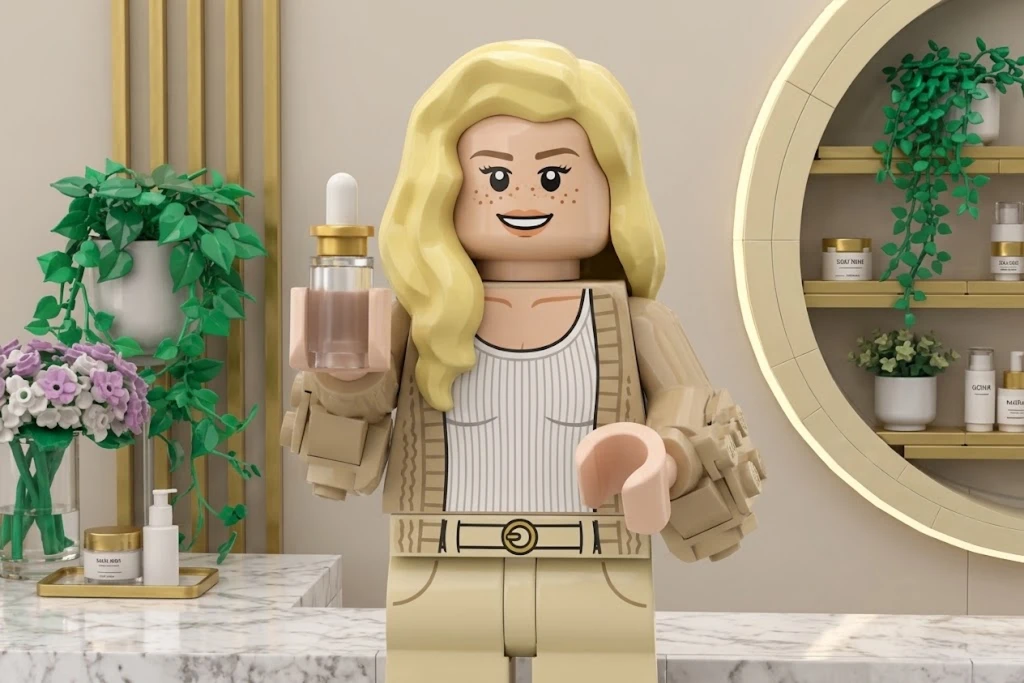
Lego
Unlock Pro Models & 1080p — Up to 61% Off
 ImageToVid
Sign Up & Get 40 Free Credits
Get more credits tomorrow!
ImageToVid Sign Up & Get 40 Free Credits
Get more credits tomorrow!
Try a style
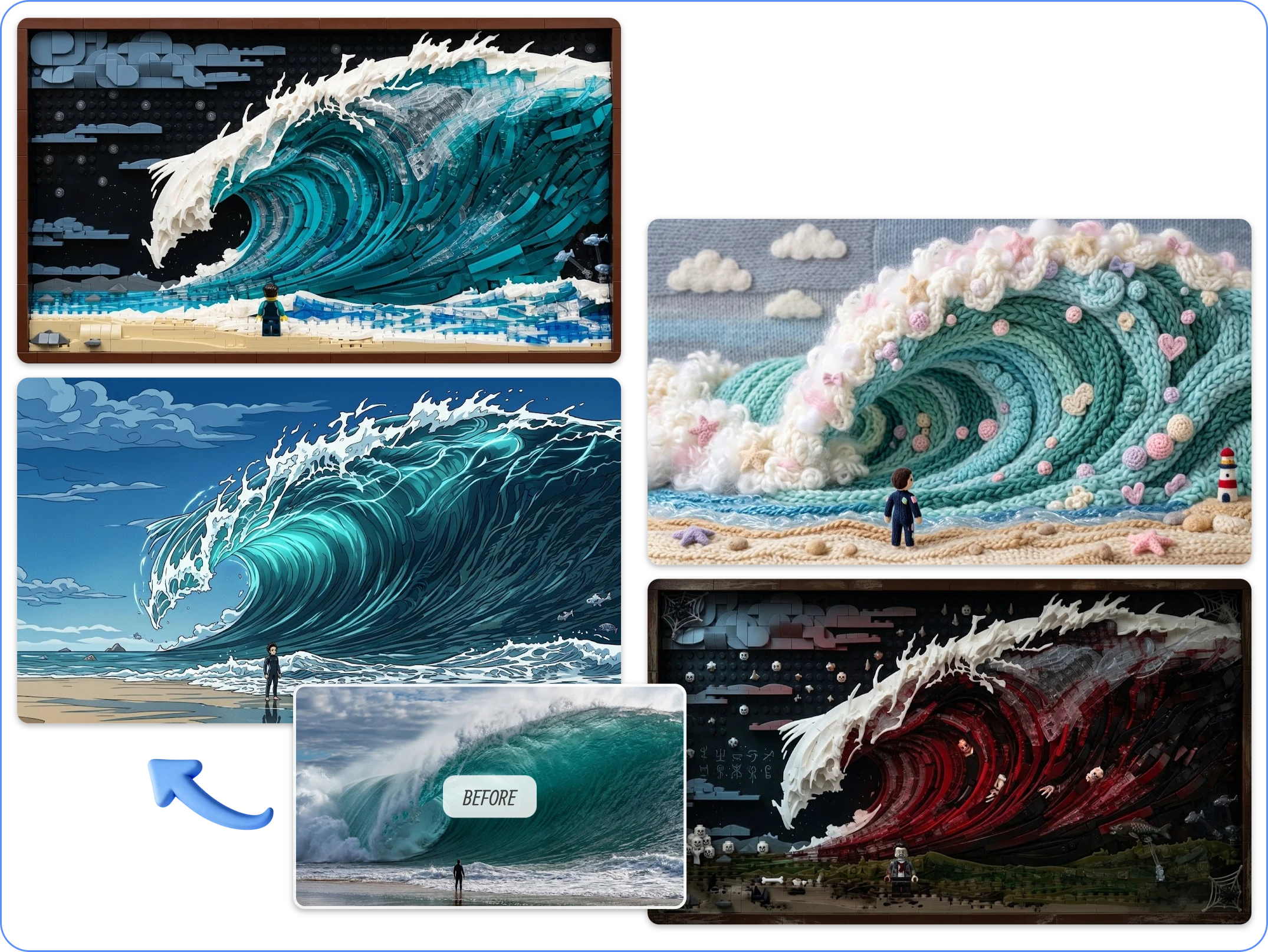
Pick a look and we will drop the prompt into the generator. Upload your clip to see it restyled.
Lego
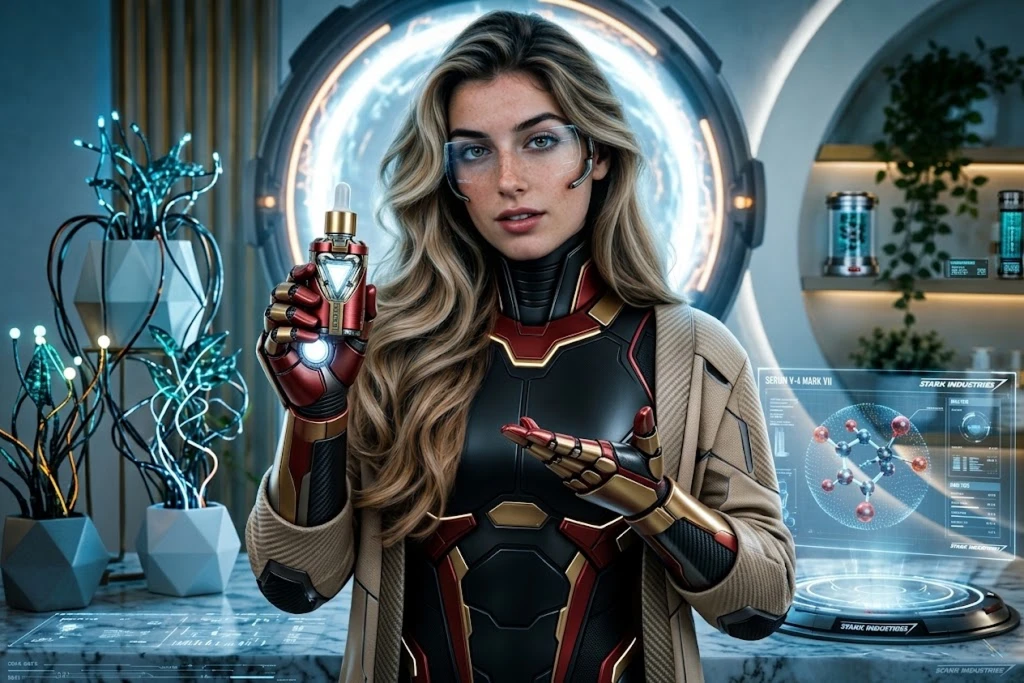
Iron man
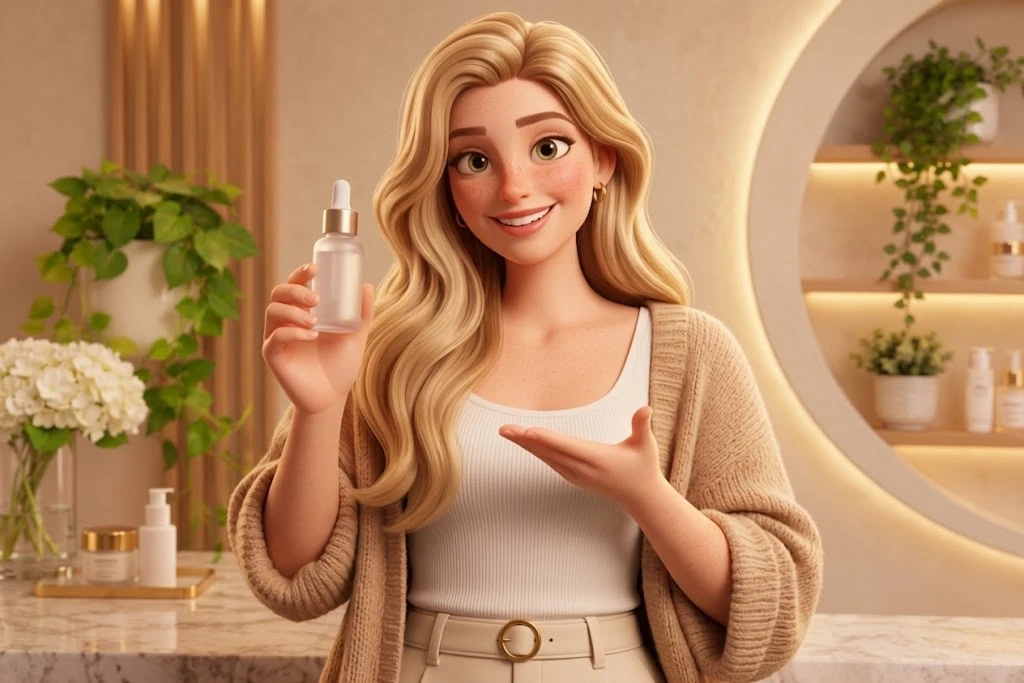
Pixar style
Give existing footage a fresh look with AI. Change characters, outfits, and backgrounds using prompts while keeping the original movement intact.
Free signup credits · Up to 1080p · Keep your original motion
Turn your existing footage into something new. Upload a video, describe the changes you want, and let AI bring your creative direction to life.
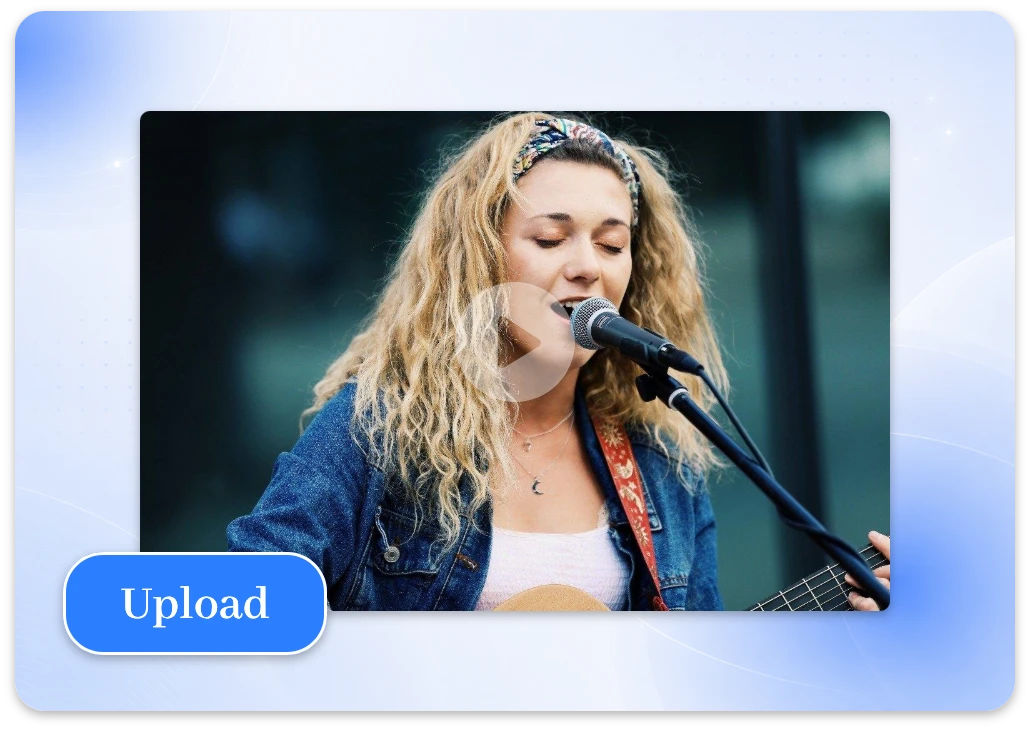
Start with a video clip you want to transform. Upload your own footage, or create a video with our image to video tool if you do not have one yet.
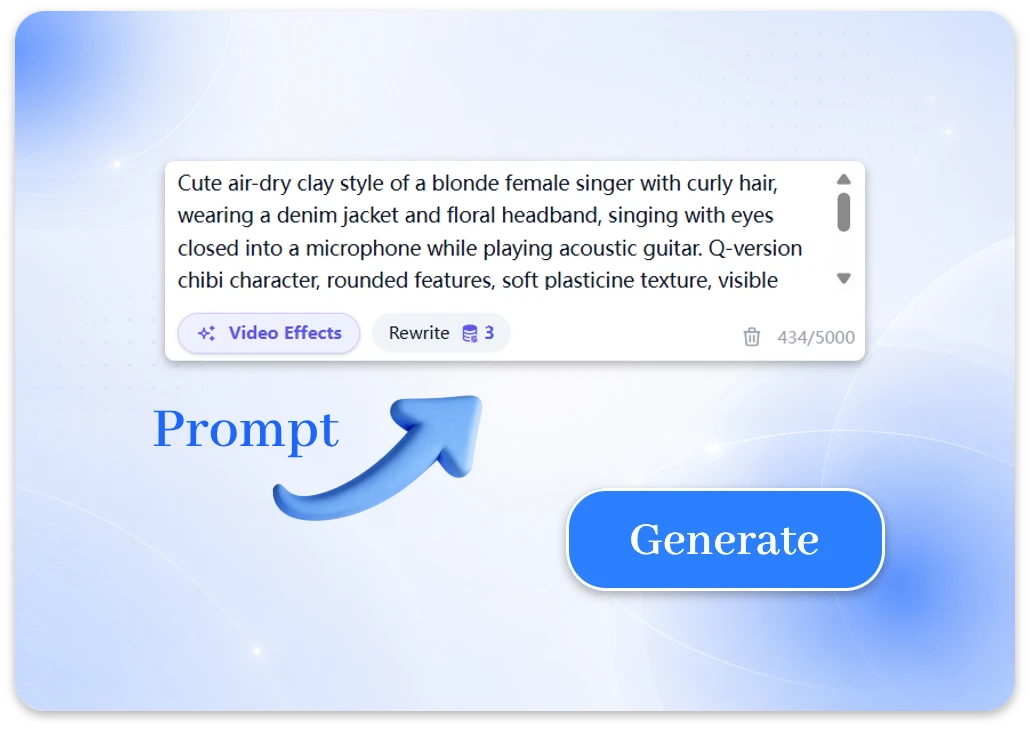
Tell AI what you would like to change, from visual styles to characters and backgrounds. Click Enhance Prompt to expand your description with richer details for more precise results.
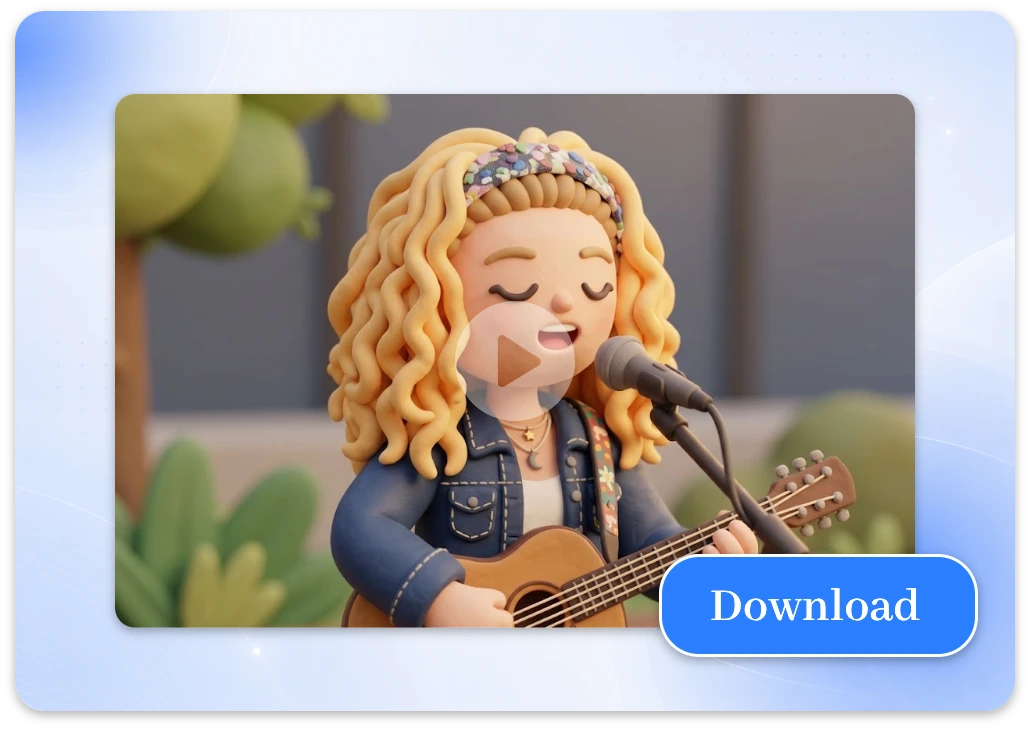
Click Generate and preview your transformed video. Review the result, download your favorite version, or refine your prompt and generate it again until it matches your vision.
More creative freedom, less editing hassle. From free signup credits to high-quality video generation, ImageToVid AI gives you practical tools to transform existing footage and bring fresh ideas to life.
Transform existing footage from video to video AI. Simply upload a video, describe the changes you want, and let AI give your original clips a completely new visual style.
Sign up and receive free credits to try the free AI video to video generator for yourself. Explore new looks, test prompts, and see what your footage can become before deciding to buy more.
Create crisp, detailed results that look polished across social feeds, presentations, and campaign assets. Free generations are available in 720p, with 1080p resolution available on paid plans.
Give your clip a fresh visual direction while keeping its movement as the foundation. This makes video style transfer useful for reimagining performances, camera moves, and action without starting from scratch.
Skip lengthy manual editing and move from upload to transformation in a streamlined workflow. Fast AI generation helps you explore creative directions sooner, so you can spend more time choosing the right result.
Your generated videos are automatically deleted after seven days, helping keep your workspace from becoming a permanent archive. Create and review your work with a clear, time-limited retention policy.
One video can take on a whole new look. From anime-inspired clips to eye-catching product visuals, use our AI video generator from video to transform your footage and make every scene more engaging.
Give your ordinary clips an anime-worthy makeover. Upload a real-life video and use a video to video AI generator to turn it into expressive animated scenes. With video to video style transformation, you can create eye-catching character moments, fan-inspired visuals, and distinctive clips for social media.
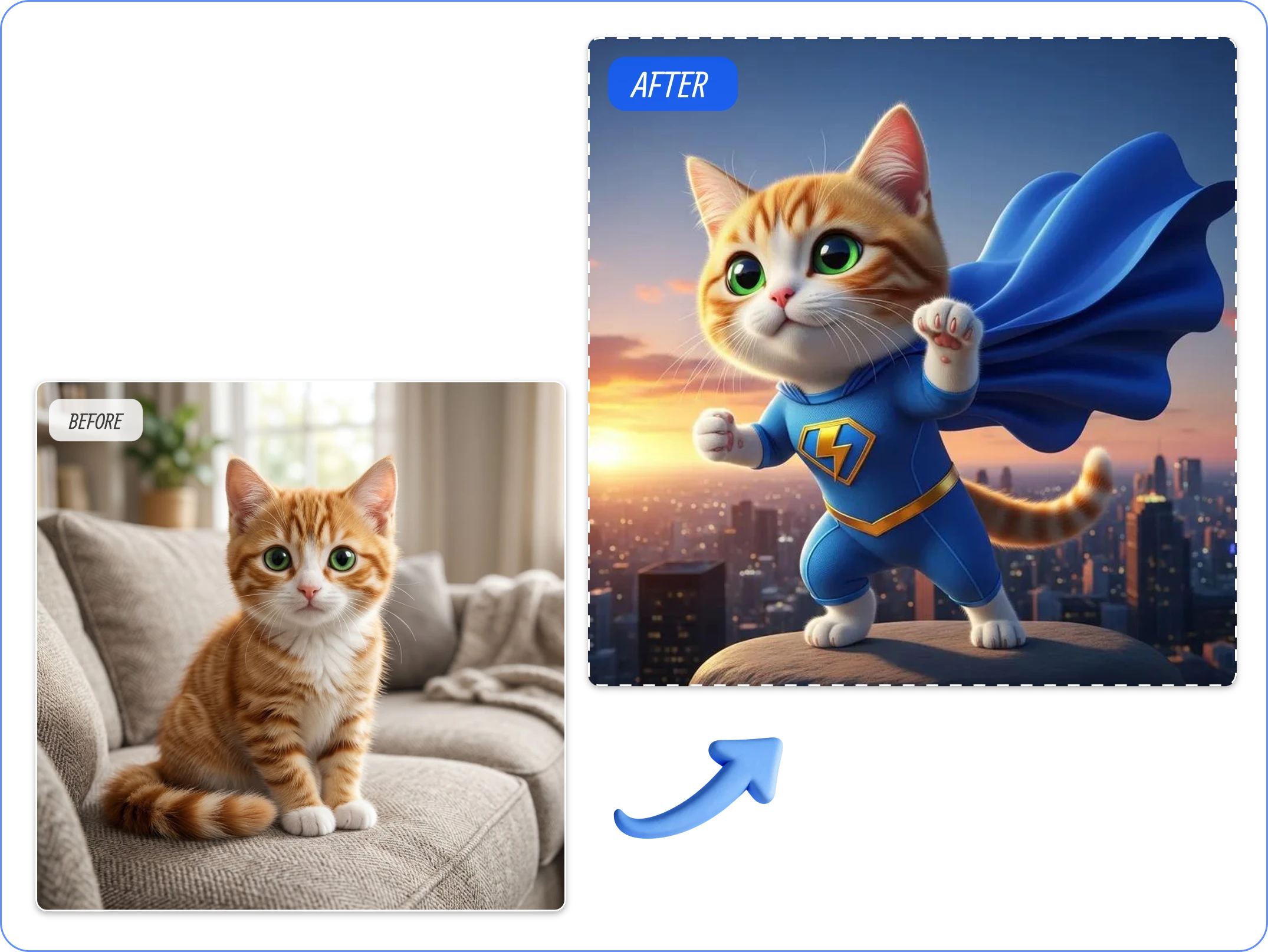
Your product deserves more than another plain showcase. Upload a product demo or promotional clip and let a free AI video to video generator give it a fresh visual style. Create polished scenes with more atmosphere and visual appeal for product launches, online stores, and marketing campaigns.
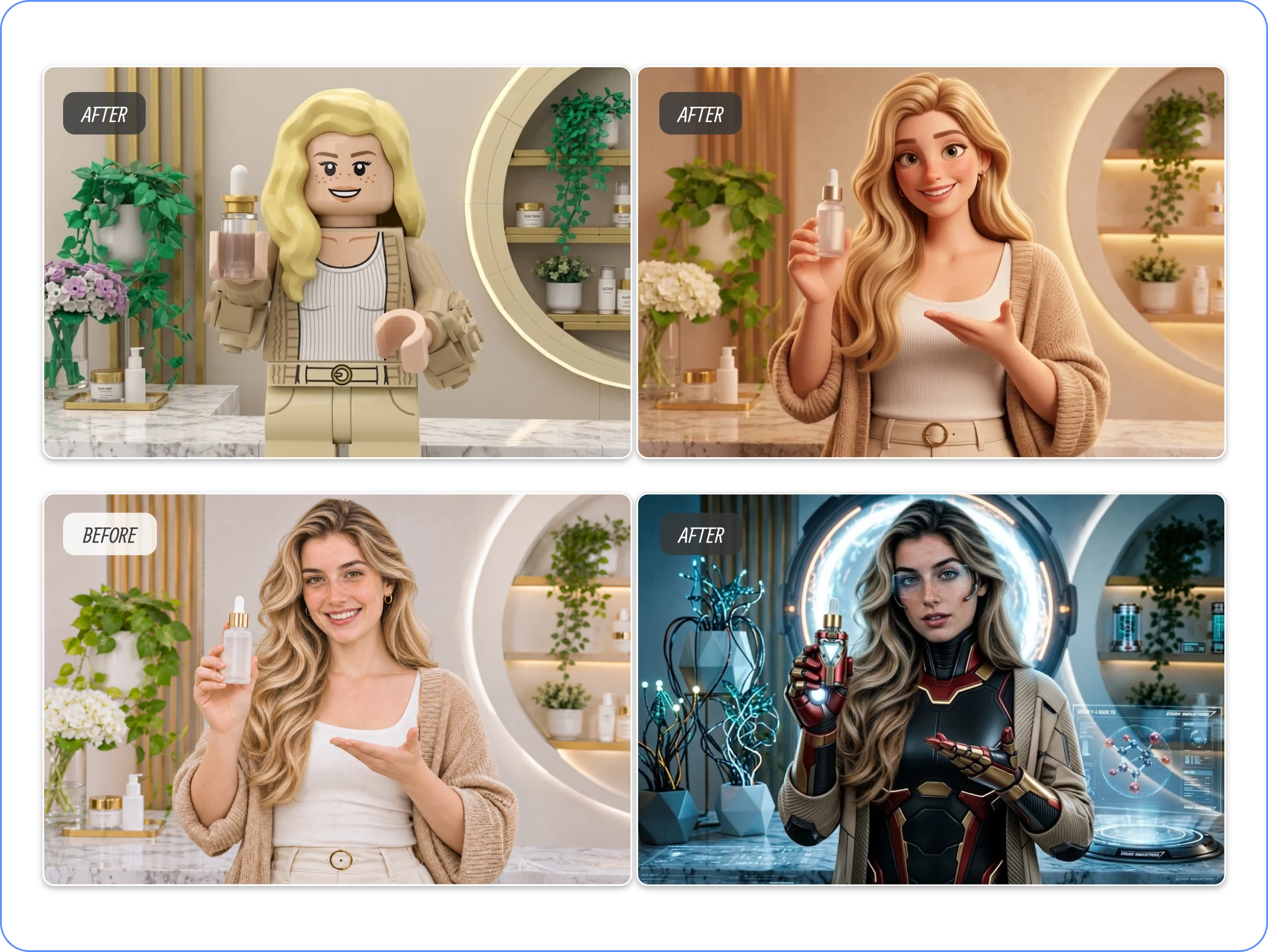
Same clip, completely different vibe. Use your free signup credits to experiment with different styles and turn short clips into fresh visual content with video to video AI. Experiment with new styles and creative directions, then share your favorite results as Reels, TikToks, or Shorts.
Have questions about transforming your videos with AI? Find out how video to video works, what you can create, how free credits work, and what to expect from ImageToVid.
Ready to see what AI can do with your footage? Sign up to receive free credits, experiment with creative styles, and download your transformed videos. Start with one clip and create something worth sharing.